Manual vs Automated Vulnerability Checking, and When to Use Each
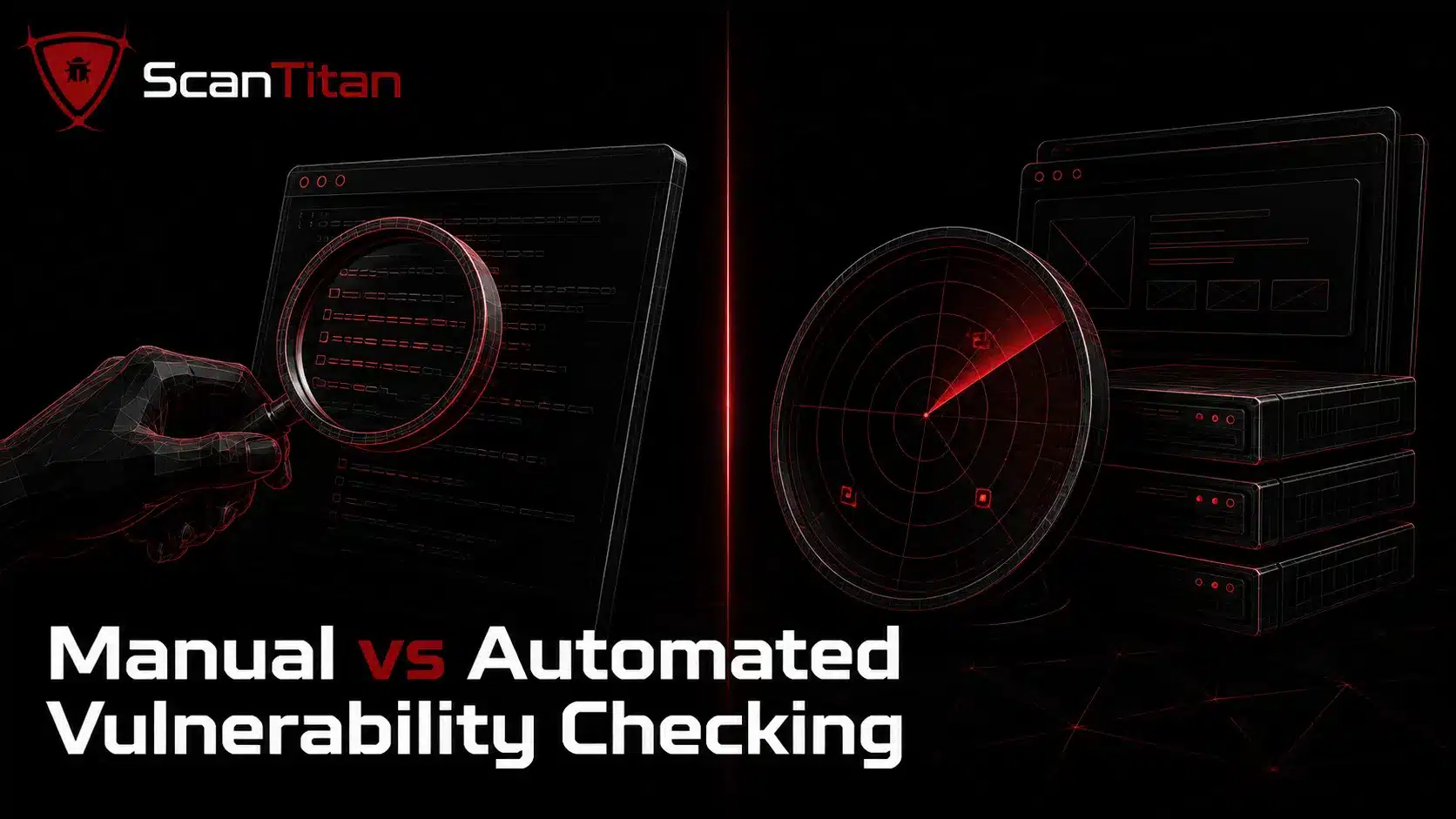
Manual testing and automated scanning answer two different questions. A scanner asks “which known weaknesses match this site?” and returns them in minutes. A human tester asks “how does this specific application break?” and finds the business-logic flaws, chained bugs, and access-control gaps that no signature database describes. Reach for a manual check when you need depth on a single application, when you are validating a scanner finding, or when you are testing logic a tool cannot understand, like a checkout flow that trusts a hidden price field. Reach for an automated scan when you need breadth, speed, and repeatable coverage across many pages.
| Factor | Manual testing | Automated scanning (DAST) |
|---|---|---|
| Best at finding | Logic flaws, IDOR, broken access control, chained exploits | Known CVEs, missing patches, common misconfigurations at scale |
| Speed | Slow, hours per application | Fast, hundreds of URLs in minutes |
| False positives | Very low, you confirm each one | Higher, needs triage |
| Coverage | Deep but narrow | Broad but shallow |
| Skill needed | Tester who understands the app | Minimal to launch |
Good to knowManual testing is one part of a wider vulnerability assessment. The assessment is the whole process of finding, confirming, and prioritizing weaknesses; manual testing is the hands-on step where a human proves how each one works.
Read More: What Are Vulnerabilities in Cyber Security? Types, Examples, and How to Find Them
Before You Start: Get Authorization and Scope Your Test
Testing a website you do not own or lack written permission to assess is a crime in the United States under the Computer Fraud and Abuse Act, and similar laws apply almost everywhere. Before you send a single test request, lock down three things so your work stays legal and useful.
Never test an asset you don’t ownPointing payloads at a third-party site, a shared host you do not control, or a production system without change approval can be illegal even when your intent is harmless. Confirm written authorization first, or practice on a deliberately vulnerable target instead.
- Confirm ownership or written permission that names the exact domains, subdomains, and IP ranges you may test, plus the testing window.
- Define the scope and rules of engagement: what is in scope, what is off-limits, and whether intrusive tests like injection are allowed on production.
- Set up a safe environment. Prefer a staging copy or a local lab, and practice techniques on intentionally vulnerable apps such as OWASP Juice Shop rather than a live site.
Read More: What Is a Vulnerability Assessment in Cyber Security? Process, Types & Tools.
How to Check Vulnerability of a Website Manually? (7 Steps)
The workflow below mirrors how a penetration tester approaches a black-box assessment, meaning you start with no inside knowledge and build a picture from the outside in. Work through the steps in order, because each one feeds the next: reconnaissance tells you what to fingerprint, fingerprinting tells you which vulnerability classes to test, and testing tells you what to prioritize. Map the framework to the OWASP Web Security Testing Guide if you want the exhaustive checklist behind each phase.
01
Map the Site Structure and Attack Surface
Start by learning the shape of the application before you test anything. Browse every page a normal user can reach, then watch the URLs: a path like /news/article.php?id=10 tells you the site runs PHP and passes a numeric parameter straight into a query, which is the classic place attackers probe first. Open your browser DevTools and record every input field, URL parameter, form, cookie, and API endpoint you touch. Pull the robots.txt and sitemap.xml files, since developers often list admin panels and staging paths there. The goal of this step is a complete inventory of the attack surface, meaning every point where your data enters the application. You cannot test what you have not mapped.
02
Fingerprint the Tech Stack (WhatWeb, Wappalyzer)
Identify what the site is built on, because a known version with a public exploit is the fastest path to a real finding. Run WhatWeb against the target or load the Wappalyzer browser extension to reveal the web server, CMS, framework, JavaScript libraries, and analytics in use. Cross-check the response headers, which often leak a Server or X-Powered-By banner naming the exact software version. Take each version number and search the National Vulnerability Database and the CVE Program for matching entries. If the site runs a WordPress plugin that is 14 months behind, you have likely found your first vulnerability before testing a single input.
curl -I https://example.com
# Server: nginx/1.18.0
# X-Powered-By: PHP/7.4.3   → look up known CVEs for these versions
03
Test for SQL Injection Manually
Test whether the application passes your input into a database query without sanitizing it, because SQL injection remains one of the most damaging flaws in the OWASP Top 10. Take a parameter you mapped in Step 1 and append a single quote, then watch for a database error or a broken page. Confirm the behavior with a boolean pair and compare the two responses. A reliable difference between them is strong evidence of injection. Stop at proof, document the request and response, and never dump or alter real data. Mapping the finding to CWE-89 gives your report a shared reference the developer can act on.
/article.php?id=10'          → database error means input is unsanitized
/article.php?id=10 AND 1=1   → page loads normally
/article.php?id=10 AND 1=2   → page changes or breaks (injection confirmed)
04
Test for Cross-Site Scripting (XSS)
Check whether the application reflects your input back into the page without encoding it, because that is how cross-site scripting lets an attacker run JavaScript in your visitors’ browsers. Find a field whose value shows up on the page, a search box, a comment, or a URL parameter, and submit a harmless marker such as st-xss-7431. View the page source and locate exactly where the marker lands. If it appears raw inside the HTML rather than encoded as text, test a proof payload like <b>st</b> and watch whether the browser renders bold text instead of printing the tags. Rendered markup confirms the output is not being escaped. This maps to CWE-79 and covers reflected, stored, and DOM-based variants.
05
Check Authentication and Session Handling
Probe how the application proves who you are and how it protects your session, because broken access control is now the number one risk in the OWASP Top 10. Test the login for weak or default credentials and confirm it rate-limits repeated attempts, since an unthrottled form invites brute-force attacks. Log in, then inspect your session cookie in DevTools: it should carry the HttpOnly and Secure flags so scripts and plain HTTP cannot read it. Next, test for insecure direct object references by changing an identifier in the URL, for example switching account?id=1001 to account?id=1002. If you can see another user’s data, you have found a serious access-control flaw. Confirm too that logging out actually invalidates the session server-side.
06
Review HTTP Headers and SSL/TLS Configuration
Inspect the security headers and transport encryption the site sends, because missing headers leave the door open to clickjacking, protocol downgrades, and content-type attacks. Request the headers, confirm the certificate is valid and not expired, and check that the server redirects every plain-HTTP request to HTTPS. A free grader such as the Mozilla Observatory scores the same configuration and explains each gap. Confirm the four headers below are present and set correctly.
- Confirm
Strict-Transport-Securityforces HTTPS and blocks downgrade attacks. - Confirm
Content-Security-Policylimits which scripts the browser will run. - Confirm
X-Frame-Optionsor a frame-ancestors policy blocks clickjacking. - Confirm
X-Content-Type-Options: nosniffstops MIME-type sniffing.
07
Use Google Dorking to Find Exposed Files
Search for sensitive files the site has accidentally exposed to search engines, because attackers routinely find backups, config files, and login pages this way without touching your server. Google dorking uses advanced search operators to surface indexed content you never meant to publish. Run targeted queries against your own domain, review every hit for data that should not be public, then remove the file, block it in robots.txt, and request removal from the search index. The Google Hacking Database catalogs thousands more query patterns worth testing against your own assets.
site:example.com ext:sql             → exposed database dumps
site:example.com ext:log             → leaked log files
site:example.com inurl:admin         → indexed admin panels
site:example.com intitle:"index of"  → open directory listings
Practical prioritization ruleRank findings by severity times exposure times exploitability, not by CVSS alone. A medium flaw on your public login page beats a critical one on an isolated internal box with no exploit code.
Read More: Vulnerability Scanning vs Penetration Testing: What’s the Difference (and Which Do You Need)?
Manual Website Vulnerability Testing Checklist
Use this checklist to run an assessment without missing a phase, then treat any item you cannot tick off as an open risk to document. It condenses the seven steps into the field list a tester actually works through on a single application. Tick each box as you go and the progress bar fills.
Manual assessment checklist
0 / 8
Read More: Authenticated Scan vs Unauthenticated Vulnerability Scan.
The Limitations of Manual Testing
Manual testing finds the deep flaws, but it does not scale, and pretending otherwise leaves gaps. A skilled tester can spend a full day on one application and still miss a weakness introduced by a plugin update the next morning. That is the core problem: manual checks are a snapshot, while your attack surface changes every time a developer ships code or a dependency releases a patch.
- Depends on the tester’s skill and current knowledge of new attack techniques.
- Consumes hours per application, which does not fit a site with hundreds of pages.
- Captures one moment in time, so a CVE disclosed tomorrow goes unnoticed until the next test.
- Skips steps when testers get tired, which automated coverage never does.
Attackers do not wait for your quarterly review. They run automated scrapers that flag unpatched CVEs within hours of disclosure, sometimes before the vendor has finished writing the patch notes.
Read More: How to Set Up Continuous Vulnerability Scanning?
When to Move to a Full Automated Vulnerability Scan
Move to automated scanning the moment you need continuous coverage rather than a one-time deep dive. Manual testing proves how a specific bug works; an automated scanner makes sure a known bug never slips back in across your whole site. The two are partners, not rivals. For a lean team, the practical rhythm is simple: automate the broad, repeatable coverage on a schedule, and reserve your manual hours for the high-value logic testing a tool cannot do.
Manual testing provides depth on individual flaws, while a website vulnerability scanner gives you broad, repeatable coverage across known vulnerabilities, outdated components, and common misconfigurations.
- Schedule a recurring scan so every new page and dependency gets checked automatically.
- Validate scanner findings by hand to strip out false positives before they reach developers.
- Prioritize with CVSS scores, but weight anything on a public payment or login page higher than an internal server.
- Reserve manual testing for business logic, access control, and chained exploits.
Read More: 12 Types of Website Security Vulnerabilities (and How to Fix Each One)
Common Questions About Checking a Website for Vulnerabilities Manually
Is it legal to test a website for vulnerabilities?
Only if you own the site or hold written authorization from the owner. Testing a website you do not control is illegal in the United States under the Computer Fraud and Abuse Act, and comparable laws apply in most countries. Always get scope in writing, and practice techniques on intentionally vulnerable apps like OWASP Juice Shop rather than live sites you have no permission to touch.
How long does a manual vulnerability check take?
A focused manual check of a single application usually takes a few hours to a full day, depending on how many inputs, forms, and roles it has. Reconnaissance and fingerprinting are quick; the injection, XSS, and access-control testing is where the time goes. Larger sites are better served by an automated scan for breadth, with manual testing reserved for the highest-risk flows.
What tools do I need to check a website manually?
You can start with tools you already have: a browser with DevTools, a way to inspect HTTP headers, and free utilities like WhatWeb or the Wappalyzer extension for fingerprinting. Reference the OWASP Web Security Testing Guide for the methodology and the National Vulnerability Database for version lookups. Manual testing is about method and evidence, not expensive software.
Can I check a website for vulnerabilities without coding?
Partly. You can map the site, fingerprint the stack, review security headers, check SSL/TLS, and run Google dorking with no code at all. Testing SQL injection and XSS goes deeper when you understand how queries and HTML rendering work, but the basic probes in this guide, a single quote or a benign marker, need no programming.
Manual testing or automated scanning, which is better?
Neither replaces the other. Automated scanning wins on speed, breadth, and repeatable coverage of known CVEs and misconfigurations. Manual testing wins on depth, finding business-logic flaws, insecure direct object references, and chained exploits that no scanner understands. The strongest programs automate the broad coverage and spend human hours on the logic testing a tool cannot do.
How often should I check my website for vulnerabilities?
Continuously for automated scanning and at least quarterly for a manual review, plus after any major code change. New CVEs are disclosed daily, so a once-a-year check leaves long windows of exposure. Compliance frameworks like PCI DSS require external scans at least quarterly and after significant changes, which is a sensible floor rather than a ceiling.
Trusted references: OWASP Top 10, OWASP Web Security Testing Guide, NIST National Vulnerability Database, CVE Program, MITRE CWE, and MDN HTTP Headers.