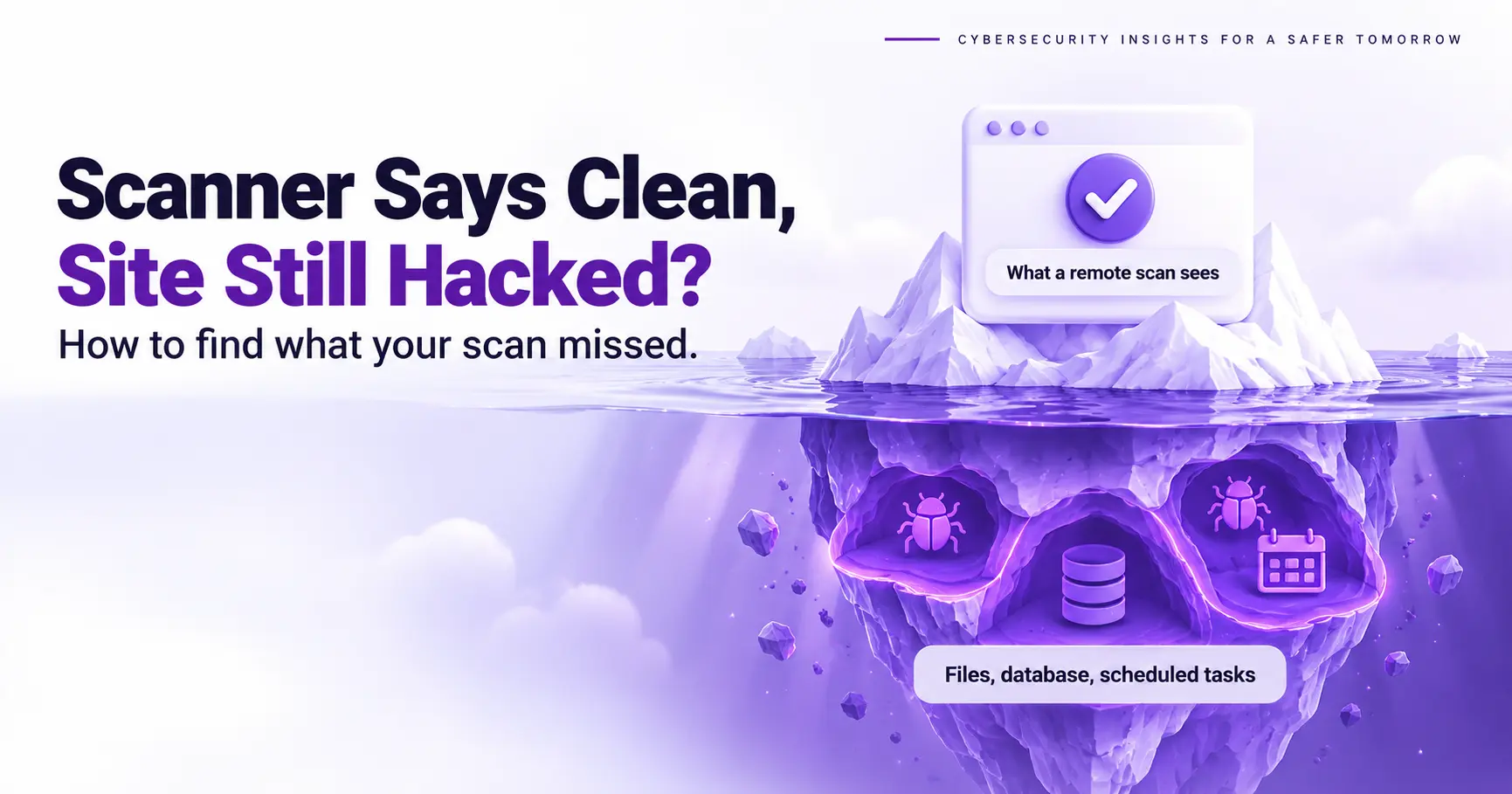
A clean malware scan is a report that says the scanner found nothing it recognizes, and it is not proof that a site is clean. When a malware scanner says clean but site hacked signs keep appearing, trust the signs, because attackers write code to pass the scanners owners run. This guide shows how to rule out a stale result, check what visitors and Google actually see, and look where a remote scan cannot read: server files, the database, accounts, scheduled tasks and hidden plugins.
Why a Clean Malware Scan Is Not Proof
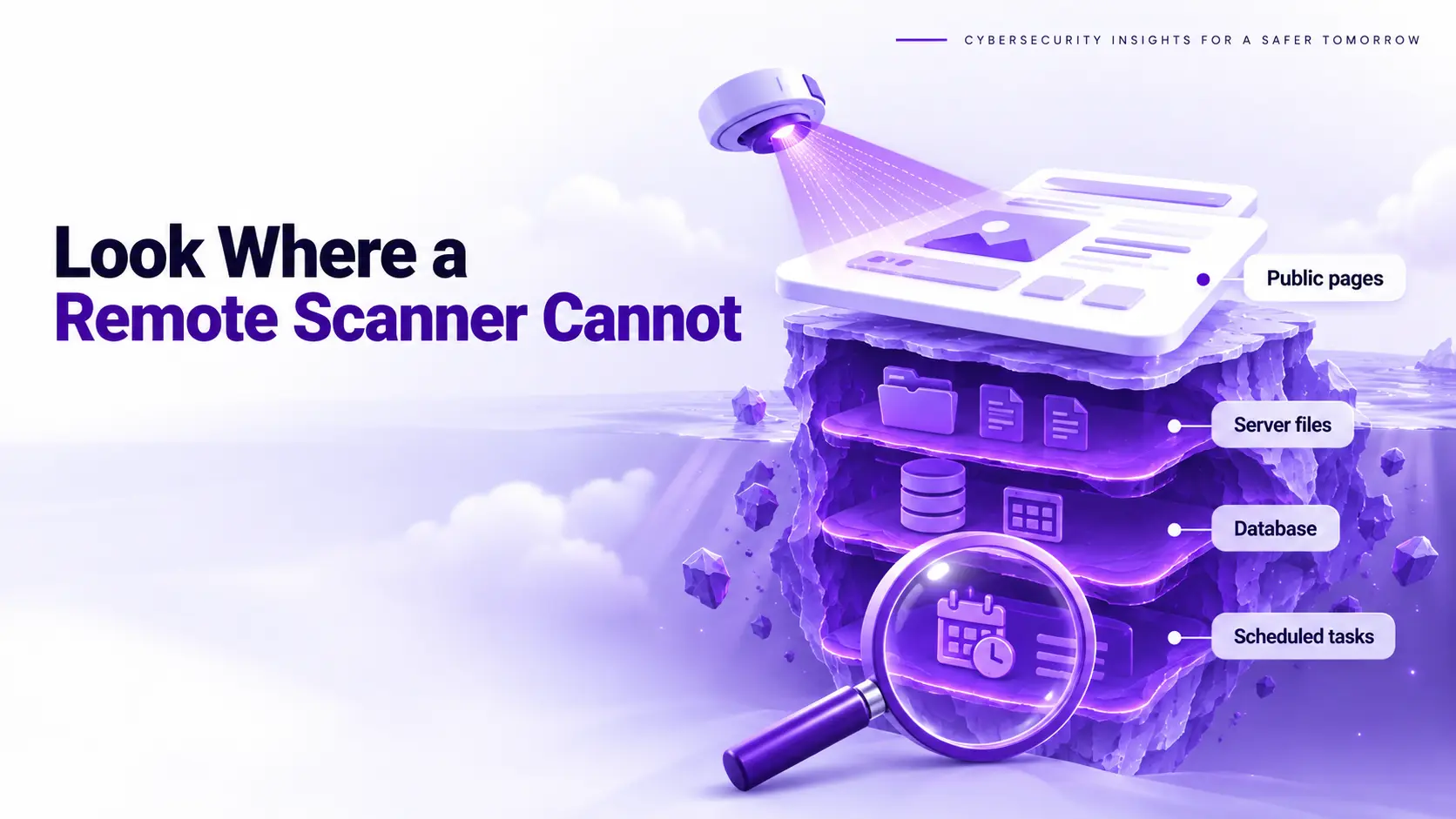
A remote scanner is a tool that checks your site the way a stranger sees it, from the outside. It reads the pages the server returns, so it cannot read server side files, database records or code that triggers only for certain visitors. Sucuri’s SiteCheck page says its remote scanner sees only what is visible at the browser level and will not detect anything on the server side, and Malcure’s guide to checking a website for malware says remote scanners cannot inspect server-side files, database records or conditional malware. Sazinga’s security team described a site that was cleaned several times and kept getting reinfected while scanners reported nothing, until a comparison against the official release found 211 files that did not belong. Sazinga argues that attackers test their code against the free scanners owners run, so a zero hit report tells you the attacker was careful.
Rule Out a Stale Scan Result
A stale scan result is a saved report that no longer matches your live site. Some scanners reuse a saved result for a period, and caches or blocks can make a scan look clean without testing the real pages. Four checks rule it out, and each one is cheap.
- Force a fresh rescan, because some scanners reuse a saved result for a period. Check your scanner’s documentation for how long, and look for a rescan option.
- Clear every cache between the scanner and your server, including your CDN, your caching plugin and your host’s cache, so the scanner sees the live pages.
- Confirm the scanner could actually reach the site. Maintenance mode, a firewall rule or a host level block can stop a scan from completing and still return a clean looking result.
- Compare the result with a second scanner that works differently, such as a remote scan against a file level scan, because two copies of the same method share the same blind spots.
Check What Visitors and Googlebot See
Test as a Search Visitor
A search visitor test is a check that loads your pages from a Google result instead of typing the address. Many infections run only for visitors who arrive from a search engine, so a scan that requests pages directly never triggers them. You make the same mistake whenever you type your address into the browser, because attackers know owners visit directly or through bookmarks. Search Google for your brand name, click your own result in a private window, and watch where you land. Repeat the test on several pages, because a script may run only on some URLs. Our guide to malicious redirects explains why this behavior is so selective and where the code usually hides.
Test as Googlebot
Cloaking is a technique that shows spam only to search engine crawlers, so the page looks normal to you and to a remote scanner. Google’s spam policies note that it is not uncommon for a hacker to use cloaking to make a hack harder for the site owner to detect. Use the URL Inspection tool in Google Search Console, run a live test on a few URLs, and view the page as Googlebot receives it. Then search Google for your domain with the site operator and look for results you never published. Japanese titles, pharmacy brand names or casino terms are classic signs, and the Japanese keyword hack is the best known example. If the live test shows content that your browser does not, you have found cloaked content, and a scanner that checks only the public view will keep reporting a clean site.
Test on Mobile and on a First Visit
A first visit test is a check that loads your pages as a new mobile visitor with no login and no cookies. Scripts check the device, the location and whether a cookie exists, so a returning desktop visit proves little. Open a private window on a phone, then load several pages. If you have command line access, this request sends a Google referrer and a mobile user agent. The flag e sets the referrer, the flag A sets the user agent, and the flag I returns only the response headers, where a changed location header gives a redirect away.
curl -I -e https://www.google.com/ -A "Mozilla/5.0 (iPhone)" https://example.com/Run it for each important page, and compare the output with a request that sends no referrer. A difference between the two is the finding.
Look Where a Remote Scanner Cannot
Files on the Server
A file comparison is a check of your files against the official release of the same version. It does not depend on what the code looks like, which is why it finds files that signature scanners pass. On WordPress, WP-CLI (the WordPress command line tool) runs the command wp core verify-checksums, which lists core files that differ from the checksums published by WordPress.org, and wp plugin verify-checksums with the all flag does the same for plugins. Sazinga warns that attackers backdate files, so sorting by recent changes can put the malicious files at the bottom of the list. List PHP files inside the uploads folder as well. A single web shell can hide as one line inside a legitimate file.
The Database
The database is the part of a site that stores posts, settings and users, and file scanners do not read it. Spam pages can sit in the posts table, redirects can sit in settings, and administrator accounts can be added to the users table without touching a single file. Check the site URL and home URL values in the options table, search posts and options for script tags and long encoded strings, and review the user list for accounts you did not create. Sazinga’s case included redirects hidden in settings, which a file comparison cannot see. Export each table before you edit it, so a wrong change is reversible.
Accounts, Scheduled Tasks and Must-Use Plugins
A must-use plugin is a plugin file in the mu-plugins folder that WordPress loads on every request without activation. It cannot be deactivated from the dashboard, which makes it a favorite hiding place. Sucuri researchers reported malware in that folder in 2025, and Sazinga’s case included one such file replaced by a restorer, code whose only job was to put the malicious files back after a cleanup. The same case found a plugin recorded as active in the database but missing from the admin list. List scheduled events with the command wp cron event list, review administrator accounts, and check which plugins WordPress is loading. Any item you cannot explain is a lead, not a verdict.
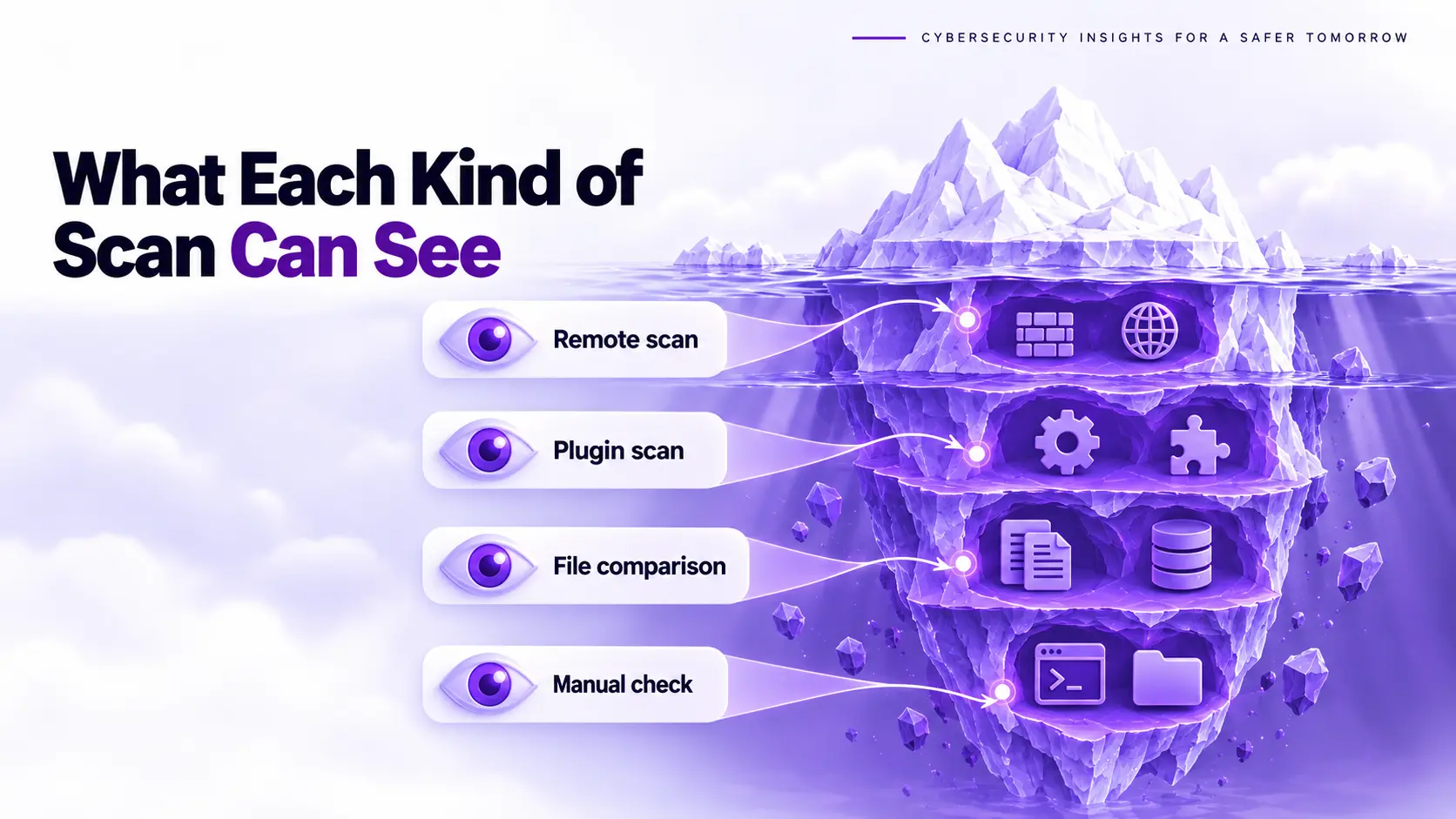
What Each Malware Scan Type Sees
A scan type is a method of checking a site, and each method sees a different part of it. A remote scan reads public pages, a plugin or server side scan reads files, a file comparison checks changes against the official release, and a manual check covers the rest. Use at least two methods, because the gaps in each sit in different places. The table shows typical behavior, and individual products differ, so confirm what your own tool reads before you rely on it. Read each row, pick the column that can see that infection, and test the rows marked as misses by hand.
| Infection | Remote scan | Plugin or server side scan | File comparison with the official release | Manual check |
|---|---|---|---|---|
| Injected script on a public page | Usually finds it | Usually finds it | Only if a core or plugin file changed | Yes, view the page source |
| Redirect only for search visitors | Often misses it | Finds the code, not the behavior | Only if a core file changed | Yes, test with a referrer |
| Spam shown only to Googlebot | Often misses it | Finds the files if they match a pattern | Lists unexpected files in core folders | Yes, URL Inspection |
| Backdoor or web shell file | No | Often, if it matches a pattern | Yes, in core and plugin folders | Yes |
| Database injection | Only if it renders on a page | Only if the scanner reads the database | No | Yes |
| Rogue administrator account | No | Sometimes | No | Yes |
| Scheduled task that reinstalls malware | No | Sometimes | No | Yes |
Read Logs for Hidden Malware
A server log is a record of every request the site received, and it is hard for malware to fake. It shows what the site did, not what it looks like. Ask your host for the access logs and look for repeated requests to a single PHP file, especially POST requests to files in the uploads or plugin folders, and for requests to files you do not recognize. Match the first suspicious request against your update history to find the entry point. Do not trust file dates alone. Sazinga found every backdoor carried a date more than a year old, so sorting by recent changes returned the wrong answer. Use the checksum comparison and the logs as your primary evidence, and treat timestamps as a hint.
Get a Second Malware Scan Opinion
A second opinion is a check that uses a different method from the first scan. Another remote scanner shares the first one’s blind spots, so pair a remote scan with a file level check or a manual review. If you find a file you cannot explain, inspect it before you delete it: the malware code analyzer shows what the code does, and the filename and location help you trace the entry point. If you are a small team with no developer and a live store, a professional second opinion costs less than a week of guessing. A recurring website malware scan gives you the visitor view while you check the rest by hand.
After You Find the Missed Malware
The response after discovery is a fixed sequence that starts with a preserved copy of the site. Do not delete anything before you save it, then follow the order in our guide to remove malware from a website, which covers containment, removal, closing the entry point and verification. If Google or a browser flagged the site while your scanner reported clean, the Deceptive Site Ahead guide explains the review process. Expect the infection to return if you remove only the visible part, because the restorer, the scheduled task or the hidden account rebuilds it. If you would rather hand it over, ScanTitan’s website malware removal service handles the cleanup. Recheck the site after one day and again after one week.
Clean Scan, Hacked Site FAQ
How Can I Tell If a Site Is Hacked When the Scan Is Clean?
A site hacked despite a clean scan is a site whose infection lives where the scanner does not look. Visitors and Google report it before the scanner does, so look at what they see. Search Google for your domain with the site operator and look for pages you never published, open your pages from a search result on a phone in a private window, and check Search Console for security issues. Review the administrator list for unknown accounts and list PHP files in the uploads folder. If your host suspended the site or customers report spam, that evidence outweighs a clean report.
Can I Trust a Clean Malware Scan?
A clean malware scan is a report that proves only that the scanner found no known pattern in what it could see. A remote scanner cannot read server files or the database, a signature scanner cannot flag code it has never seen, and a plugin running inside the site can be bypassed by malware that has already gained control of it. Use a clean scan as one input, then confirm with a file comparison, a visitor test and a check of accounts and scheduled tasks. The more your site earns or stores, the less a single clean result should count.
Can Malware Hide in the Database Where a Scanner Cannot See It?
Database malware is code or content that attackers store in database rows, such as spam posts, redirect scripts in settings and administrator accounts. None of those changes touches a file, so a scanner that reads only files reports a clean result while the site keeps serving the spam. Check the site URL and home URL in the options table, search posts and options for script tags and long encoded strings, and review the user list. Export each table before you edit it. Cleaning the database without finding the backdoor that wrote the rows just resets the problem, which is why the same injection often returns.