Expert resources on website malware detection, cleanup, WAF protection, and DDoS defense for security teams.
No vendor fluff. No recycled threat reports. Real guidance on vulnerability scanning, malware, and attack surface management — written by practitioners.

To find a backdoor in a website, run three passes: compare every file against a clean copy, search for code that behaves like a backdoor, and trace unusual requests in your access logs. Backdoors hide in eight places, from fake core files to the database, and a scanner alone misses many of them. This guide […]
How did my website get hacked? Almost always through one of nine entry points: a vulnerable plugin or theme, stolen credentials, a nulled theme, a compromised hosting account, vulnerable custom code, exposed files, an infected admin computer, a third-party script, or weak server settings. Each one leaves different evidence in your logs and files. This […]
A seo spam hack is an attack that injects spam pages, links or redirects into your site so the attacker can rank pharmacy, casino or counterfeit-goods pages on your domain. It often stays invisible to you and the visitors you check with, while Google shows it to searchers. This guide explains how to confirm it, […]
Database malware WordPress owners miss is malicious code, links or settings stored in database rows instead of files, which is why file scanners and file restores never catch it. It shows up as injected scripts, spam links, redirects, a changed site URL or an administrator you never created. This guide explains where the infection hides, […]
WordPress malware keeps coming back when cleanup removed what you could see and left the way back in. The usual causes are a surviving backdoor, a hidden admin user, a malicious mu-plugin or cron job, a payload in the database, or the original unpatched hole. This guide shows how to tell reinfection from a new […]
Obfuscated PHP malware is malicious PHP code that an attacker has scrambled so scanners and site owners cannot read it at a glance. The scrambling uses encoding, string tricks and indirect function calls, and it is the reason an infected file can look like random letters instead of a script. This guide shows how to […]
The 15 different types of malware below are the families every security guide names, and each one is explained from a site owner’s point of view: what it does to a website, where it hides and how you would notice it. A virus, a rootkit and a cryptojacker behave very differently on a web server […]
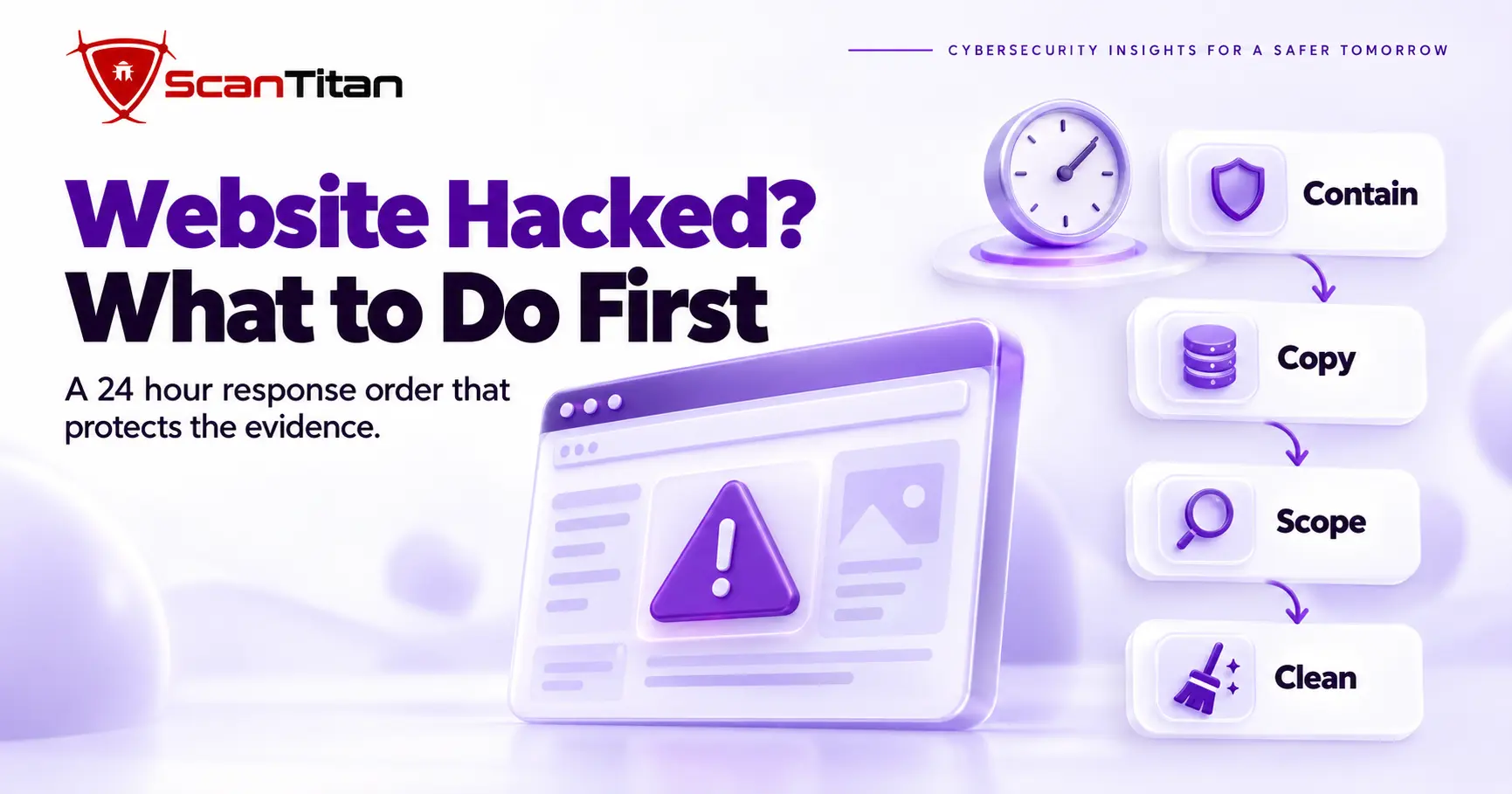
When your website is hacked, what to do first is contain it, copy it and only then clean it. This website hacked what to do guide gives the order for the first 24 hours: confirm the hack, take the site offline, rotate credentials, preserve evidence, scope the damage, choose between cleaning and restoring, and close […]
A clean malware scan is a report that says the scanner found nothing it recognizes, and it is not proof that a site is clean. When a malware scanner says clean but site hacked signs keep appearing, trust the signs, because attackers write code to pass the scanners owners run. This guide shows how to […]
A malicious redirect is code that sends visitors from your page to a spam, scam or malware site without their consent. It often fires only for some visitors, which is why owners miss it, and it usually sits in the .htaccess file, a theme file, a JavaScript file or the database. Attackers plant it after […]
The Japanese keyword hack is a form of SEO spam hack in which attackers inject thousands of auto-generated Japanese pages into a compromised website. It works by cloaking: Google and search visitors see the spam, while you see your normal site. Owners usually find out from Japanese results in search or a sudden jump in […]
A web shell is a server-side script that an attacker can use to maintain remote access to a compromised web server. Depending on its capabilities and the privileges of the web server process, it may allow file access, command execution, database access, malware deployment or other administrative actions. Administration scripts that resemble web shells can […]
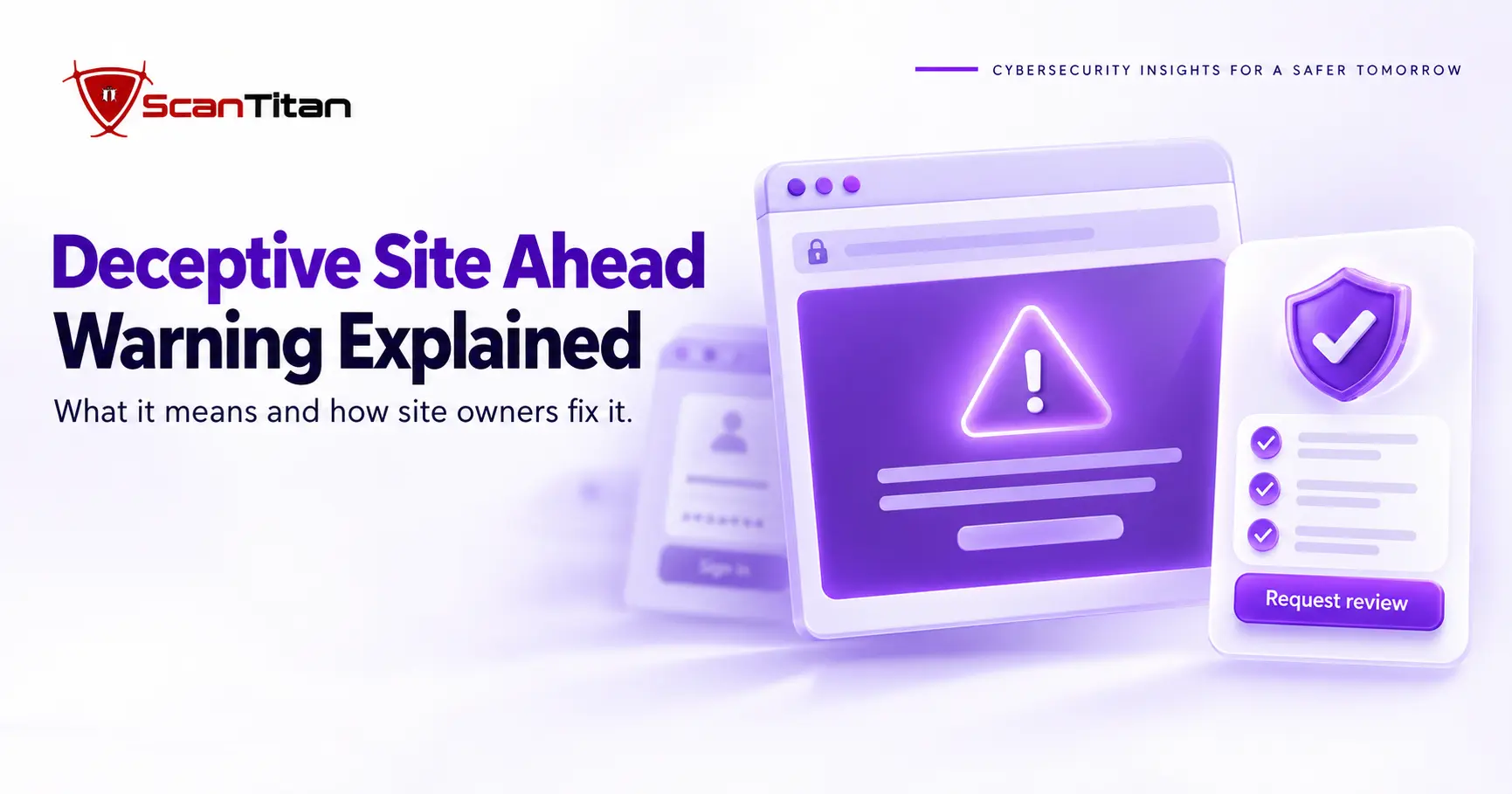
The Deceptive Site Ahead warning is a red Chrome screen that appears when Google Safe Browsing detects behavior associated with phishing or social engineering on a page. For visitors, it means leave. For site owners, it means Google detected harmful or deceptive behavior, and the cause may be hacked content, an injected script, a compromised […]
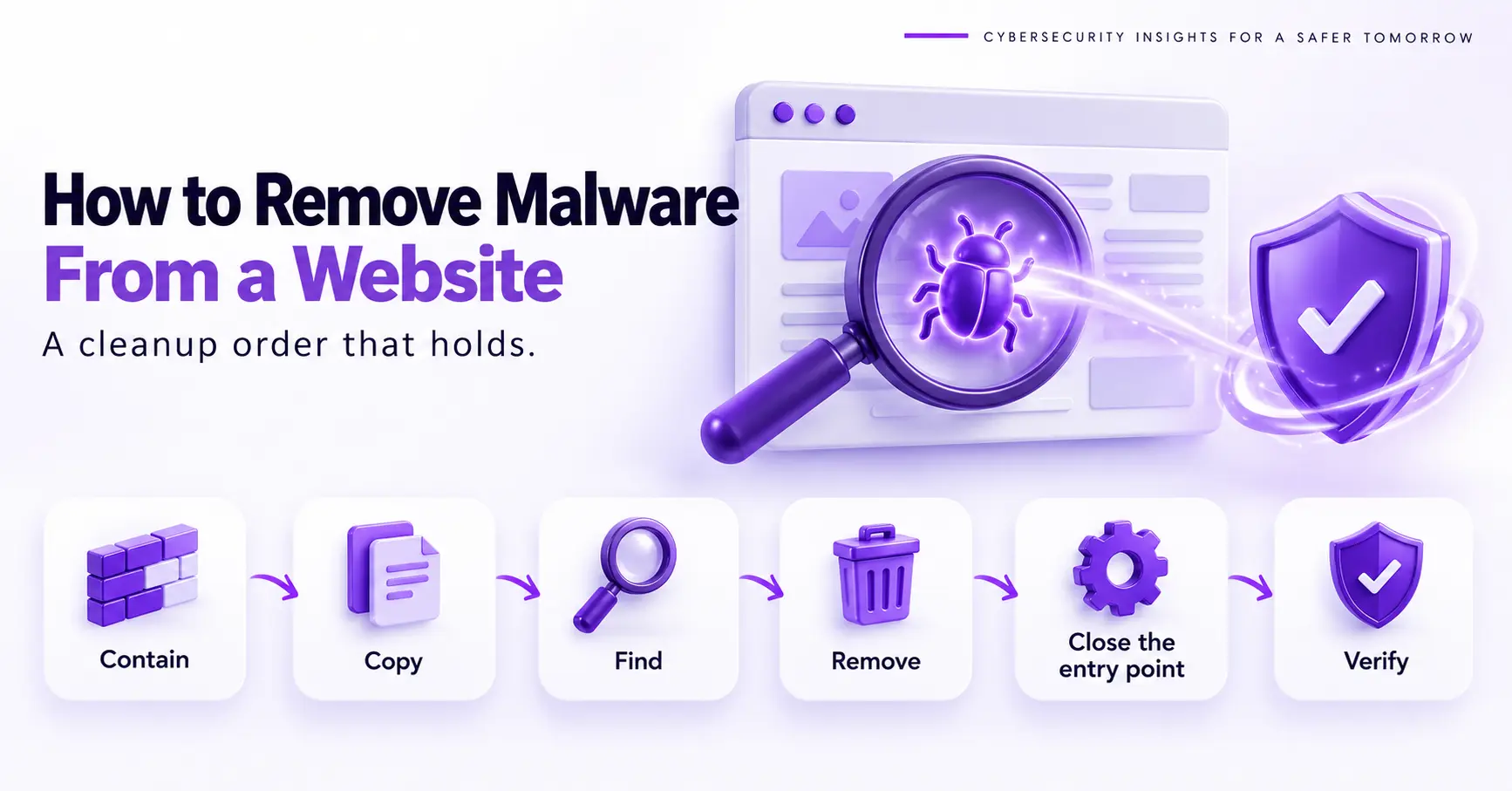
A website malware cleanup is the ordered process you follow to remove malware from website files and databases without leaving a way back in. It runs in six steps: contain the site, copy it, find every infected spot, remove it, close the entry point and verify. Most cleanups fail in the middle steps, because an […]
Magecart is the name for criminal groups that steal payment card data from online checkout pages, usually by planting JavaScript that copies card details while the real purchase goes through. The code may sit on your own site, in a third-party script or in a tag manager, so a store can leak cards without a […]