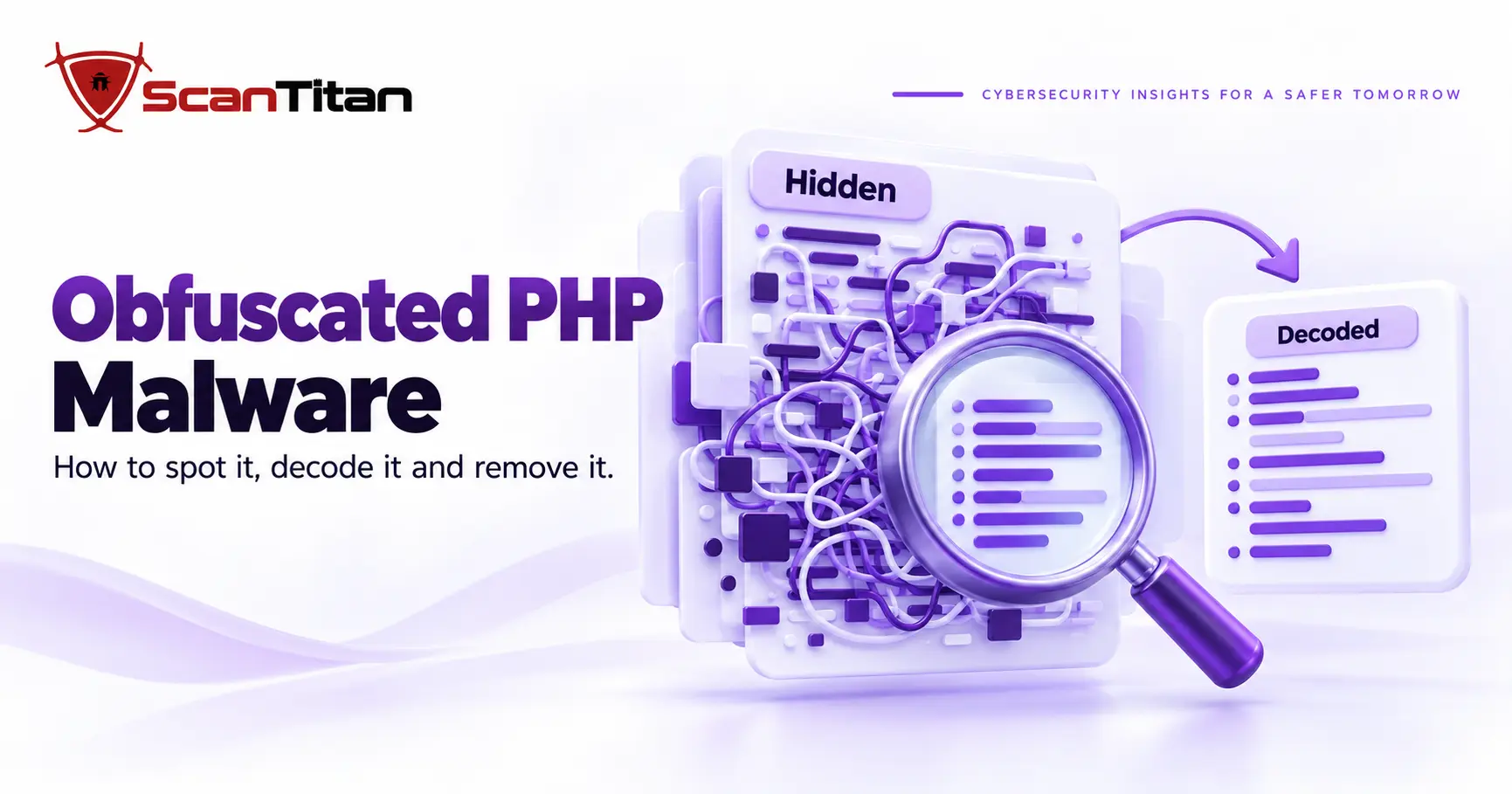
Obfuscated PHP malware is malicious PHP code that an attacker has scrambled so scanners and site owners cannot read it at a glance. The scrambling uses encoding, string tricks and indirect function calls, and it is the reason an infected file can look like random letters instead of a script. This guide shows how to recognize obfuscated PHP malware, which techniques attackers use, how to decode a sample without running it, and what to do once you find one.
What Is Obfuscated PHP Malware?
Obfuscated PHP malware is a malicious PHP script whose real instructions are disguised so that people and security tools cannot read its purpose directly. It works by wrapping the harmful code in layers, such as encoded strings, split-up function names or data stored in another file, and unwrapping them only when the script runs. MITRE ATT&CK describes the wider behavior in its entry on obfuscated files or information as making a file difficult to discover or analyze by encrypting, encoding or otherwise obfuscating its contents, which is common behavior used to evade defenses. On a website, the payload behind the layers is usually a web shell, a backdoor, an injected redirect or a spam script. The obfuscation is the packaging, not the attack itself.
Why Obfuscated PHP Malware Slips Past Scanners
A signature is a stored pattern that a scanner matches against a file, and obfuscation defeats it by changing the wrapping without changing the behavior. A freshly wrapped copy of old malware matches nothing the scanner has seen. Static reading fails too, because the dangerous call is assembled only when the code runs. I treat a clean result on a file that looks like random text as a warning, not a pass, which is the same point we make in our guide on why a scanner says clean while the site is still hacked. A human reviewer is the second line of defense, and these files are built to waste a reviewer’s time as well.
Common PHP Obfuscation Techniques
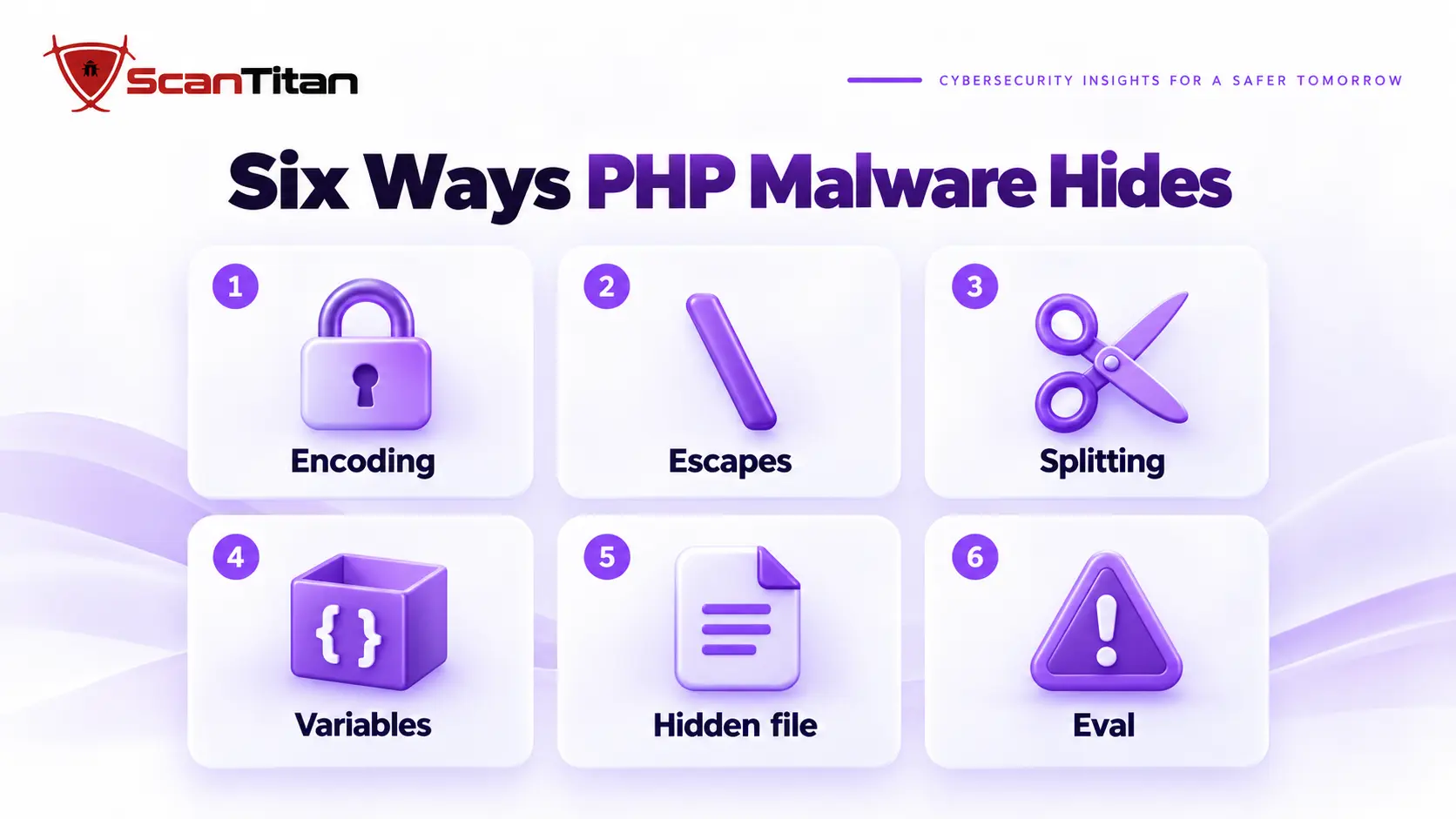
A technique is a repeatable way to hide a string or a call. The six below cover most of what turns up on hacked WordPress sites. The table is a field guide: what each one looks like, what it hides and how to unwrap it.
| Technique | What it looks like | What it hides | How to unwrap it |
|---|---|---|---|
| Encoding chain | eval(gzinflate(base64_decode('...'))) |
The whole payload | Decode base64, then inflate, and repeat |
| Escapes and character codes | "\x65\x76\x61\x6c" or chr(101).chr(118) |
Function names and strings | Convert each code to its character |
| String splitting and reversal | 'ba'.'se64_'.'decode' or strrev('edoced_46esab') |
Function names | Join the pieces or reverse the string |
| Variable function | $f = $a.$b; $f($data) |
Which function runs | Print the variable before the call |
| Hidden payload | Data after __halt_compiler(), or an include of a non-PHP file |
Where the code lives | Follow what the file reads at run time |
| Execution call | eval(...) fed by decoded text |
The point where text becomes code | Replace the call with echo in a copy |
Encoding Chains: base64, Compression and ROT13
An encoding chain is a stack of reversible transformations applied to the payload, with a decoder wrapped around it. The common stack is base64_decode inside gzinflate inside eval. The PHP manual describes base64_decode as decoding a base64 encoded string and gzinflate as inflating data compressed by gzdeflate, so every layer is an ordinary, documented function used for a bad purpose. ROT13 shifts letters thirteen places and hides function names, so eval becomes riny. The tell is a very long unbroken string of letters and digits passed to a decoder that feeds an execution call. Peel each layer in order, and expect several.
Byte Escapes and Character Codes
A byte escape is a way of writing a character as a number inside a string. PHP accepts hexadecimal and octal notation, and the examples in the PHP manual on strings show that "\x41" and "\101" are both the letter A. Attackers write whole function names this way, so eval becomes "\x65\x76\x61\x6c" and a keyword search for eval finds nothing. The same trick works with chr(), which turns a number into a character, joined with dots. Decoding is mechanical: convert each number to its character and read the result. A long run of backslashes and numbers inside quotes, or a long chain of chr() calls, is almost never ordinary application code.
String Splitting, Concatenation and Reversal
String splitting is the practice of cutting a sensitive word into pieces and joining them when the script runs. Attackers write 'ba'.'se64_'.'decode' or reverse a string with strrev() so that no complete function name appears in the file. The pieces can also be spread across array elements or variables and combined by index. Nothing is encrypted here, which makes it the easiest layer to defeat: join the pieces, reverse the string and read it. What gives it away is the oddness of the code. A file that builds a plain word one letter at a time has no reason to exist in a normal plugin or theme.
Variable and Dynamic Function Calls
A variable function is a PHP feature where a variable followed by parentheses calls the function whose name the variable holds. The PHP manual on variable functions presents it as a way to implement callbacks and function tables, and attackers use the same feature to hide which function runs. A script stores a rebuilt name in $f and then calls $f($data), so the real name never appears next to the call. Look for variables that are called like functions and trace them back to where they are assigned. Printing the variable just before the call, in a safe copy, usually shows the real function in seconds.
Hidden Payloads: Data After the Code and Disguised Files
A hidden payload is attacker code stored somewhere other than the visible script and loaded at run time. PHP’s __halt_compiler() construct halts the compiler and lets a file carry raw data after it, with the position of that data available through the __COMPILER_HALT_OFFSET__ constant, so a short, harmless-looking script can read and run a large blob that follows. Another habit is a PHP file saved with an image-style name, or an include of a file that is not PHP at all. When a small script opens its own file, reads another file or includes something unexpected, follow that read first, because the payload is wherever it points.
Dangerous Execution Calls: Where Hidden Text Becomes Code
An execution call is any function or construct that turns a string into running code or a system command. The PHP manual says the eval() language construct is very dangerous because it allows execution of arbitrary PHP code, and it discourages its use. In malware the call sits at the end of the chain, fed by the decoded text, and it is the one place where you can safely interrupt the process: replace it with a print in a copy and the hidden code is displayed instead of run. The same family includes include on decoded data and shell functions such as system and exec. The function create_function() once played the same role, but the PHP 8.0 migration guide lists it as removed.
Legitimate vs Malicious Obfuscation
Legitimate obfuscation is code protection that a vendor applies to commercial PHP on purpose, using encoders such as ionCube or SourceGuardian, so customers cannot read or copy the source. It exists, which is why an unreadable PHP file is a reason to investigate and not proof of an infection. The questions in the table separate the two.
| Question | Legitimate obfuscation | Malicious obfuscation |
|---|---|---|
| Where is it? | Inside a plugin or theme you installed from a known vendor | In the uploads folder, a theme root you never edited, or a folder with no plugin around it |
| Who made it? | A vendor you can name, with a license and documentation | Nobody can say, and the file name is random or copies a core file |
| What does it need? | Usually a loader that the vendor documents | Nothing, or it decodes itself with ordinary functions |
| What does it do with input? | Runs the features of the product | Passes request data, such as POST, cookie or header values, into an execution call |
| When did it change? | With a plugin update that you ran | Outside any update, often together with other files |
| What does a clean copy show? | It matches the vendor’s download | It does not exist in any clean copy |
When in doubt, download a clean copy from the vendor and compare it with the file on your server. If the file is missing from the clean copy, or the contents differ, treat it as malicious until the vendor tells you otherwise. Do not rely on the file name or the folder alone, because attackers copy both.
Where Obfuscated PHP Malware Hides on a WordPress Site
A hiding place is any folder or file where PHP runs automatically or rarely gets read. Attackers pick these spots because a plugin update will not overwrite them and a quick look at the dashboard will not reveal them. Start your search in these five places.
- Check the uploads folder, which should hold media, and the site root, where a file named like a core file blends in.
- Open the must-use plugins folder at
wp-content/mu-plugins. WordPress loads every PHP file in it automatically, and it is listed only under a separate Must-Use tab. - Read the theme files that run on every page, such as
functions.php,header.phpandfooter.php, including themes you have deactivated. - Inspect folders that look like plugins but are not, meaning a folder with one or two files and a name that imitates a real plugin.
- Review
wp-config.phpand the rootindex.php, because both load on every request and one added line is easy to miss.
How to Find Obfuscated PHP Malware on Your Website
Finding obfuscated PHP malware means searching for files that look wrong, not only for known bad names. Work through these steps from the outside in, and keep a note of every path you flag. A match is a lead, not a verdict.
- Check the uploads folder for PHP files. Media folders normally hold images and documents, so a PHP file there deserves a look. Some plugins add a blank
index.phpthat outputs nothing, and those are harmless. Command:find wp-content/uploads -name "*.php" - List recently changed PHP files. A file that changed on a day when nobody updated anything is a lead. Command:
find . -name "*.php" -mtime -7 - Verify WordPress core against the official checksums. The WP-CLI documentation describes
wp core verify-checksumsas verifying WordPress files against WordPress.org’s checksums, so a modified or extra core file shows up. - Search for a decoder feeding an execution call. Command:
grep -rlE "eval[[:space:]]*\([[:space:]]*(base64_decode|gzinflate|str_rot13)" . --include="*.php"Expect some false positives from legitimate code, so read every hit. - Look for very long lines. Packed code often sits on a single line thousands of characters long. Command:
grep -rlE ".{2000,}" . --include="*.php" - Compare plugins and themes with a clean download from the vendor. Any file that differs, or does not exist in the clean copy, is a suspect.
Open a flagged file in a text editor, never in a browser, and do not run it.
How to Decode Obfuscated PHP Malware Safely
Safe decoding means reading the hidden code without letting it run. The rule is simple: decode a copy, on a machine that holds no credentials, and never execute the file while its execution call is still intact. I decode only to learn the indicators, because the fix does not depend on what the payload says.
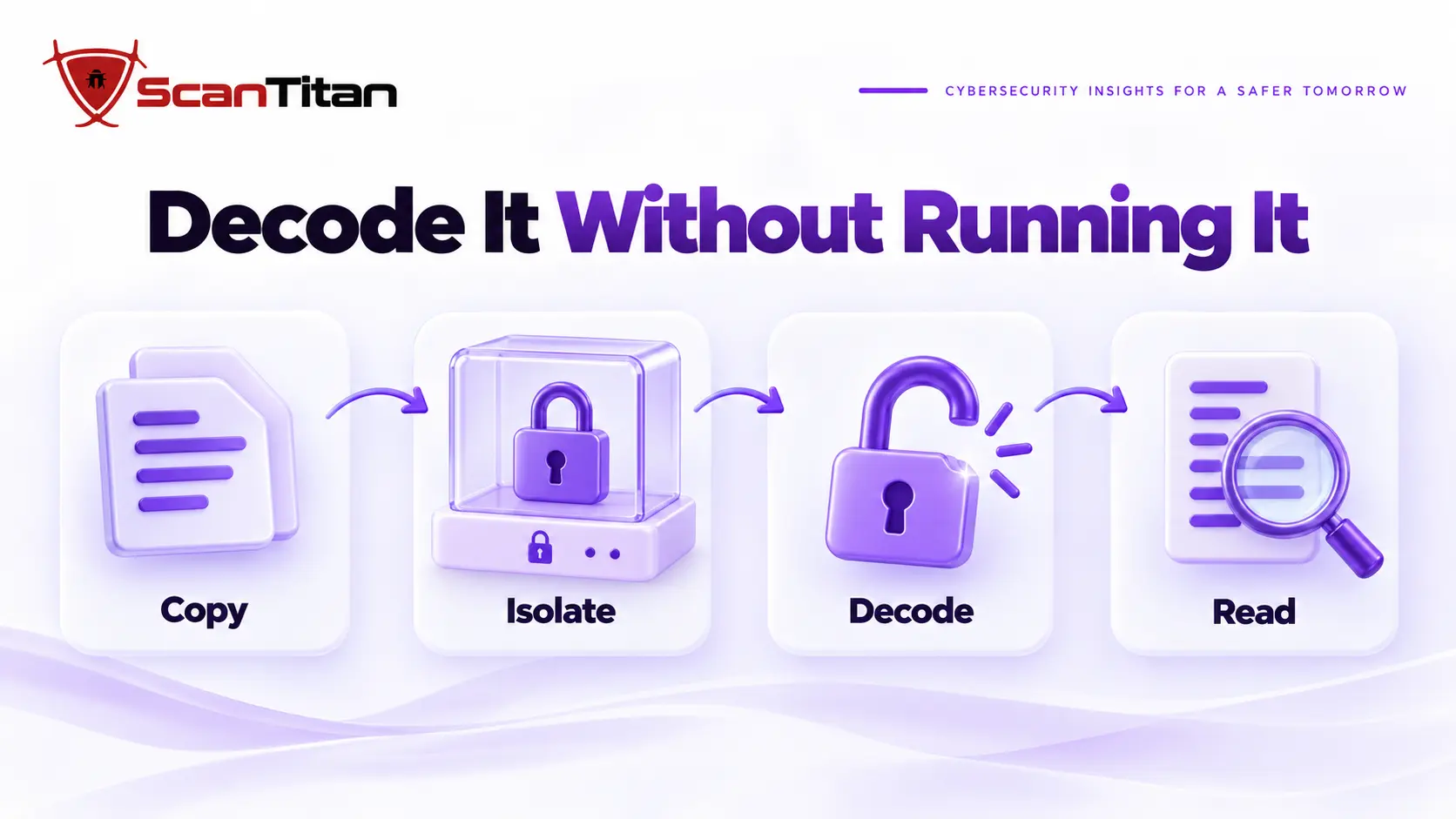
- Copy the suspicious file off the server and keep the original untouched as evidence.
- Work on an isolated machine or virtual machine with no site credentials, no saved passwords and, if you can manage it, no network access.
- Find the execution call at the end of the chain, usually
eval. - Decode the string one layer at a time with a tool such as CyberChef, described in its repository as a web app for encryption, encoding, compression and data analysis. Use a downloaded copy so the sample never leaves your machine.
- Repeat until the output is readable PHP and not more encoded text.
- Read what the final code does and write down every domain, file path and password you find.
A Harmless Worked Example
The sample below is one I wrote for this guide, and it only prints a sentence. It uses the most common chain, a base64 layer under a compression layer under eval.
<?php eval(gzinflate(base64_decode('S03OyFdQCk5OzAvJLEnMU0hJzc23UijJyCxWKC4pysxLVyhPLFbIyExJSc1TsgYA'))); ?>In CyberChef, paste only the quoted string, add the From Base64 operation and then the Raw Inflate operation. The output is echo "ScanTitan demo: this string was hidden";, which is the code that eval would have run. Real malware has more layers and usually reads request data, but the method is the same. If you would rather not decode by hand, paste the file into our malware code analyzer instead.
What to Do After You Find Obfuscated PHP Malware
An obfuscated file is a symptom. The payload may be gone once you delete the file, but the weakness that let it in will let it back. Follow this order, and the first three steps matter most.
- Preserve a copy of the file, the access logs and the modification times before you change anything.
- Contain the site if it is serving visitors anything harmful. Our website hacked response order covers the first 24 hours.
- Search for siblings: files with the same decoder pattern, the same domain or a creation time within minutes of the first file.
- Look for the persistence behind it, such as a web shell, a hidden administrator account or a scheduled task that rebuilds the file.
- Clean the site in the right order. Our guide to removing malware from a website shows the full cleanup, including the database.
- Rotate every credential that touched the site, then patch the plugin, theme or account that was the entry point.
How to Prevent Obfuscated PHP Malware
Prevention is about closing the entry points and removing the places where a dropped file can run. No single setting does it.
- Patch plugins, themes and core quickly, because most obfuscated files arrive through a known vulnerability or a stolen password.
- Block PHP execution in the uploads folder with a server rule, since that folder should hold media and not code.
- Restrict dangerous functions with the
disable_functionsdirective. The PHP manual says it takes a comma-delimited list, can only be set in php.ini, and can be circumvented, so treat it as one layer and not a sufficient defense. - Monitor file changes and run a regular scan, so a new PHP file in the wrong place is noticed in days and not months.
Frequently Asked Questions About Obfuscated PHP Malware
What is obfuscated PHP malware?
It is malicious PHP code that has been deliberately scrambled with encoding, string tricks and indirect function calls so that scanners and people cannot read its purpose. The scrambling is only the wrapper. Behind it there is usually a web shell, a backdoor, a redirect or a spam script, and the real work is finding that and the way it got in.
Is obfuscated PHP always malware?
No, and treating it that way wastes time. Commercial plugins ship encoded files on purpose to protect their source. Judge a file by where it sits, who made it, what it does with request data and whether a clean copy from the vendor matches. A file that fails those checks is malicious until proven otherwise.
What does eval(base64_decode()) mean?
It tells PHP to decode a base64 string and then run the result as code. The pattern is not proof of malware, but on a hacked site it is the most common wrapper there is. The PHP manual itself calls eval very dangerous, so I read every file that uses it before I trust it.
How do I deobfuscate PHP malware safely?
Copy the file, move it to an isolated machine with no credentials, and decode it one layer at a time without running it. Replace the execution call with a print, or use a tool such as CyberChef to peel base64 and compression. Record every domain and path, and never open the file in a browser.
Can a malware scanner detect obfuscated PHP?
Sometimes, and I would never rely on it alone. Signatures match known wrappers, so a new wrapper can pass. Treat a clean result on a file full of random text as a reason to look closer, and combine scanning with file comparison, change monitoring and a review of what sits in the uploads folder.
Should I delete the file or decode it first?
Copy it first, then remove it. The copy is your evidence and your source of indicators, and decoding it can show you which domains and files to search for. But the fix does not depend on the payload. Whatever it says, you still have to find how it got in and close that.