Status on 22 October 2026NVD scores both flaws CVSS 3.1 9.8 and the PHP team scores them CVSS 4.0 9.2. Neither CVE appears in the CISA KEV catalog in version 2026.10.21, and FIRST has no EPSS score for them yet. Reporters disagree on whether attacks are under way, so check the live catalog before you decide how urgent this is.
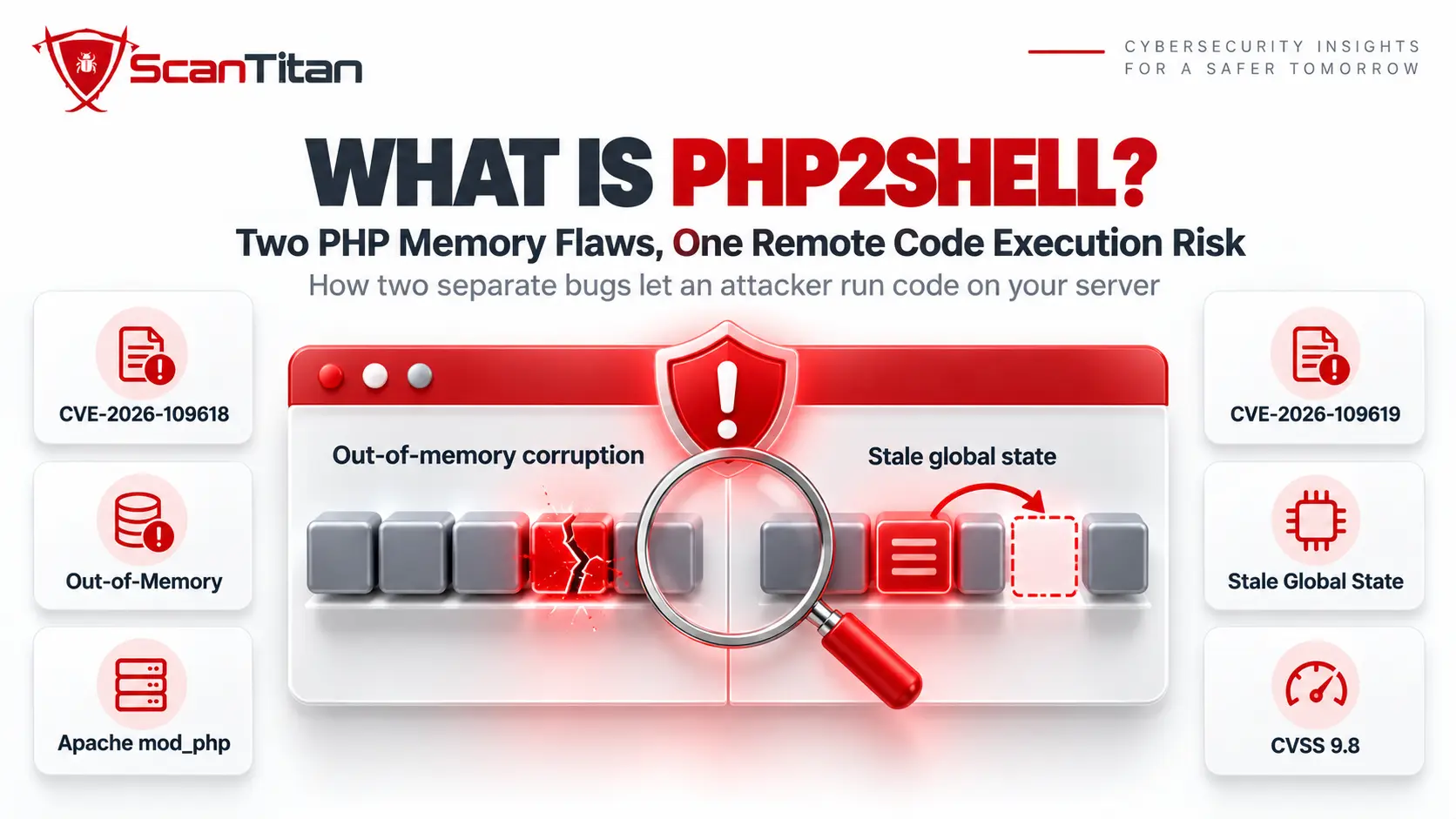
What Is PHP2Shell?
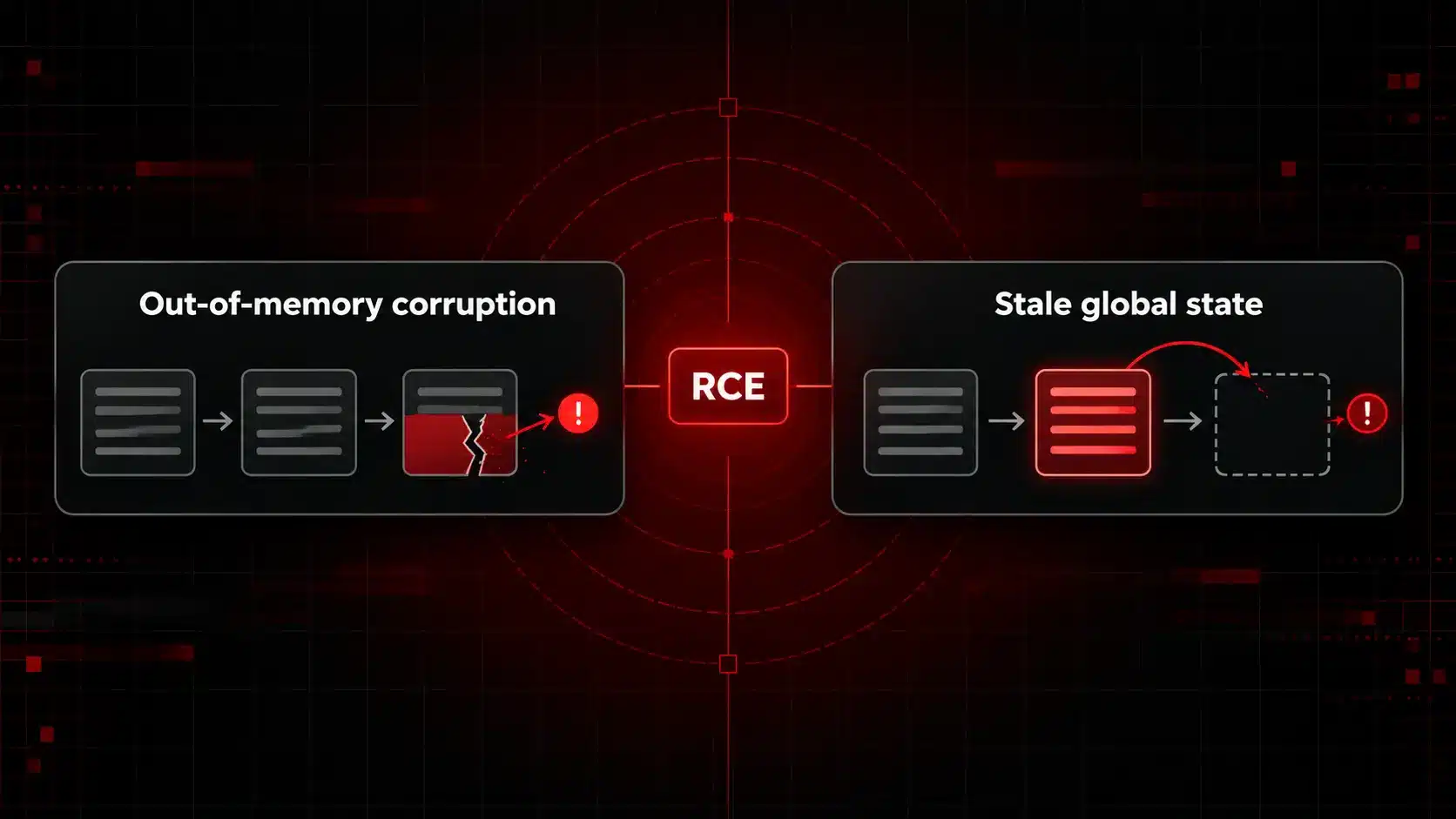
PHP2Shell is the name researchers gave to two flaws in how PHP manages request memory. Each one lets an unauthenticated attacker send web requests that end in code running as the web worker account, and the PHP security team documented both in its 21 October advisory. CVE-2026-109618 abuses out-of-memory handling and CVE-2026-109619 abuses state that outlives its request. NVD lists both under CWE-416 plus three related entries in the Common Weakness Enumeration. The two bugs have separate causes, separate exposure, and separate mitigations, so the next two sections cover each CVE in full. Both are rated critical, and the same four releases fix them.
| CVE | Root cause | CVSS 3.1 | CVSS 4.0 | Fixed in |
|---|---|---|---|---|
| CVE-2026-109618 | Out-of-memory corruption | 9.8 | 9.2 | 8.5.12, 8.4.27, 8.3.36, 8.2.35 |
| CVE-2026-109619 | Stale global state | 9.8 | 9.2 | 8.5.12, 8.4.27, 8.3.36, 8.2.35 |
CVE-2026-109618: Out-of-Memory Corruption in PHP
CVE-2026-109618 is a critical remote code execution flaw in how PHP handles out-of-memory errors, and it lets an unauthenticated attacker run code as the web worker account. It scores CVSS 3.1 9.8 and CVSS 4.0 9.2, and it is the flaw behind the demonstrated attack on Apache mod_php. The three parts below explain how it works, which servers it reaches, and how to fix it.
How CVE-2026-109618 Works
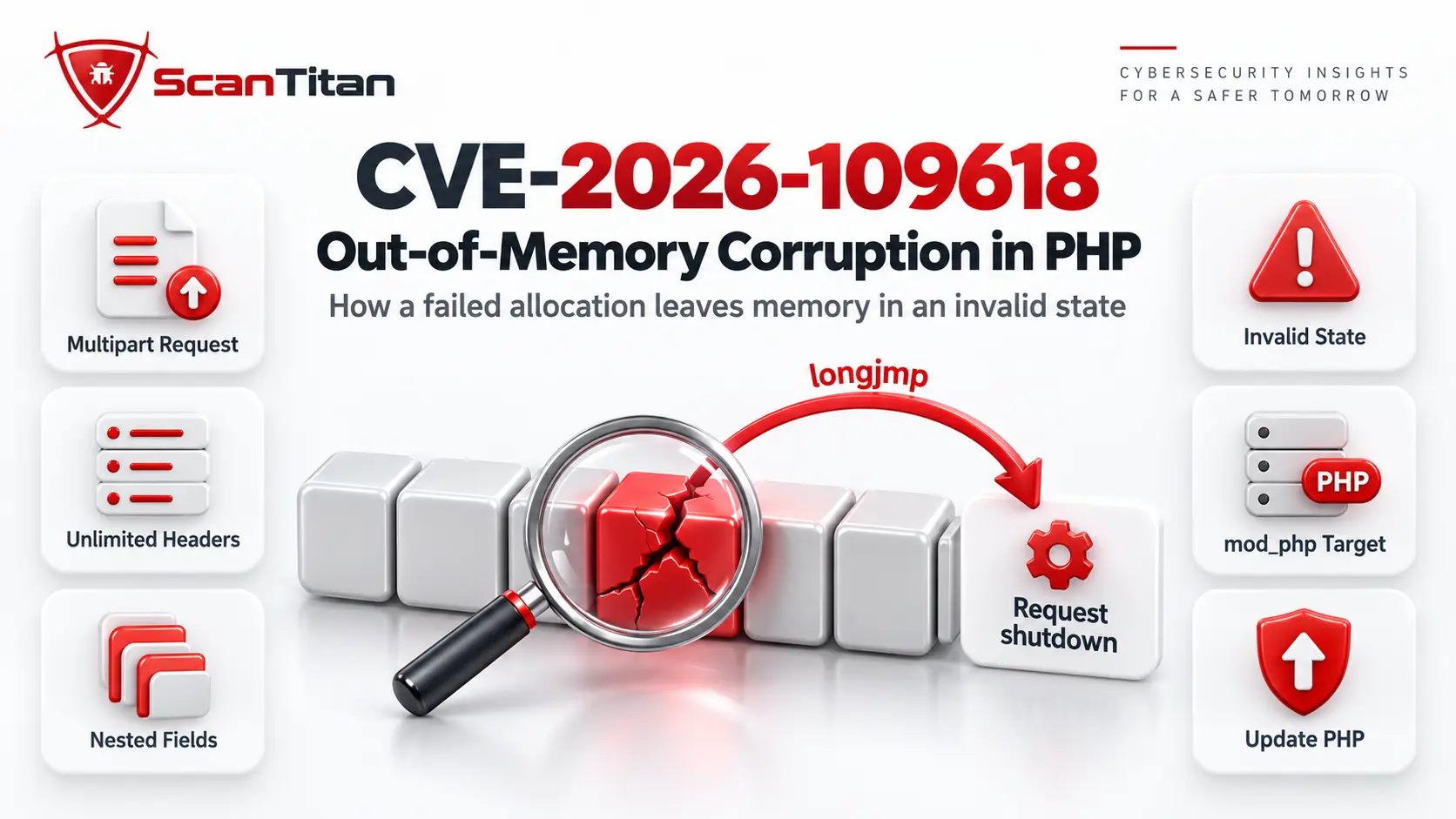
CVE-2026-109618 works by abusing how PHP exits after an out-of-memory error. PHP jumps out of the current code with longjmp, and in some places the request’s memory is reachable before PHP has fully initialized it, so an allocation that fails at that moment leaves the memory in an invalid state, and the request shutdown code then reads or branches on it. The failed allocation does not have to touch the broken memory. Attackers can reach that moment with multipart requests that look small enough: a body without a usable declared length passes the first POST size check, one part can carry unlimited headers that use far more memory inside PHP than on the wire, empty file fields skip the upload counter, and nested field names multiply array work.
Which Servers Are Exposed to CVE-2026-109618
The servers exposed to CVE-2026-109618 are all PHP installations on a release before 8.2.35, 8.3.36, 8.4.27, or 8.5.12, and Apache mod_php is the clearest target. It runs the shutdown procedure even when request startup failed, and automatic body parsing can exhaust the memory limit during startup, so the whole attack happens before any application code runs. The PHP team validated remote code execution over HTTP against mod_php with default PHP input and memory limits and a normal prefork setup with several workers. PHP-FPM exits the child when startup fails, which blocks that exact path, but source analysis still treats FPM as susceptible after normal startup, although no complete FPM exploit exists yet. FrankenPHP calls shutdown the same way as mod_php and is likely susceptible, and LSAPI follows the FPM model.
How to Fix CVE-2026-109618
To fix CVE-2026-109618, update PHP to 8.5.12, 8.4.27, 8.3.36, or 8.2.35 and restart every worker, because updating is the only complete fix. The patch removes longjmp for out-of-memory errors and replaces it with a delayed soft limit at the next safe point plus an immediate hard stop at a second, higher threshold. If you cannot update yet, use these steps as a bridge:
- Set
memory_limit=-1throughphp_admin_valuein the FPM pool or Apache configuration, and check that no pool, directory, or app setting restores a finite limit. This removes the predictable limit the confirmed exploit needs, but a failedmmap()can still reach the vulnerable path. - Keep
post_max_sizeconservative, 8M without uploads or 32M with them, keepupload_max_filesizebelow it, and enforce the decoded request size at the web server or proxy. - Lower
max_input_nesting_leveland bound input variables, multipart parts, headers per part, and uploads. - Block multipart form requests at the frontend if your application never uses them.
- Cap memory with a container or cgroup limit as an availability boundary, ideally one group per worker, because killing a shared group also kills the master. Avoid
RLIMIT_ASandRLIMIT_DATA, which makemmap()fail and trigger the bug.
CVE-2026-109619: Stale Global State in PHP
CVE-2026-109619 is a critical remote code execution flaw caused by PHP global state that keeps pointing at request memory after PHP frees it. It also scores CVSS 3.1 9.8 and CVSS 4.0 9.2, and it is harder to pin to one setting. The three parts below explain how the stale state forms, which setups expose it, and how to reduce the risk.
How CVE-2026-109619 Works
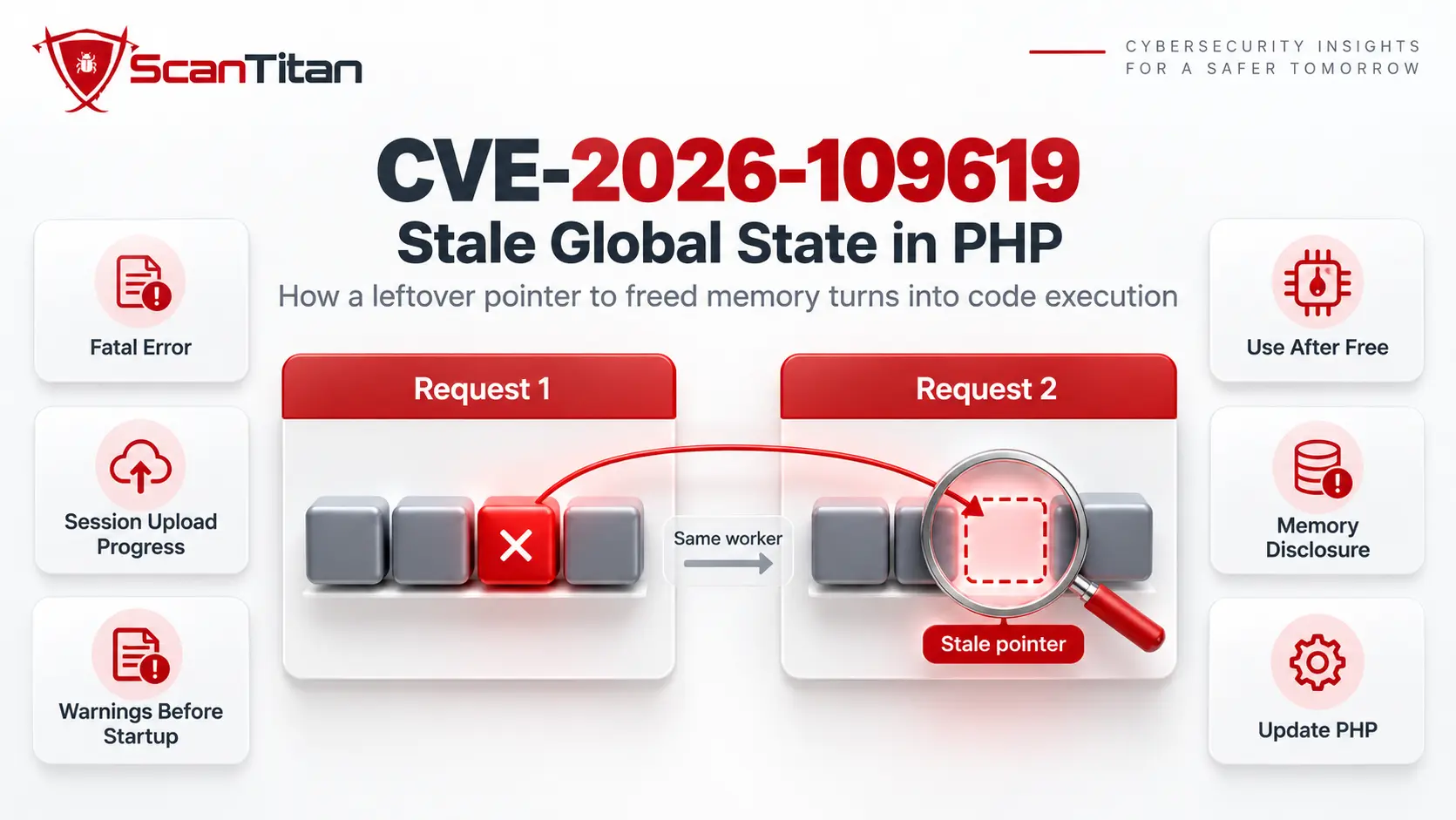
CVE-2026-109619 works by letting one request leave a pointer to freed memory that the next request on the same worker then uses. A PHP worker keeps global state, such as error, session, object, and extension state, that points to memory owned by one request, and PHP must reset it before that memory is freed. A fatal error can abandon an operation before the reset, and a later warning can refill error state after the reset, so the worker keeps a pointer to freed heap memory. An operation that runs before the next request initializes can then read, free, or branch on that stale value, which is a use after free. Exploitation needs a producer request and a consumer request, and both must reach the same worker. A crafted heap layout turns this into code execution, and the bug can also disclose memory.
Which Servers Are Exposed to CVE-2026-109619
The servers exposed to CVE-2026-109619 are all PHP installations before the fixed releases, and the exposure depends on the setup. The PHP team confirmed two paths. The PHP 8.5 fatal error backtrace path gave remote code execution against mod_php. The session upload progress path, which is enabled by default and needs no call to session_start, was validated against both mod_php and FPM. A third path uses warnings from invalid or deprecated INI settings. With mod_php, directory level php_value and php_admin settings in .htaccess apply before request startup, and FPM is exposed when the frontend sends PHP_VALUE parameters that raise a warning. FPM pool values and .user.ini do not give that early consumer. FrankenPHP has no known default consumer, but that does not make it immune.
How to Fix CVE-2026-109619
To fix CVE-2026-109619, update PHP to 8.5.12, 8.4.27, 8.3.36, or 8.2.35, because the complete state reset in those releases is the only reliable fix and no generic setting covers every operation that can publish or consume stale state. If you cannot update yet, break as many links in the chain as you can:
- Set
session.upload_progress.enabled=0in php.ini, an FPM pool, or the server configuration, then restart every worker. Do not useini_set()or.user.ini. Keep it off after patching if you do not use the feature. - Set
fatal_error_backtraces=0on PHP 8.5 and restart every worker, which removes the producer behind the confirmed attack but not other state. - Remove obsolete or invalid INI directives that emit warnings before request startup, and apply settings in php.ini, the FPM pool, or the server configuration instead of per-request overrides. Hiding warnings with
error_reporting,display_errors, or@does not help. - Fix fatal errors that an attacker can reach in upload, import, error page, shutdown, destructor, serialization, output handler, plugin, and extension code, and treat a maximum execution time error like a fatal error.
- Limit each worker to one request with
pm.max_requests=1only if performance does not matter.
Who Is Affected by PHP2Shell
Every PHP installation that serves web requests is in scope: PHP-FPM, Apache with its PHP module, php-cgi, FrankenPHP, and LiteSpeed. NVD lists every release before 8.2.35, 8.3.36, 8.4.27, and 8.5.12 as vulnerable. The PHP project no longer updates PHP 8.1 and older, so those branches get no official fix. For PHP 7.4, 8.0, and 8.1 the team published minimal source backports for people who build PHP themselves, and some Linux distributions and LTS vendors ship their own backports. Our stance: a plugin update cannot fix either flaw. The flaw sits in the PHP engine underneath WordPress, Joomla, Drupal, and every custom app, so the fix belongs to whoever runs your server.
How to Check Your PHP Version
Check the version your web server actually runs, because the command line PHP on the same machine can be a different build:
- Open your hosting control panel, such as cPanel MultiPHP Manager or the PHP settings page in Plesk, and read the version assigned to your domain.
- Read the Server section of Site Health on a WordPress site, found under Tools, then Site Health, then Info.
- Compare the number to the fixed releases: 8.5.12, 8.4.27, 8.3.36, or 8.2.35. A Linux package may show an older number and still carry the fix, so read your vendor’s changelog for the two CVE IDs.
- Paste your PHP branch into the free Software End of Life Checker to see whether it still receives security updates.
How to Fix PHP2Shell
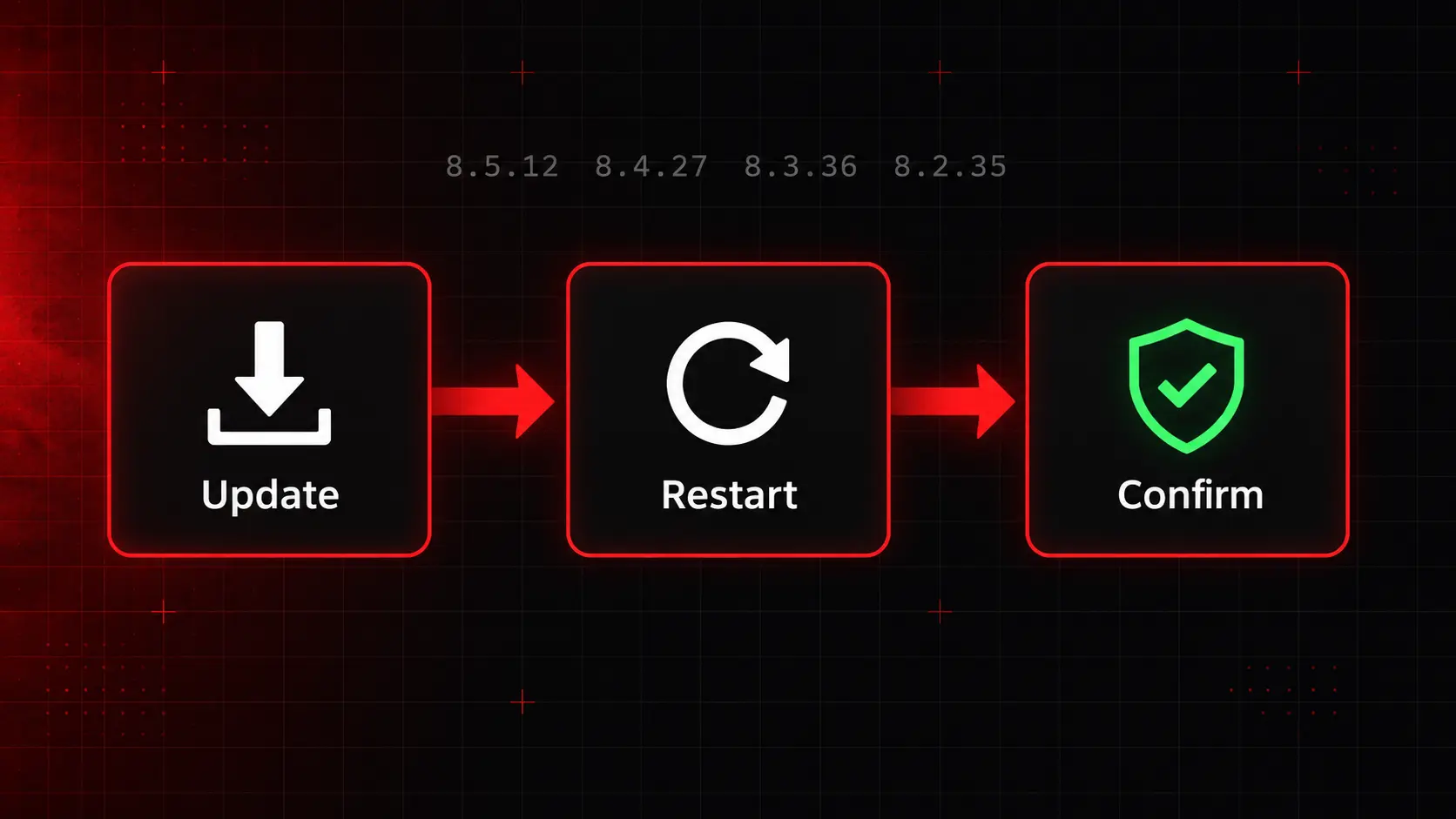
Updating is the only complete fix, and the sequence matters:
- Update PHP to 8.5.12, 8.4.27, 8.3.36, or 8.2.35 through your host, your Linux distribution, or the PHP downloads page.
- Restart every PHP-FPM pool, Apache process, and worker. A package update that leaves old workers running keeps the vulnerable code in memory.
- Confirm the new version in your control panel or Site Health after the restart.
- Plan an upgrade to a supported branch if you run PHP 8.1 or older, because the project ships no fix there.
- Ask your host in writing which version it runs and when it patched, if you are on shared hosting and cannot change PHP yourself.
How to Check Whether Someone Already Used PHP2Shell
Reports of active attacks conflict, so assume a patched site may still hold a foothold from the leak window between 20 and 21 October. The PHP team warns that the absence of an error in your logs is not proof of safety, so combine log review with file checks:
- Enable
log_errors=On, a workingerror_log, anderror_reporting=E_ALLin startup configuration during an isolated audit. - Search Apache, PHP-FPM, proxy, and service logs for repeated warnings before target scripts run, fatal, parse, and uncaught errors, and “Maximum execution time exceeded” messages.
- Review WordPress administrator accounts and recently changed files, especially new PHP files in the uploads folder.
- Compare core, plugin, and theme files against clean copies from the official source.
- Rotate database, hosting, and remote management keys if anything looks wrong, then follow our guide on what to do when a website is hacked.
How ScanTitan Helps With PHP2Shell
A website vulnerability scanner can only report a PHP version when the server reveals it, and many hosts hide it, so confirm the version in your control panel first. ScanTitan paid plans include an end-of-life check that flags unsupported PHP versions, and the free Software End of Life Checker does the same for a version you paste in. Use the CVE Priority Checker to see KEV status and EPSS for these CVEs as the data arrives. Then run a scan of your site to catch the weaknesses that sit on top of PHP, such as outdated WordPress plugins, exposed backup files, and missing security headers, because a patched engine does not fix those.
Frequently Asked Questions
Is PHP2Shell being exploited right now?
Sources disagree. Some security teams report exploitation attempts against honeypots and a few compromised WordPress sites, while others say exploitation is unconfirmed. The CISA KEV catalog, which lists only confirmed exploitation, did not include either CVE in version 2026.10.21. KEV reacts after confirmation, and EPSS has no score for brand new CVEs, so neither signal can clear you yet. Treat the flaws as urgent, and patch before you debate the numbers, because the PHP team itself describes a working exploit for Apache’s PHP module, and a CVSS of 9.8 with no login required leaves no reason to wait.
Do I need to act if my host manages WordPress for me?
Yes, but your part is smaller. A managed host controls the PHP engine, so it applies the patch and restarts workers. Your job is to ask the host for the exact PHP version now running on your site and the date it patched, and to check Site Health yourself. If the host cannot answer, you cannot confirm that the fix is in place. Shared hosting plans often let you pick a PHP branch in the control panel, so switch to a supported branch there while you wait for the host’s confirmation and keep a note of the date you checked.
Is PHP 7.4 or 8.1 safe if I add the mitigations?
No. The PHP project no longer issues updates for 8.1 and older, and the mitigations only reduce exposure to specific attack paths. The team did publish minimal source backports for PHP 7.4, 8.0, and 8.1 for people who build PHP from source, and some distributions and LTS vendors ship their own backports, so ask your vendor which CVE fixes your package contains. If neither applies to you, plan the upgrade to a patched, supported release this week, and run the free end of life checker on every other product in your stack at the same time.
Sources: the PHP security advisory of 21 October 2026, NVD records for CVE-2026-109618 and CVE-2026-109619, and the GitHub advisories GHSA-w8hw-w9fx-j79w and GHSA-6wmf-4rv5-p3rp.