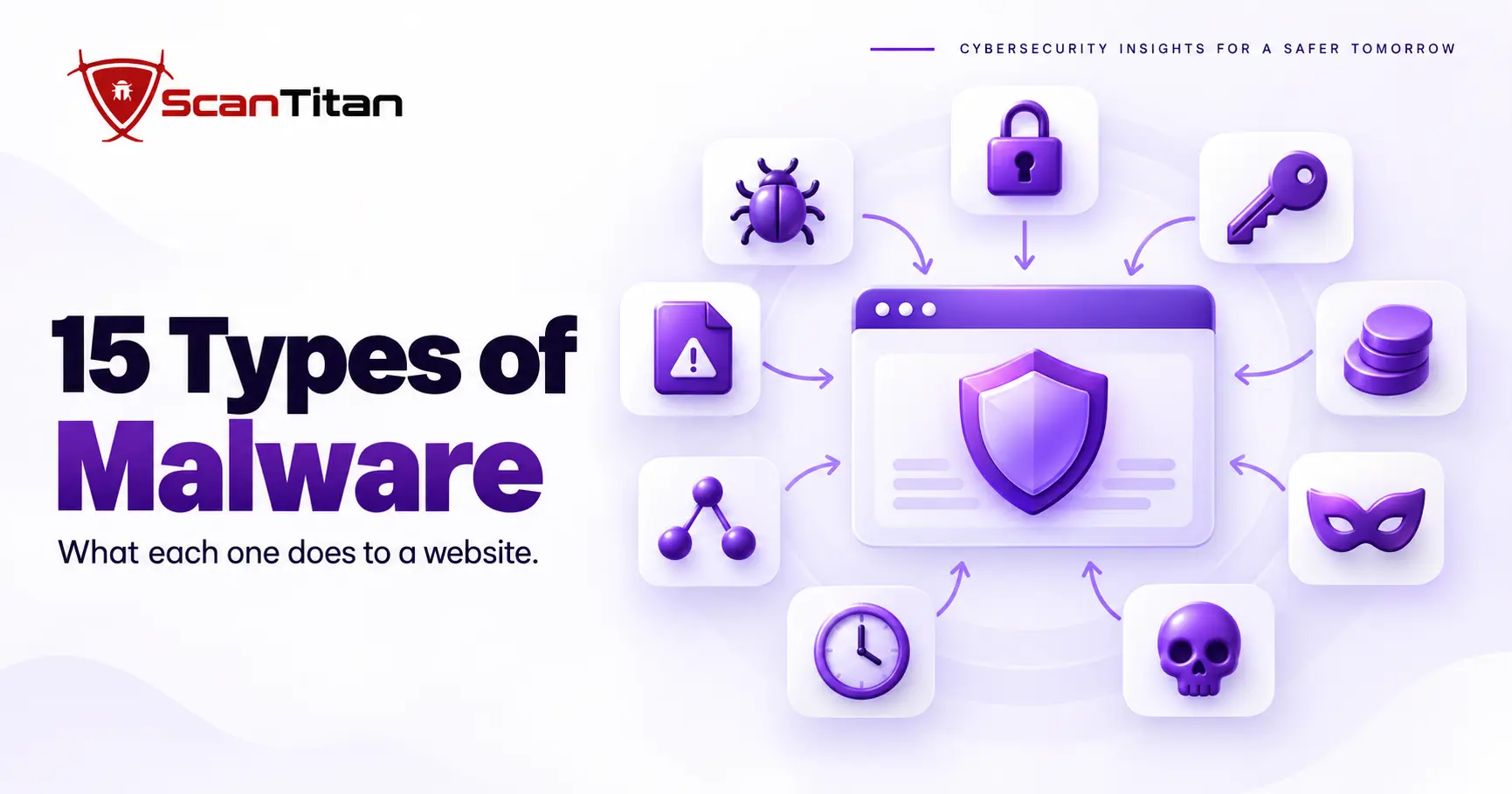
The 15 different types of malware below are the families every security guide names, and each one is explained from a site owner’s point of view: what it does to a website, where it hides and how you would notice it. A virus, a rootkit and a cryptojacker behave very differently on a web server than on a laptop. After the list, four malware types that mostly target websites get their own section, with links to our detailed guides.
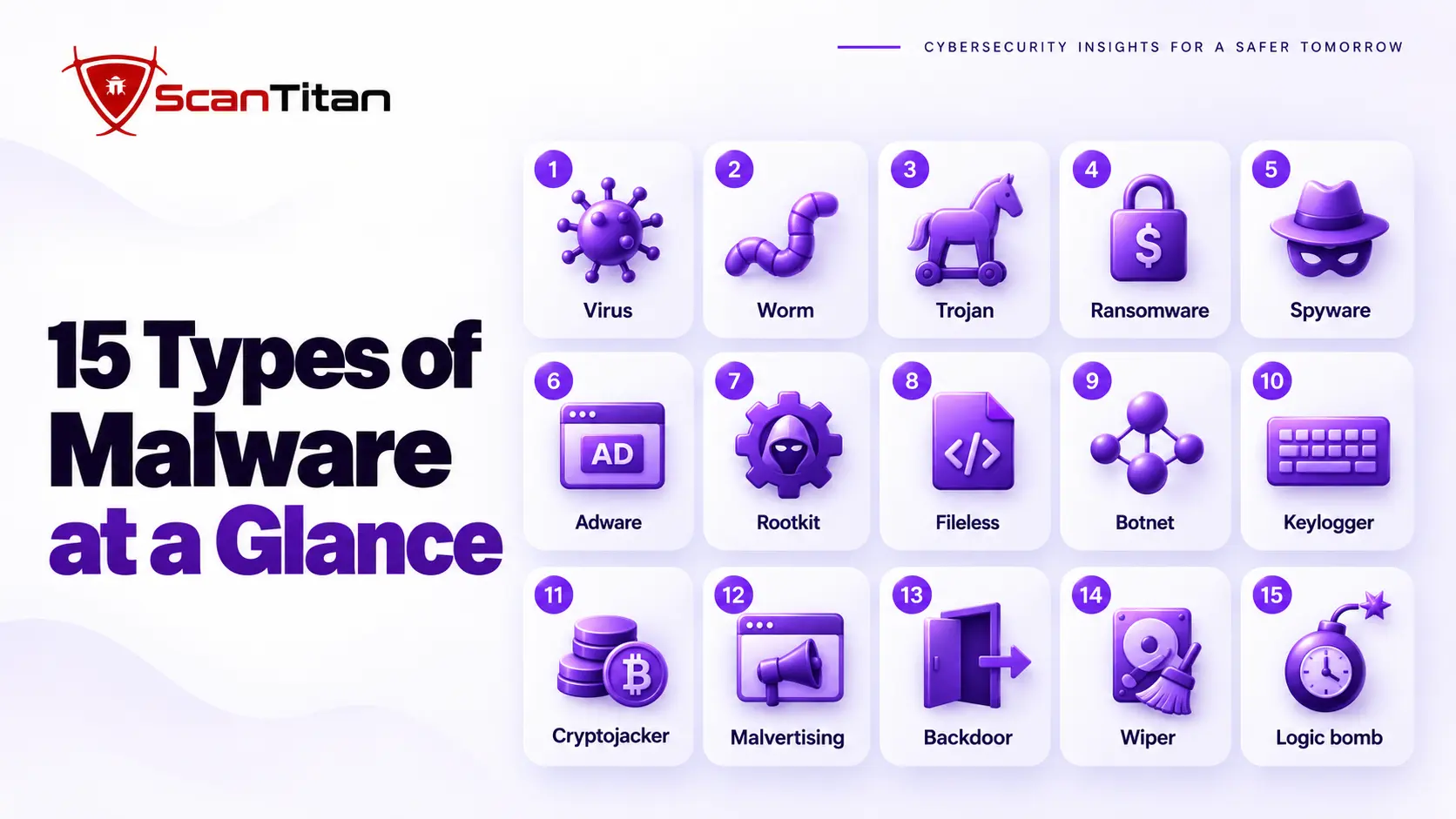
Types of Malware in Cyber Security: The 15 at a Glance
Malware is software written to damage a system, disrupt it or give an attacker unauthorized access. The types of malware in cyber security differ in how they spread, what they want and how well they hide, so the table pairs what each one does with the sign a website owner would see. Click a type to jump to its section. Most security guides stop at computers and phones. Websites add their own twists: the payload may sit in a database, the victim may be a visitor rather than the server, and the attacker often wants your search rankings or your checkout page more than your files. Use the table to find the type that matches your symptom.
| Type | What it does | How it shows up on a website |
|---|---|---|
| 1. Viruses | Attaches itself to legitimate files and spreads when they run | Odd code added to the start or end of many PHP files |
| 2. Worms | Spreads on its own without a host file | One exploit that spreads from page to page or site to site |
| 3. Trojans | Disguises itself as software you want | A nulled plugin or fake theme that carries hidden code |
| 4. Ransomware | Locks or encrypts data and demands payment | Encrypted files and a ransom note where your pages were |
| 5. Spyware | Secretly collects information | Scripts that copy form entries or administrator credentials |
| 6. Adware | Injects unwanted ads | Pop-ups and banners you did not place |
| 7. Rootkits | Hides the attacker and the malware | Files, users or plugins that do not appear in the dashboard |
| 8. Fileless malware | Runs from memory or stored data, not a file | A clean file scan while the site still misbehaves |
| 9. Botnets | Turns the server into a remote controlled machine | Outbound traffic spikes, spam or abuse notices from your host |
| 10. Keyloggers | Records what people type | A script on login or checkout pages that captures keystrokes |
| 11. Cryptojackers | Steals computing power to mine cryptocurrency | High CPU use, slow pages and a throttled hosting account |
| 12. Malvertising | Spreads malware through advertising | Visitors report warnings or redirects on pages with ads |
| 13. Backdoors | Keeps a hidden way in | Unknown admin accounts, odd PHP files and scheduled tasks |
| 14. Wipers | Destroys data | Deleted files or an emptied database |
| 15. Logic bombs | Waits for a trigger before acting | Spam or damage that starts on a date or an action |
The 15 Different Types of Malware Explained
1. Viruses
A virus is malware that attaches itself to a legitimate file and spreads when that file is opened or copied. It needs a host to survive, which separates it from a worm. On a website, a virus usually appears as extra code added to existing PHP files. A virus can:
- Replicate by adding its code to other files on the same server.
- Hide behind encoding so the added code looks like random text.
- Corrupt pages and settings, or prepare the ground for other malware.
- Spread to other sites that share the same hosting account.
Example: The Melissa virus spread through infected Word documents in March 1999 and sent copies of itself to the first 50 entries in each victim’s address book, which overloaded mail servers and disrupted about one million email accounts.
2. Worms
A worm is malware that copies itself from one system to another without a host file or a person running it. It spreads through a weakness, so a single unpatched flaw can carry it a long way. On the web, worms often travel through scripting flaws that let code run in other people’s browsers. A worm can:
- Replicate automatically across pages, accounts or networks.
- Exploit the same vulnerability on every system it reaches.
- Overload servers and networks with the traffic it creates.
- Carry other malware as a payload.
Example: The Samy worm reached more than a million MySpace users in under 20 hours in 2005 by abusing a cross-site scripting flaw, according to its author Samy Kamkar.
3. Trojans
A trojan is malware disguised as software you want, so you install it yourself. It does not spread on its own; it relies on trust, and once it runs it can steal data, create accounts or download more malware. On a website, the classic trojan is a nulled plugin or theme, meaning a paid extension offered for free with hidden code inside, which our guide to WordPress plugin vulnerabilities also covers. A trojan can:
- Open a backdoor for the attacker.
- Steal passwords and site data.
- Download further malware after installation.
- Create administrator accounts you did not add.
Example: CISA describes Emotet as an advanced, modular banking trojan that mainly works as a downloader or dropper of other banking trojans.
4. Ransomware
Ransomware is malware that locks or encrypts data and demands payment before access is restored. CISA’s #StopRansomware guidance describes it as malware designed to encrypt files so the files and the systems that rely on them become unusable. On a website that means encrypted files or database tables, usually after the hosting account or server was compromised. Signs include:
- Find a ransom note where your pages used to be.
- Notice files or database tables that no longer open.
- Receive a payment demand with a deadline.
- Lose access to the hosting account or the admin login.
Example: The 2017 WannaCry outbreak is documented in CISA’s alert on WannaCry ransomware.
5. Spyware
Spyware is malware that secretly collects information and sends it to an attacker. It is built to stay quiet, so victims often learn about it only when the stolen data is used. It can run in a browser, in a plugin or on an administrator’s computer, and the damage often reaches well beyond the first stolen password. On a website it shows up as scripts that copy form entries or administrator credentials, and the version aimed at checkout pages appears below as payment skimmers. Spyware can:
- Copy what visitors type into forms.
- Harvest administrator logins and session data.
- Record which pages people visit.
- Send everything to a server the attacker controls.
Example: Pegasus is spyware created by the NSO Group that is designed to be installed covertly and remotely on phones running iOS and Android.
6. Adware
Adware is software that shows unwanted advertising, often by injecting ads or links into pages without the owner’s consent. Some adware is only annoying, but it can also redirect visitors or load scripts from unknown networks. On a website it appears as ads and links you never placed. Visitors often blame the site owner for them, so the damage reaches your reputation as well as your revenue. Adware can:
- Display pop-ups, banners and sponsored links you did not add.
- Replace your affiliate links with the attacker’s own.
- Redirect visitors to advertising pages.
- Load tracking or malicious scripts from unknown domains.
Example: CISA’s alert on Lenovo Superfish describes adware pre-installed on some Lenovo PCs from September 2014 that intercepted users’ web traffic to show targeted ads.
7. Rootkits
A rootkit is malware that hides itself and the attacker’s activity by tampering with the system that would normally report it. Its aim is long-term access, so it targets the tools you would use to find it. Detection is hard because the system you ask for information may be the one lying to you. On a website it can hide files, users and plugins from the dashboard. Signs include:
- Spot files on the server that the admin screens do not show.
- Find users or plugins that appear and disappear.
- See logs with gaps or missing entries.
- Notice security tools that stop working.
Example: In 2005, copy protection software on about 22 million Sony BMG CDs configured the operating system to hide its own existence, and both programs were classified as rootkits, as this account of the Sony BMG rootkit scandal explains.
8. Fileless Malware
Fileless malware is malicious code that runs from memory or from stored data instead of from a malicious file on disk. Because no obvious bad file exists, tools that look for bad files can pass it. On a website the payload often sits in the database and a small loader runs it on each request, which is why a scanner that says clean while the site is still hacked is so common. Fileless malware can:
- Store its payload in database options or post content.
- Run through a short loader that decodes stored text.
- Avoid file scanners because no malicious file exists.
- Return after a cleanup if the database entry survives.
Example: Microsoft researchers analyzed the Astaroth attack, a fileless campaign, in a July 2019 post titled Dismantling a fileless campaign.
9. Botnets
A botnet is a network of compromised machines that an attacker controls remotely and uses together. Each machine does small jobs, such as sending spam, scanning for new victims or flooding a target with traffic, and attackers like compromised web servers because they are online all the time with fast connections. On a website, the hacked server itself becomes one of the bots. A botnet can:
- Send spam from your server’s IP address.
- Launch DDoS traffic against other targets.
- Scan the internet for more sites to infect.
- Trigger abuse notices or an account suspension from your host.
Example: Mirai turned infected internet-connected devices into a botnet used for large DDoS attacks in 2016, as the CISA alert on Mirai and other botnets explains.
10. Keyloggers
A keylogger is malware that records what a person types and sends it to an attacker. Its main goal is credentials, so one infected device can expose many accounts. MITRE tracks keylogging as an input capture technique. On a website it can be a script on a login or checkout page, or software on a computer used to manage the site. A keylogger can:
- Capture passwords, card numbers and messages as they are typed.
- Reach a site through the administrator’s own infected computer.
- Explain reinfections, because stolen logins let attackers return.
- Run unseen on login or checkout pages.
Example: Zeus is a trojan that steals banking information through keystroke logging and form grabbing, and in June 2009 security company Prevx found that it had compromised over 74,000 FTP accounts on the websites of well-known companies.
11. Cryptojackers
Cryptojacking is the unauthorized use of someone else’s computing power to mine cryptocurrency. It rarely steals data, but it quietly consumes processor time and electricity. Websites saw two forms: scripts that mine inside visitors’ browsers, and miner processes that run on a hacked server. Cryptojacking can:
- Slow pages by using visitors’ processors.
- Push server CPU to its limit until the host throttles the account.
- Raise your hosting costs.
- Hide in a script loaded from an unknown domain.
Example: Coinhive let websites mine Monero in visitors’ browsers until it shut down on March 8, 2019.
12. Malvertising
Malvertising is malicious code delivered through online advertising. The attacker buys or hijacks ad space so the harmful code reaches people who visit legitimate pages, which means the publisher did nothing wrong while its visitors are affected. On a website that shows ads, a compromised ad network can be the source. Because the ad content changes with each visit, the problem can appear and disappear, which makes it hard to reproduce. Malvertising can:
- Redirect visitors to scam or download pages.
- Show fake warnings or update prompts.
- Deliver malicious code without touching your files.
- Damage trust in a site that did nothing wrong.
Example: In 2009 the online edition of The New York Times Magazine was found serving an ad that was part of a click fraud scam, according to this overview of malvertising.
13. Backdoors
A backdoor is a hidden way into a system that bypasses the normal login. Attackers plant one so they can return after the first break-in is discovered. On websites the usual backdoor is a web shell, a small script that runs commands sent over HTTP, and MITRE lists web shells as technique T1505.003. Our guide to what a web shell is covers how they work. A backdoor can:
- Restore deleted malware after a cleanup.
- Hide as a rogue administrator account or a scheduled task.
- Run commands on the server from a browser request.
- Give the attacker access without a password.
Example: MITRE describes China Chopper as a web shell hosted on web servers to give access back into a network without an infected system calling out to a command server.
14. Wipers
A wiper is malware that destroys data instead of encrypting it for payment. Its goal is damage or disruption, so there is no ransom note and no decryption key. MITRE classes this behavior as data destruction. On a website it can delete files, empty database tables or overwrite pages. Some wipers are disguised as ransomware to hide the real aim, which is why recovery depends on backups rather than on a decryption key. A wiper can:
- Delete site files and uploads.
- Empty database tables.
- Overwrite pages with blank or defaced content.
- Remove backups stored on the same server.
Example: CISA’s advisory on destructive malware in Ukraine covers WhisperGate, HermeticWiper, IsaacWiper and CaddyWiper, all deployed since January 2022.
15. Logic Bombs
A logic bomb is code that stays dormant until a condition is met, such as a date, an action or the removal of a file. NIST defines it as code intentionally inserted into software that sets off a malicious function when specified conditions occur. On a website the trigger might be a date or a visitor’s referrer. A logic bomb can:
- Wait for a date before it starts.
- Trigger on a specific user, action or referrer.
- Pass early scans because it sits idle.
- Start spam or redirects that seem to come from nowhere.
Example: In 2002 the US Department of Justice charged a UBS PaineWebber systems administrator with planting a logic bomb in about 1,000 of the company’s 1,500 networked computers, causing more than $3 million in damage.
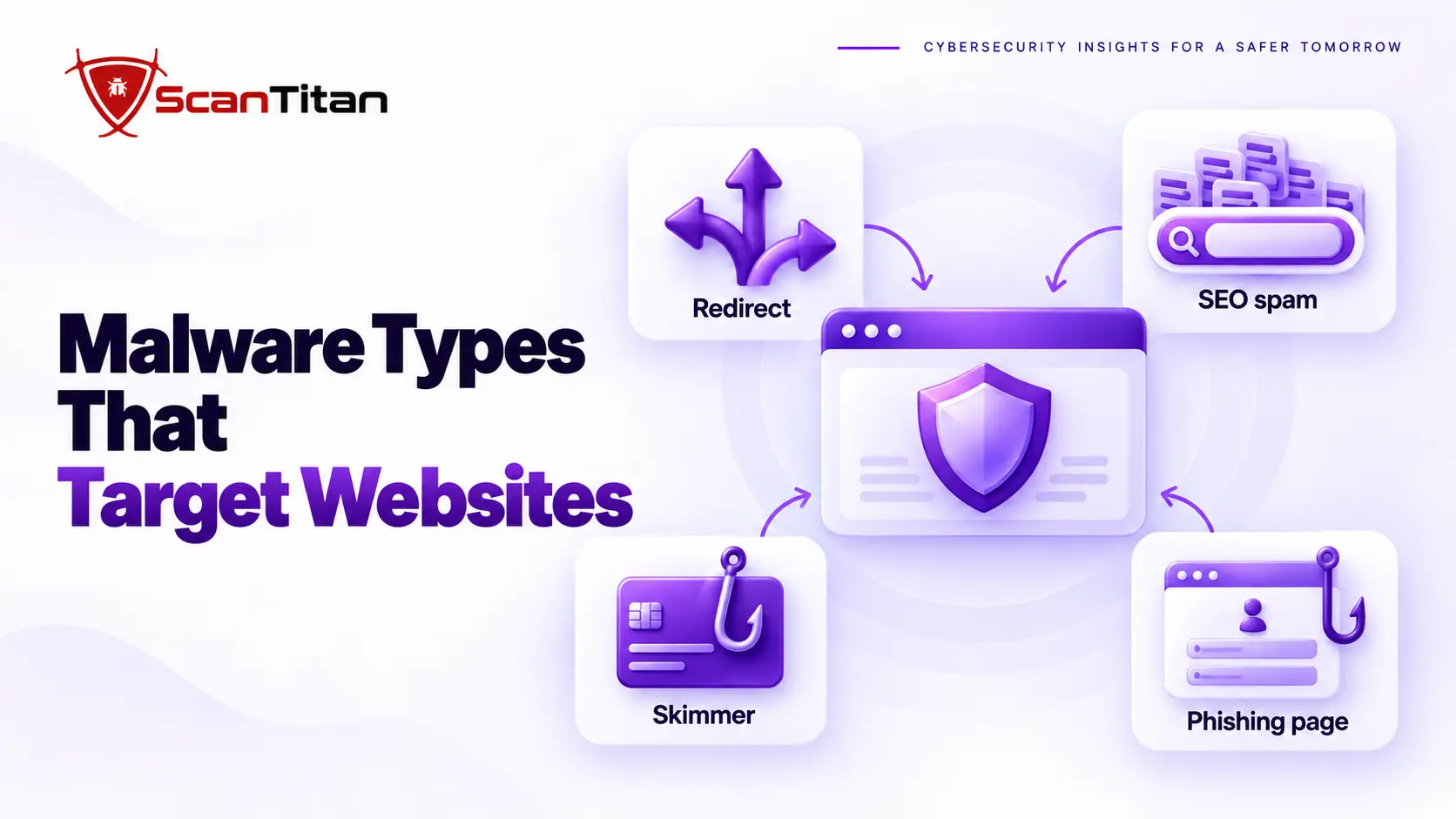
Bonus: 4 Malware Types That Mostly Target Websites
Bonus 1. Malicious Redirects
A malicious redirect is code that sends visitors to a different website without their consent. It often fires only for certain visitors, such as people arriving from Google or using a phone, so the owner rarely sees it. Our guide to malicious redirects on websites explains why only some visitors see them. A malicious redirect can:
- Send visitors to scam pages, fake logins or advertising pages.
- Hide in the
.htaccessfile, theme files, JavaScript or the database. - Fire only for search visitors or mobile users.
- Hurt your rankings and trigger browser warnings.
Bonus 2. SEO Spam
SEO spam is malware that injects spam pages or links into a site to borrow its search rankings. The owner sees a normal site while Google shows pages in another language or about pharmacy products. The two best known cases are the Japanese keyword hack and the WordPress pharma hack, and both use cloaking to hide from the owner. SEO spam can:
- Create thousands of pages you never published.
- Use cloaking so the owner sees a normal site.
- Inflate the number of pages Google has indexed.
- Trigger security warnings in Search Console.
Example: In a Google Search Central community case from 2025, a ten page site showed almost 80,000 indexed URLs after a Japanese keyword hack.
Bonus 3. Payment Skimmers
A payment skimmer is malicious JavaScript that copies card details from a checkout page while the purchase still works. The site looks normal, and customers only learn when their cards are misused. These attacks are known as Magecart, and our guide to Magecart attacks explains how web skimming works and what PCI DSS 4.0.1 requires for payment pages. A payment skimmer can:
- Copy card numbers, names and addresses as customers type them.
- Hide in the site’s own scripts or in third-party scripts the checkout loads.
- Stay unnoticed until customers report card fraud.
- Bring your payment pages into scope for card-industry rules.
Example: In 2018 malicious code was injected into a chatbot on Ticketmaster’s payment page, and the UK ICO fined Ticketmaster UK £1.25 million in 2020, as Hunton’s summary of the ICO fine explains.
Bonus 4. Phishing Pages
A phishing page is a fake login or form that an attacker hosts on your domain to steal other people’s credentials. It rides on your site’s reputation, so links to it look trustworthy and email filters may let them through. When Google flags it, our guide to the Deceptive Site Ahead warning covers what the warning means and how to request a review. A phishing page can:
- Imitate a bank, webmail or company login page.
- Live in a folder that no menu links to.
- Borrow your domain’s reputation to look trusted.
- Trigger a browser warning or a notice from your host.
How to Check a Website for These Types of Malware
A website malware check is a set of tests that compare what visitors, search engines and the server each see. No single test catches every type, because some types hide from scanners and others show only to certain visitors. Work through these five steps in order.
- Scan the site from the outside with a website malware scan to see what visitors and search engines receive.
- Search Google for your domain plus a few unrelated words, and review the Pages report in Search Console for URLs you never created.
- Compare your files and database rows with clean originals, because a scan cannot read them.
- Review administrator accounts, scheduled tasks and recently changed files for anything you did not create.
- Inspect any unfamiliar file with the malware code analyzer before you delete it.
If a check confirms an infection, our guide on what to do when your website is hacked gives the order of the first steps.
Frequently Asked Questions
What Are the 15 Different Types of Malware?
The 15 types covered here are viruses, worms, trojans, ransomware, spyware, adware, rootkits, fileless malware, botnets, keyloggers, cryptojackers, malvertising, backdoors, wipers and logic bombs. Other guides count 7, 12, 22 or more, because there is no official list and many threats mix several types. I would treat the number as a teaching device, not a rule. What matters to a website owner is the behavior: what the code does, how it hides and what sign it leaves. Websites also face four types that mostly target them: malicious redirects, SEO spam, payment skimmers and phishing pages.
What Are the 7 Main Types of Malware?
The seven types almost every guide agrees on are viruses, worms, trojans, ransomware, spyware, adware and rootkits. In my view they are the right place to start, because the rest of the list are variations or newer ways of delivering the same behavior. A keylogger is a kind of spyware, and a botnet is what you get when many machines run the same bot software. If you remember these seven and ask of any threat how it spreads, what it wants and how it hides, you can place almost anything in the list.
What Is the Most Dangerous Type of Malware?
There is no single most dangerous type, and I would be wary of anyone who names one. Ransomware does the most visible damage because it stops a business outright, while a quiet backdoor can do more harm over time because the attacker stays inside for months. For a website, the one I would worry about most is the backdoor, since it lets every other type come back after you clean. Rank danger by what it could cost you, not by how frightening the name sounds. A type that looks minor on paper, such as adware, becomes serious the moment it opens a door for something worse.
Can a Website Get Malware?
Yes, a website can get malware, and it is more common than most owners expect. The code gets in through a vulnerable plugin, a stolen password, a hacked hosting account or software from an unofficial source. It then lives in your files or database and runs for your visitors, often without any sign on the pages you view. Search Google for your domain with a few odd words, run a malware scan and check for unknown admin users. If something looks wrong, treat the site as infected until you have proven otherwise.