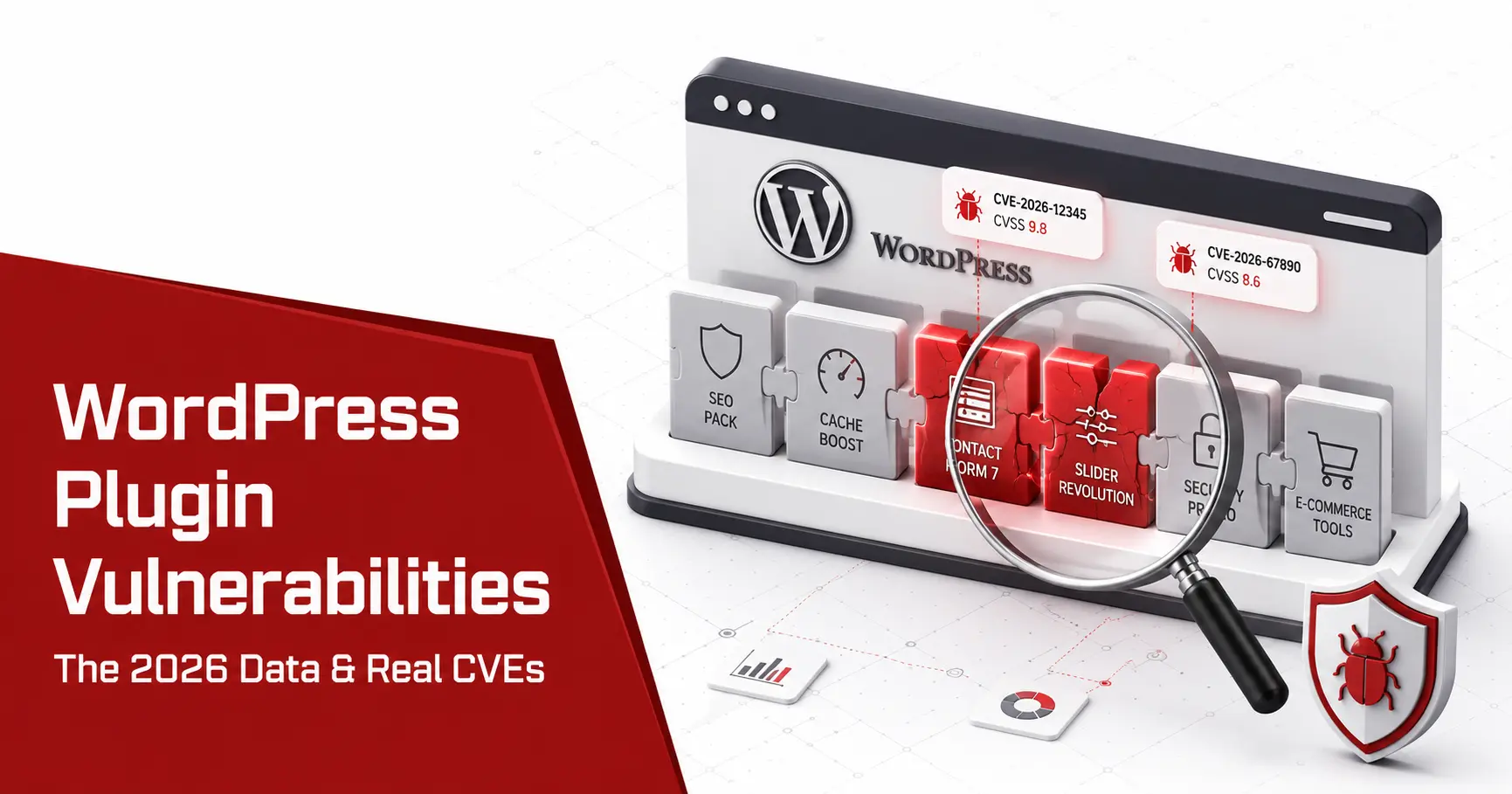
WordPress plugin vulnerabilities are the single biggest reason WordPress sites get hacked, and the problem is growing, not shrinking. Plugins account for more than nine in ten WordPress security flaws, the core almost none, and some heavily exploited newly disclosed plugin bugs are now mass-exploited within hours. This guide covers what plugin vulnerabilities are, the 2025 and 2026 data, the real CVEs attackers used, how they exploit them, and exactly how to find and fix vulnerable plugins on your own site before someone else does.
Short answer: WordPress plugin vulnerabilities are security flaws in third-party plugins, and they cause the large majority of WordPress hacks because plugins run with broad access and security quality varies widely across vendors; directory review is not the same as a full security audit. Keep every plugin updated, delete abandoned ones, install as few as you can, and scan your site on a schedule so you learn which known plugin flaws apply to you before an attacker does.
What are WordPress plugin vulnerabilities?
A WordPress plugin vulnerability is a security flaw in a third-party plugin that an attacker can abuse to read data, change content, or take over a site. Plugins matter so much because of how WordPress is built: a plugin runs inside WordPress with the same database access and permissions as the core, so a single flaw in one plugin can expose the whole site. The common flaw classes are the familiar web application ones, cross-site scripting, SQL injection, cross-site request forgery, broken access control, and arbitrary file upload, shipped across a large ecosystem where review and security maturity vary widely between plugins. The WordPress core itself is professionally maintained and rarely the problem. The risk lives in the tens of thousands of independent plugins, and in the fact that the average site runs twenty to thirty of them at once, Still, knowing the exact core release matters when you compare a site against known CVEs, and you can check a WordPress version without logging in when dashboard access is unavailable
That core-versus-extension distinction is central to the WordPress vs Drupal security debate, because both platforms have mature cores but very different extension ecosystems, governance models, and update processes.
WordPress plugin vulnerabilities by the numbers
The data is blunt about where the risk sits, and it is getting worse each year rather than better. The figures below come from Patchstack’s State of WordPress Security report, the largest WordPress vulnerability intelligence source.
| Metric | 2024 | 2025 |
|---|---|---|
| New WordPress vulnerabilities | 7,966 | 11,334 |
| Year-on-year change | +34% | +42% |
| Share in plugins | 96% | ~91% |
| Share in the core | 7 total | 6 total |
| Exploitable without authentication | 43% | Similar |
Read those numbers together and the picture is clear. In 2025 the ecosystem hit its worst year on record, with dozens of new flaws disclosed every day and almost all of them in plugins rather than the core, which recorded six low-priority issues in the entire year. Patchstack also found that 46% of vulnerabilities did not receive a fix from the developer in time for public disclosure, and that 1,614 vulnerable plugins and themes were pulled from WordPress.org in 2024, many of which still run on live sites today. The takeaway for a site owner is simple: your exposure is a function of how many plugins you run and how fast you patch them.
The most common types of plugin vulnerabilities
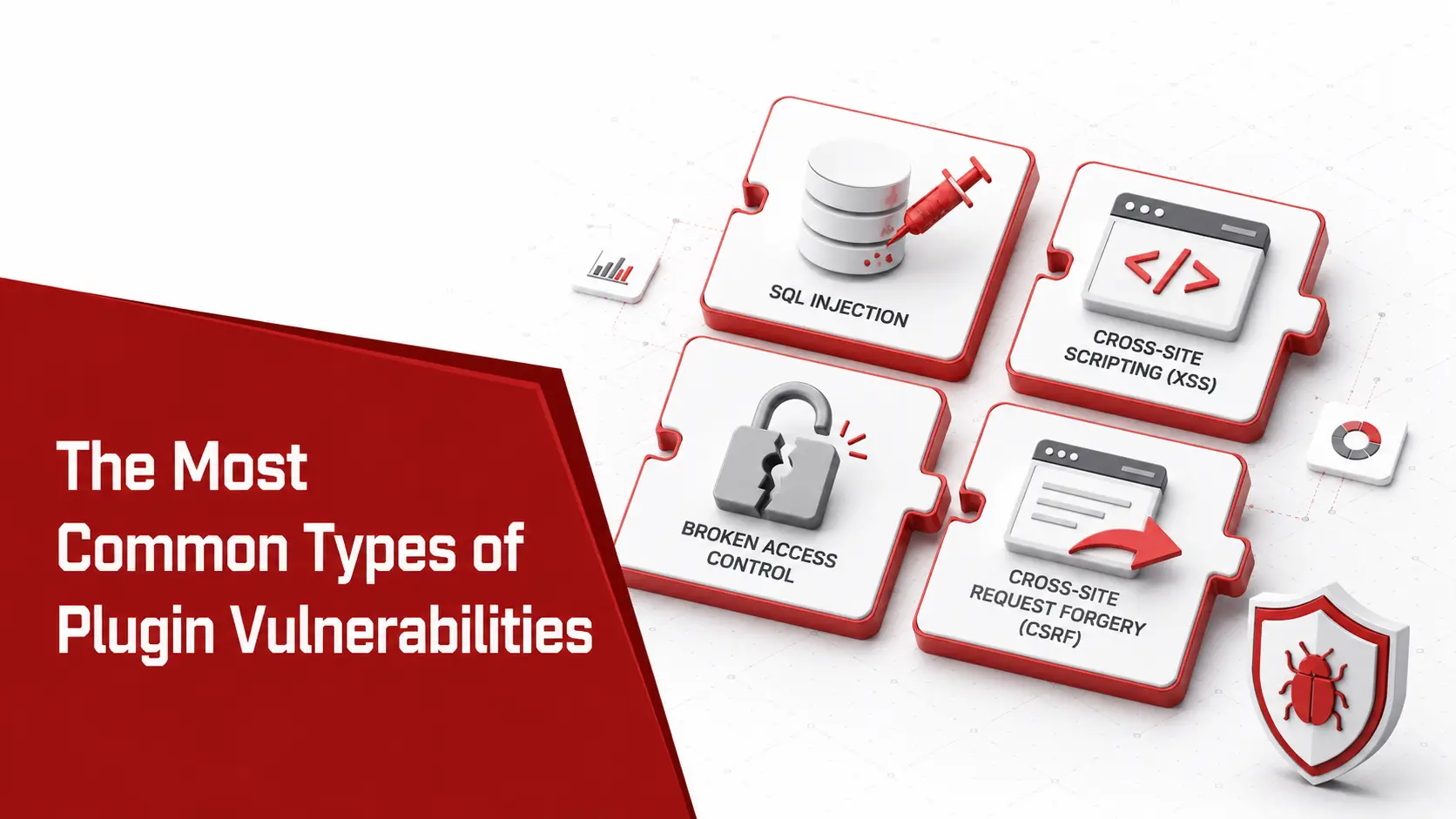
Not every plugin flaw is equal, and knowing the classes tells you what a scan should look for. Across Patchstack’s 2025 statistics, these are the categories that dominate.
- Inject script with cross-site scripting (XSS). The most common class by far at around 41% of 2025 flaws, where an attacker runs JavaScript in a visitor or admin browser to steal sessions.
- Bypass permissions with broken access control. Around 13% of flaws let a low-privilege or unauthenticated user reach actions they should not, the root of many plugin takeovers.
- Forge requests with cross-site request forgery (CSRF). Another 13% trick a logged-in admin into performing an action unknowingly through a crafted page.
- Read the database with SQL injection. Around 6% of flaws reach the database directly through unescaped input, covered in our WordPress SQL injection guide.
- Drop a backdoor with arbitrary file upload. A smaller share but among the most dangerous, since it can plant a webshell, explained in our WordPress file upload vulnerability guide.
Two classes not in the percentage lead, privilege escalation and remote code execution, deserve special attention because they cause the worst real-world incidents even when they are less numerous, These classes overlap with the most common WordPress vulnerabilities across the ecosystem, not just plugins.
Notable WordPress plugin vulnerabilities
Statistics show the shape of the problem; specific cases show the stakes. Each of the plugins below is widely installed, and each flaw put millions of sites at risk within days of disclosure.
| CVE | Plugin | Flaw | Scale | Why it mattered |
|---|---|---|---|---|
| CVE-2024-28000 | LiteSpeed Cache | Unauthenticated privilege escalation | 5M+ installs | Let an attacker create an administrator account without logging in |
| CVE-2024-10924 | Really Simple Security | Authentication bypass | 4M+ sites | Full login bypass, one of the most severe plugin flaws recorded |
| CVE-2024-25600 | Bricks Builder | Unauthenticated remote code execution | 25K+ installs | Actively exploited to run code on the server within days |
| CVE-2025-27007 | OttoKit (SureTriggers) | Privilege escalation to RCE | 100K+ installs | Flawed authentication let unauthenticated attackers act as admin |
| CVE-2025-1562 | FunnelKit Automations | Unauthenticated arbitrary plugin install | 20K+ installs | Let an attacker install a malicious plugin and take over the site |
The pattern across all five is consistent: an unauthenticated flaw in a trusted, widely deployed plugin, weaponised by automated tooling almost immediately. None of them was a WordPress core problem.
How attackers exploit plugin vulnerabilities
Attackers do not hand-pick your site; they scan the whole web for a fingerprint and fire a known exploit at everything that matches. Bots crawl millions of installations looking for a /wp-login.php path, a version number exposed in a page’s source, or a specific plugin signature, then test the matching exploit at scale. Speed is the defining feature: Patchstack found a weighted median time to first exploit of roughly five hours among the most heavily exploited vulnerabilities in 2025, showing that high-impact flaws can be attacked within hours of disclosure. Wordfence, one of the most widely deployed WordPress security plugins, reports blocking tens of millions of exploit attempts and billions of brute-force attempts every month. The lesson for a lean team is that patch latency, the gap between a fix shipping and you applying it, is the number that decides whether you are breached. For the verified attack-volume figures behind that window, see our WordPress website hack statistics.
Why popular and “safe” plugins still get hacked
A stubborn myth says that sticking to popular, highly rated plugins keeps you safe. The data disagrees. Patchstack found over a thousand vulnerabilities in 2024 alone in plugins with more than 100,000 active installs, including severe flaws in household names such as LiteSpeed Cache, Really Simple Security, and The Events Calendar. A large install base does not mean safer code; it means a single bug affects more sites and attracts more attacker research, so popular plugins are a bigger prize, not a lower risk. Two newer factors make this worse. Abandoned plugins that still work but no longer receive fixes sit on millions of sites as permanent open holes, and the 2026 Patchstack report calls out the rise of “vibe coding,” where developers ship plugin code generated by a language model without auditing it. Any plugin can be vulnerable, which is why detection matters more than reputation.
Nulled and pirated plugins: a self-inflicted risk
One category of plugin risk deserves its own warning, because it is entirely self-inflicted. A nulled plugin is a paid plugin cracked to remove its licence check and shared for free, and it is one of the most reliable ways to get hacked on purpose. Attackers distribute these cracked versions precisely because owners install them willingly, and they frequently ship with a hidden backdoor, a spam injector, or code that creates a secret admin account on activation. When that spam targets pharmaceutical search terms and hidden Google pages, the result can appear as a WordPress pharma hack. You get the premium feature, and the attacker gets your site. No scanner catches every variant, because the malicious code is often obfuscated and unique to each build. The rule is absolute: never install a nulled or pirated plugin or theme, and if one is already on your site, treat the site as compromised and clean it. A legitimate licence is far cheaper than an incident.
How to check your site for vulnerable plugins
You do not have to guess which plugins expose you. A short routine turns the question into a confident answer.
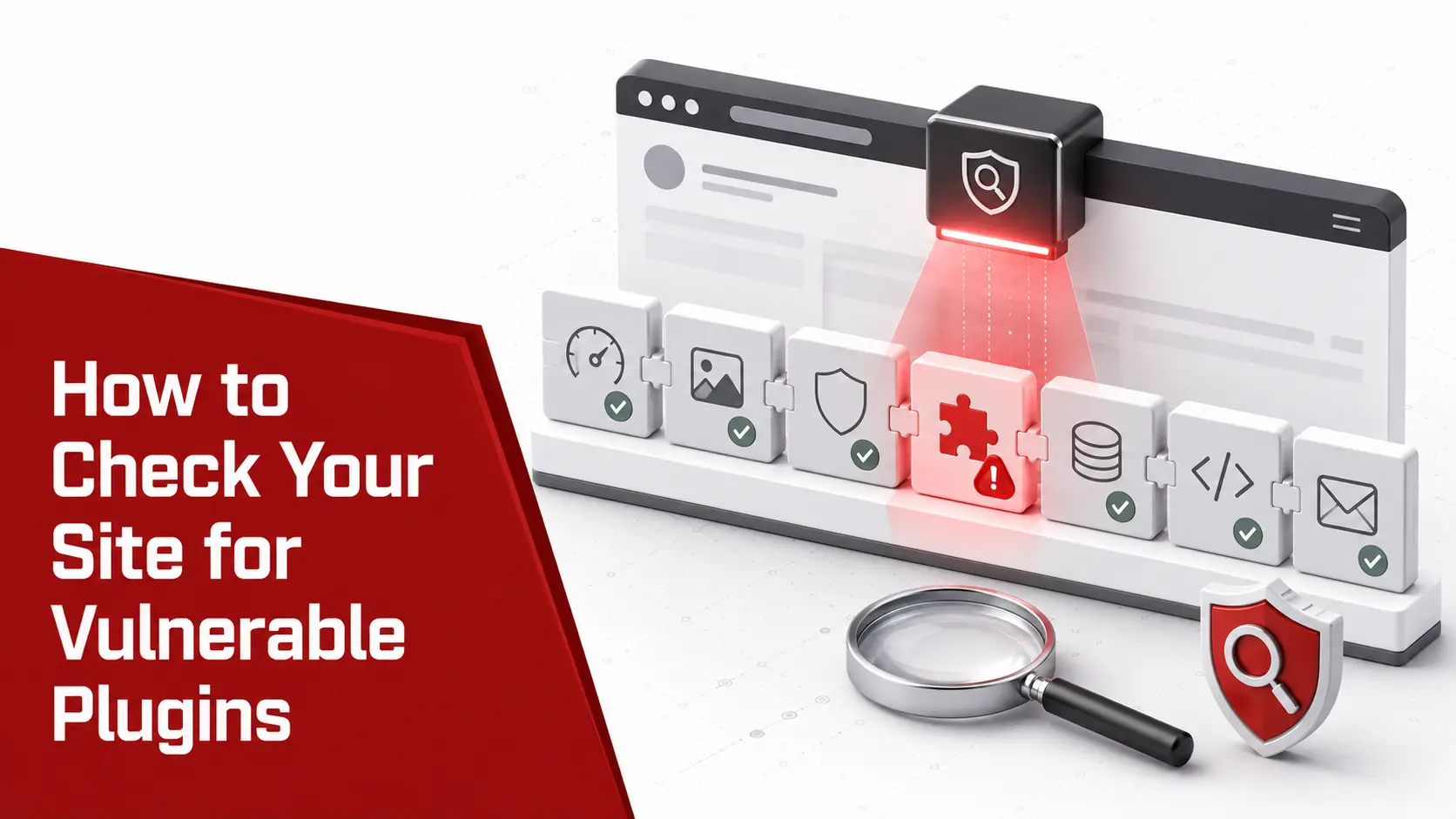
An online website scanner fingerprints plugin versions from the outside, which means it finds the same exposed versions an attacker’s automated scan would.
Run this weekly rather than once, because new plugin advisories land every single day and yesterday’s clean result says nothing about today.
Read More: How to Check a WordPress Version in Database (Accurately)
How to prioritise a plugin vulnerability
A scan of a real WordPress site can return a long list of plugin findings, and a small team needs to sort them fast. Rank each one by four signals.
- Check whether it needs authentication. An unauthenticated flaw that any visitor can trigger, like the LiteSpeed Cache case, outranks one that needs an existing login.
- Read the CVSS score, then look past it. The Common Vulnerability Scoring System (CVSS) rates severity from 0 to 10, but Patchstack notes its own priority score flags nearly three times more issues as urgent than a strict CVSS 9-plus cut-off, because it weighs real-world exploitation.
- Weigh the EPSS probability. The Exploit Prediction Scoring System from FIRST estimates the chance a flaw is exploited within 30 days, which sharpens raw severity.
- Check the CISA KEV catalog. A place in the Known Exploited Vulnerabilities catalog means confirmed exploitation in the wild and a hard deadline for many organisations.
An unauthenticated flaw in a widely installed plugin, already exploited in the wild, is the one to fix tonight, ahead of a low-severity issue sitting behind a login.
How to protect your site: for owners and admins
Most of the risk closes with a handful of habits that need no code and little time.
- Update every plugin promptly. Apply plugin updates the week they ship, since the advisory that fixes a flaw also tells attackers exactly where to look.
- Delete what you do not use. Remove inactive and abandoned plugins entirely rather than just deactivating them, because deactivated code can still be reachable.
- Install as few plugins as possible. Every plugin is code you now trust and maintain, so a smaller set is a smaller attack surface.
- Choose maintained plugins. Prefer plugins with a recent release and a clean advisory history, and learn how to check if a WordPress plugin is safe before installing.
- Add a web application firewall (WAF). A firewall from a provider such as Wordfence or your CDN blocks many exploit attempts before they reach a vulnerable plugin.
- Apply least privilege and scan on a schedule. Give each account only the role it needs, and run recurring scans so a new advisory is caught automatically.
None of these is exotic, and together they defeat the automated attacks that make up the overwhelming majority of the traffic hitting a WordPress site.
How to prevent plugin vulnerabilities: for developers
If you write or extend plugins, the same flaw classes are avoidable with the practices the WordPress plugin developer handbook lays out.
- Check capabilities on every action. Verify the user’s role with a capability check before performing a privileged operation, which closes the broken access control that causes most plugin takeovers.
- Add nonces to defeat CSRF. Require and verify a WordPress nonce on every form and state-changing request so a forged request from another site fails.
- Sanitise input and escape output. Clean incoming data on the way in and escape it on the way out, the defence against cross-site scripting and much else, following the OWASP guidance.
- Use prepared statements. Build database queries with
$wpdb->prepare()and never concatenate raw input, which removes the SQL injection path. - Validate every file upload. Restrict type, extension, and destination, and never trust a client-supplied filename, to stop an attacker planting a webshell.
These controls do not appear on a settings screen, but they are the difference between a plugin that resists the common attacks and one that becomes the next CVE.
What to do if a vulnerable plugin has been exploited
If a scan or a symptom suggests a plugin was already abused, treat the site as compromised and work in order. The full order is in website hacked, what to do first.
1
Take the site into maintenance.
Limit further damage and protect your visitors while you investigate.
2
Identify the entry point.
Use logs and a scan to find which plugin and version let the attacker in.
3
Remove the malware.
Clear injected files, backdoors, and any rogue admin accounts, which is where malware removal comes first, before patching.
4
Patch or replace the plugin.
Update to the fixed version, or delete an abandoned plugin and install a maintained replacement.
5
Rotate every credential.
Reset admin passwords, database credentials, and secret keys, since a compromise may have exposed them.
6
Re-scan and monitor.
Confirm the site is clean, then watch for reinfection, and see our full guide on how to fix a hacked WordPress site.
Plugin vulnerabilities, compliance, and the EU Cyber Resilience Act
Plugin security is now a compliance question as much as a technical one. A store that takes card payments falls under PCI DSS, which expects patched software and regular vulnerability scanning, so an unpatched plugin flaw can risk your compliance status. A site holding personal data answers to the GDPR and its duty to apply appropriate technical measures, with breach-notification duties if a plugin flaw leaks data. Looking ahead, the European Union’s Cyber Resilience Act (CRA) will place security obligations on software makers, including plugin developers, which is one reason Patchstack flags the ecosystem’s patch discipline so heavily. For a small business, the reframing is useful: keeping plugins current is the cheapest way to stay on the right side of a regulator. The same third-party risk drives the wider Joomla vs WordPress security comparison, where both platforms share a secure core and a risky add-on ecosystem.
Frequently asked questions
What are WordPress plugin vulnerabilities?
They are security flaws in the third-party plugins you install on WordPress, such as cross-site scripting, SQL injection, broken access control, or arbitrary file upload. Because a plugin runs with the same access as WordPress itself, a flaw in one can let an attacker read your database, upload a backdoor, or take over an admin account. Plugins, not the WordPress core, are where the overwhelming majority of real vulnerabilities live.
Why are WordPress plugins so vulnerable?
Plugins are written by tens of thousands of independent developers, and while WordPress.org has a plugin review process, that review is not a substitute for a full security audit; quality still ranges from excellent to abandoned. The average site runs 20 to 30 of them, so the combined attack surface is large. Patchstack reported that plugins made up around 96% of WordPress vulnerabilities in 2024, against only a handful in the core, which is professionally maintained and audited.
How do I know if a WordPress plugin is vulnerable?
Match every installed plugin and its version against a vulnerability database such as WPScan or Patchstack, or run a scanner that does it for you. Watch for plugins with no recent update, ones removed from the WordPress.org directory, and any that a security advisory has named. A vulnerability scanner maps your exact plugin versions to known CVEs and tells you which flaws apply to your site with evidence.
Are popular WordPress plugins safe?
Not automatically. Patchstack found over a thousand vulnerabilities in 2024 in plugins with more than 100,000 installs, including severe flaws in widely used plugins such as LiteSpeed Cache and Really Simple Security. A large install base means a bug affects more sites and draws more attacker attention, not that the code is safer. Popularity is a target, not a guarantee.
How do I fix a vulnerable WordPress plugin?
Update it to the patched version named in the advisory, which resolves most cases. If the plugin is abandoned and no fix exists, deactivate and delete it, then find a maintained replacement. If the flaw was already exploited, treat the site as compromised: scan for injected files and backdoors, remove them, and rotate every credential before restoring normal service.
How many WordPress plugin vulnerabilities are there?
Patchstack recorded 7,966 new WordPress ecosystem vulnerabilities in 2024 and 11,334 in 2025, a 42% year-on-year rise and the highest total on record. In both years plugins accounted for roughly nine in ten of them. That works out to dozens of new plugin vulnerabilities disclosed every day, which is why scanning on a schedule matters more than a one-time check.
Which WordPress plugins have the most vulnerabilities?
There is no permanent list, because it changes constantly, but Patchstack’s data shows severe flaws regularly appear in very popular plugins, including page builders, caching plugins, form plugins, and even security plugins. Install count is not a safety signal, since plugins with over 100,000 installs accounted for more than a thousand vulnerabilities in 2024. The safer approach is to track your own installed plugins against a vulnerability database rather than trusting any plugin’s popularity.
Can a deactivated plugin still be a security risk?
Yes. A deactivated plugin’s files still sit on your server and can sometimes be reached directly by a request, so a flaw in one can still be exploited. Deactivating is not removing. If you are not using a plugin, delete it entirely rather than leaving it deactivated, which removes both the code and the risk.
How often are new WordPress plugin vulnerabilities found?
Dozens are disclosed every day. Patchstack recorded over 11,000 across the WordPress ecosystem in 2025, the majority in plugins, which averages more than 30 a day. Because a new flaw can be mass-exploited within hours of disclosure, a one-time check is not enough; scanning on a weekly schedule, or continuously for high-value sites, is what keeps pace.
Want to know which vulnerable plugins are on your site right now? Run a scan and get an evidence-backed list mapped to known CVEs, with the fix for each one.