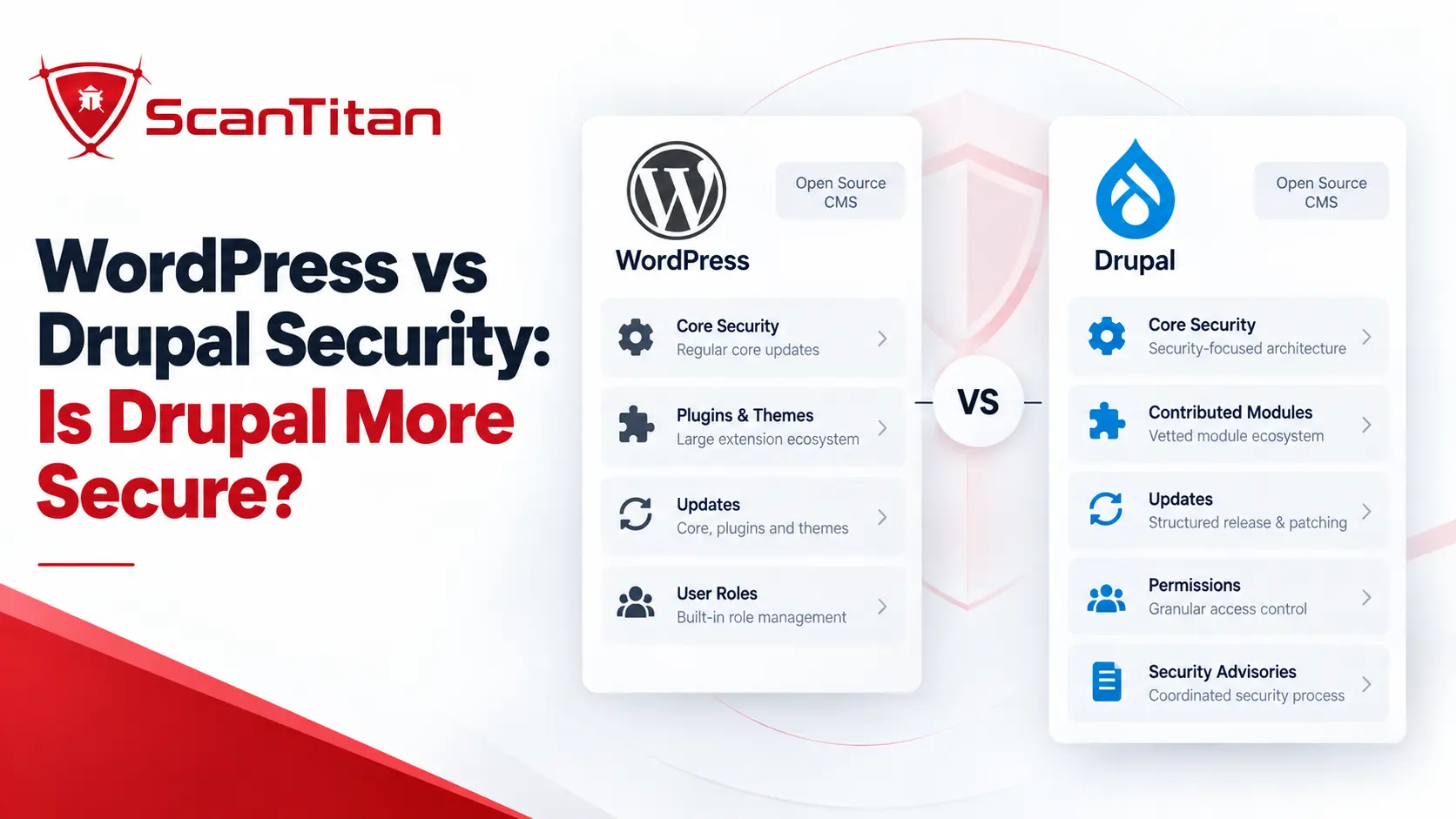
WordPress vs Drupal security is not as simple as comparing vulnerability counts. Drupal generally provides stronger security and governance defaults for complex, multi-user websites, especially around permissions, configuration management, and controlled deployments. WordPress core also has a mature security process and stronger native update automation, but its enormous plugin and theme ecosystem creates more third-party exposure. A tightly governed WordPress deployment can be as secure as Drupal; the bigger difference is how much security discipline each platform expects from the team operating it.
QUICK VERDICTDrupal has the stronger security floor for complex organizations, with more granular permissions, structured configuration management, predictable security-release windows, and safer templating defaults. WordPress has the easier update model and a mature core security process, but more of its real-world exposure comes from plugins and themes. Neither CMS is automatically secure, and both can reach a very high security level when professionally managed.
WordPress vs Drupal Security: Quick Comparison
| Security area | WordPress | Drupal | Advantage |
|---|---|---|---|
| Core security process | Mature Security Team, coordinated fixes and code review | Dedicated Security Team and coordinated advisory process | Tie |
| Extension ecosystem exposure | Very large plugin and theme ecosystem | Much smaller contributed-project ecosystem | Drupal |
| Roles and permissions | Native Roles and Capabilities with extensibility | Highly granular roles and module-defined permissions | Drupal |
| Secure rendering defaults | Developers must correctly use sanitization and escaping APIs | Twig automatically escapes template output by default | Drupal |
| Configuration governance | Often depends on development workflow and tooling | Core configuration export/import and version-control workflow | Drupal |
| Automatic updates | Minor core updates plus optional plugin/theme auto-updates | Automatic Updates initiative exists but is not yet part of core | WordPress |
| Release lifecycle | Latest major release officially supported; older branches may receive courtesy fixes | Explicit branch support and scheduled security-release windows | Drupal |
| Native 2FA | Usually requires plugin or identity provider | Usually requires module or identity provider | Tie |
| Ease of keeping a simple site patched | Strong dashboard and automation experience | More operational discipline commonly required | WordPress |
| Enterprise security governance | Strong when properly engineered | More governance controls available by default | Drupal |
| Maximum achievable security | Very high | Very high | Tie |
Is Drupal More Secure Than WordPress?
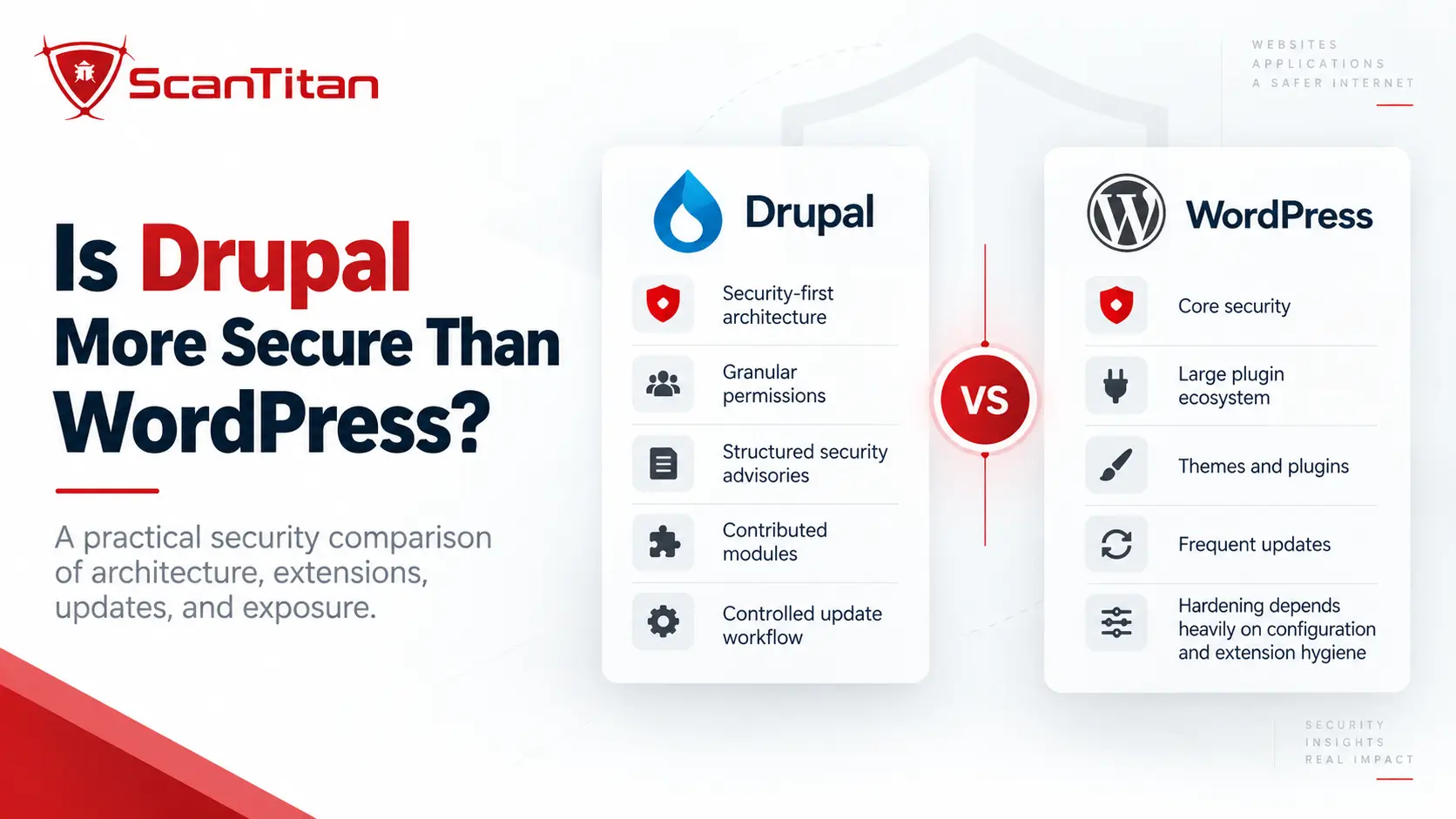
Drupal is generally more secure by default for complex organizations, but WordPress is not inherently insecure.
The difference is easiest to understand by separating two ideas:
- Security floor: how much protection and governance the platform provides before an organization adds significant security tooling and process.
- Security ceiling: how secure the final system can become when it is professionally designed, hardened, monitored, and maintained.
Drupal has a higher security floor for environments with complex permissions, multiple editorial teams, configuration-heavy deployments, and controlled development workflows. WordPress is easier for smaller teams to operate and patch, but a poorly governed plugin ecosystem can expand the site’s attack surface very quickly.
The security ceiling is different: both platforms can support highly secure deployments. A WordPress environment using an approved plugin list, least privilege, MFA, controlled deployments, continuous patching, secure hosting, monitoring, and vulnerability scanning can be safer than a poorly maintained Drupal site.
THE CMS NAME IS NOT THE SECURITY BOUNDARYA fully patched Drupal installation can still be exposed through an abandoned contributed module, custom code, weak administrator access, or server misconfiguration. A current WordPress core installation can likewise remain vulnerable through one outdated plugin. Real security depends on the complete deployed stack.
Why Vulnerability Counts Do Not Prove Which CMS Is Safer
One of the weakest ways to compare Drupal and WordPress is to place two vulnerability totals next to each other and declare the smaller number more secure.
Patchstack recorded 11,334 newly identified vulnerabilities across the WordPress ecosystem in 2025, a 42% increase from 2024. Of those, 4,124 were serious enough under Patchstack’s methodology to require mitigation rules and 1,966 were categorized as high severity.
Those are WordPress ecosystem statistics covering plugins, themes, and other components. They are not a count of WordPress core vulnerabilities. See Patchstack’s State of WordPress Security in 2026 for the underlying dataset.
Drupal uses a different disclosure model. Its Security Team separately reports advisories for Drupal core and contributed projects. Its official 2026 track-record snapshot listed 12 core advisories and 73 contributed-project advisories through July 8.
Those values cannot be divided against the WordPress total to calculate that one CMS is a certain number of times safer.
The reported totals are influenced by:
- ecosystem size
- number of installed sites
- number of plugins or modules
- researcher attention
- database inclusion rules
- CVE assignment policies
- commercial versus public extensions
- whether multiple affected branches are counted separately
- disclosure maturity
Our CMS vulnerability statistics research explains these denominator problems across major content-management systems in more detail.
WordPress Core vs Drupal Core Security
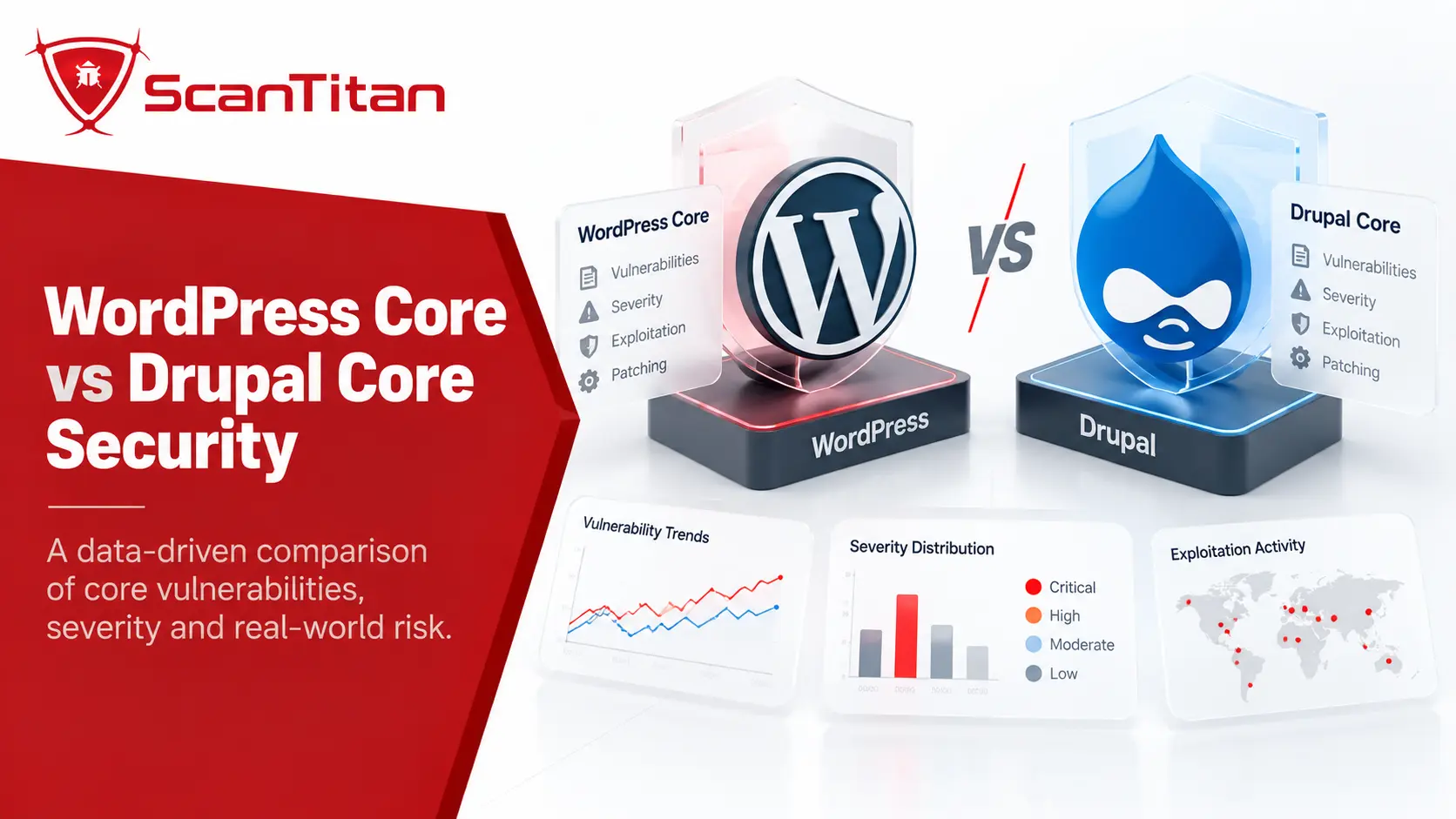
Both WordPress and Drupal have mature security processes, and neither core project should be described as casually maintained software.
WordPress Core Security
WordPress says its core development lifecycle includes code review throughout development, with contributions reviewed by trusted committers. Its Security Team includes more than 50 trusted experts spanning lead developers, security researchers, and contributors.
When a responsibly disclosed core vulnerability is confirmed, the team develops fixes and tests, coordinates releases, and can work with hosting and security providers to reduce exposure.
This distinction matters because many headlines described as “WordPress vulnerabilities” actually affect a plugin rather than WordPress core.
Drupal Core Security
Drupal also operates a dedicated Security Team with a coordinated process for confidential reporting, verification, remediation, and public security advisories.
Drupal’s official security documentation describes an organized process for investigating and publishing vulnerabilities and helping maintainers resolve issues. However, there is an important misconception worth correcting:
Drupal Security Team coverage does not mean every line of Drupal core or every contributed module is continuously security-audited by the team.
Drupal’s own documentation states that Security Team members sometimes analyze project code, but in general the team does not review all core or contributed code.
Drupal’s advantage is therefore not a mythical universal audit. It is the combination of coordinated disclosure, security-advisory infrastructure, predictable release handling, and architectural guardrails.
WordPress Plugins vs Drupal Modules: Where the Real Risk Lives
The extension layer creates one of the clearest practical differences between WordPress and Drupal.
WordPress Plugin Security
WordPress is intentionally designed around a relatively lean core that can be extended through plugins. That flexibility created an enormous ecosystem, but every additional plugin adds code, maintainers, dependencies, update decisions, and potential vulnerabilities to the site’s trust boundary.
Your risk therefore depends heavily on:
- how many plugins are installed
- whether they remain maintained
- where they were obtained
- whether updates are applied
- whether vulnerabilities have patched releases
- how much privilege each plugin receives
Our WordPress plugin vulnerability statistics research covers the disclosure volume, patch status, severity, and vulnerability distribution in that ecosystem. For technical vulnerability classes, see our guide to the most common WordPress vulnerabilities.
WordPress Added a New Plugin Security Gate in 2026
Many Drupal-vs-WordPress comparisons still say that plugin updates reach users without security review. That description is now outdated for plugins distributed through WordPress.org.
Since June 2026, every new release of a plugin hosted on WordPress.org goes through an automated security review before it is distributed through the WordPress.org update API.
According to the official WordPress automated security review documentation, each release enters a cooldown period and is analyzed by multiple AI models together with Jetpack Scan. Releases crossing the blocking threshold are withheld from distribution until the findings are resolved.
This is a meaningful improvement to WordPress’s plugin supply chain.
It does not mean:
- every vulnerability will be found
- premium plugins outside WordPress.org receive the same review
- existing plugins cannot contain undiscovered vulnerabilities
- site owners can stop assessing plugin quality themselves
Before adding software to a production site, teams should still check whether a WordPress plugin is safe based on maintenance, update history, disclosure history, install source, and required privileges.
Drupal Contributed Module Security
Drupal’s extension ecosystem is much smaller, and Drupal.org has a centralized Security Advisory system covering Drupal core and qualifying contributed projects.
That creates a structured path for privately reporting vulnerabilities, coordinating fixes, and releasing advisories.
But the precise wording matters:
“SECURITY COVERED” DOES NOT MEAN “FULLY AUDITED”A Drupal contributed project participating in the security-advisory process should not be described as having every line of code independently audited by the Drupal Security Team. Drupal itself says the team generally does not review all contributed code.
That still gives Drupal a governance advantage, but it is an advisory and response-process advantage, not proof that contributed modules cannot contain vulnerabilities.
Access Control: Drupal Is More Granular by Default
Drupal has a real advantage when a site needs complex permission boundaries.
Drupal permissions define individual actions, and those permissions are grouped into roles. Modules can introduce additional permissions for their own functionality. Drupal’s official roles and permissions documentation shows how access can be divided across functions such as content editing, user management, and site configuration.
This is valuable for:
- large editorial teams
- government sites
- universities
- multisite publishing environments
- organizations requiring strong separation of duties
WordPress also has a native authorization system. Its Roles and Capabilities model includes six predefined roles and a large set of granular capabilities. Developers can add or remove capabilities and create additional roles.
So the common claim that “WordPress has no RBAC” is incorrect.
The better comparison is:
WordPress
Built-in roles + capabilities
        ↓
Strong for common publishing use cases
        ↓
Customization/tooling often needed for complex governance

Drupal
Roles + granular module-defined permissions
        ↓
Complex authorization models are more natural
        ↓
Stronger governance defaults
Winner: Drupal, especially for complex permission models.
Secure Coding Defaults: Drupal Twig vs WordPress Security APIs
The platforms also take different approaches to reducing developer mistakes.
Drupal Twig Automatically Escapes Template Output
Drupal uses Twig as its templating engine. Drupal’s secure-coding documentation states that Twig auto-escapes output by default.
That helps reduce accidental cross-site scripting when a theme developer outputs untrusted strings through normal Twig syntax.
It is not complete XSS protection. Developers can still create unsafe behavior by deliberately bypassing escaping, handling JavaScript or HTML contexts incorrectly, or introducing vulnerable module logic.
But automatic escaping is an important framework-level guardrail.
WordPress Provides Secure APIs, but Developers Must Use Them Correctly
WordPress provides mature APIs for sanitization, validation, escaping, nonces, capabilities, database access, and other common security requirements.
The WordPress Plugin Handbook explicitly instructs developers to sanitize input, validate data, and escape output.
The difference is subtle but important:
Drupal places some safety behavior into the rendering framework by default, while WordPress frequently relies on developers choosing and correctly applying the appropriate security APIs.
This does not make WordPress inherently unsafe. It means extension and theme code quality has a larger role in determining the final security posture.
How WordPress and Drupal Handle Common CMS Attack Paths
| Attack path | WordPress | Drupal | What matters most |
|---|---|---|---|
| Cross-site scripting (XSS) | Core provides sanitization and context-specific escaping APIs; plugin and theme developers must use them correctly. | Twig auto-escapes normal template output by default, adding a framework-level guardrail. | Custom and extension code can still introduce XSS on either platform. |
| SQL injection | WordPress provides safe database APIs and prepared queries, but insecure plugin code can bypass them. | Drupal’s database abstraction APIs support parameterized queries, but custom or contributed code can still create unsafe queries. | Secure coding and maintained extensions matter more than the CMS label. |
| Brute-force and credential attacks | Core authentication can be strengthened with MFA, SSO, rate limiting, hosting controls, or security tooling. | Core accounts and permissions can likewise be strengthened with MFA, SSO, rate limiting, and identity integrations. | Neither CMS receives an automatic win simply from its default login system. |
| Privilege escalation | Roles and Capabilities provide native authorization, with extension vulnerabilities remaining a potential path to higher privileges. | Granular roles and permissions provide stronger complex-policy defaults, but vulnerable modules can still create escalation paths. | Least privilege and rapid patching remain essential. |
| Malware and backdoors | Neither CMS core inherently prevents a compromised administrator, vulnerable extension, stolen hosting credential, or server compromise from being used to install malware. | File integrity, logging, malware detection, backups, and incident response are separate security layers. | |
Winner for secure rendering defaults: Drupal.
Security Updates: WordPress Automates More, Drupal Schedules More
This is one area where WordPress deserves a clear security advantage that many Drupal-focused comparisons overlook.
WordPress Automatic Updates
WordPress has supported automatic background updates for minor and security core releases for years.
Administrators can also enable automatic updates individually for plugins and themes. WordPress documentation confirms that plugin and theme auto-updates can be enabled directly from the dashboard.
That makes routine patch delivery accessible even to teams without a mature DevOps process.
Drupal’s Predictable Security Release Windows
Drupal takes a more structured release-management approach.
Its current schedule defines a monthly security-release window for supported branches. As of September 2026, that includes Drupal 11.4.x, 11.3.x, and 10.6.x. The project plans Drupal 12 for December 2026.
The Drupal core release schedule lets operations teams know in advance when they need to watch for security updates.
However, Drupal’s Automatic Updates project is still not part of Drupal core. Drupal’s own documentation says the Automatic Updates initiative remains in progress, with a contributed module available for supported Composer-based installations.
| Update capability | WordPress | Drupal |
|---|---|---|
| Automatic minor/security core updates | Built in | Typically managed through deployment/update workflow |
| Extension auto-updates | Built in and individually selectable | Automatic Updates project not yet in core |
| Predictable security release windows | Less formalized | Yes |
| Composer-centric enterprise workflow | Possible but not the default operating model | Common Drupal practice |
WordPress wins for update automation. Drupal wins for release predictability and controlled enterprise deployment.
Support Lifecycle: Which CMS Makes Security Planning Easier?
A platform can be technically secure and still become risky if organizations continue running unsupported releases.
Drupal and WordPress approach version support differently.
WordPress Support Model
WordPress documentation states that only the latest major release is officially supported. Security fixes may be backported to older branches as a courtesy, but there is no guaranteed support period or official LTS branch.
Operationally, WordPress tries to minimize the need for organizations to stay on old versions by maintaining strong backward compatibility and automating many security updates.
Drupal Support Model
Drupal publishes explicit branch support dates and security windows.
For example, Drupal 11.4 was released in June 2026 and ended security support for 11.2 and 10.5. Drupal 10.6 is the final Drupal 10 minor release, and Drupal 10 reaches end of life in December 2026.
This gives larger organizations a clearer planning calendar for migration and testing.
Winner for lifecycle predictability: Drupal.
Authentication, 2FA and Administrator Security
Neither Drupal nor WordPress should receive an automatic victory for multifactor authentication simply because extensions exist.
WordPress core provides user accounts, passwords, roles, capabilities, session controls, and authentication APIs. Two-factor authentication is normally added through a plugin, managed hosting platform, or external identity provider.
Drupal similarly provides core account authentication, roles, permissions, and extensible authentication services. Two-factor authentication, SAML, OIDC, or enterprise identity integration is commonly provided through modules or an external identity platform.
For enterprise security, the important questions are therefore:
- Is MFA enforced for privileged accounts?
- Can the organization centralize access through an identity provider?
- Are former staff accounts removed quickly?
- Are administrator roles restricted using least privilege?
- Are privileged login events monitored?
- Can sessions be revoked centrally?
The answers depend more on the actual deployment than the CMS logo.
Core 2FA winner: neither.
Configuration Management Gives Drupal a Security Governance Advantage
Configuration management is one of Drupal’s strongest security advantages for larger development teams, and it is surprisingly underrepresented in many WordPress-vs-Drupal comparisons.
Drupal stores configuration such as:
- enabled modules
- content types
- fields
- views
- permissions
- other site configuration
in a standardized configuration system.
The configuration can be exported as YAML, stored alongside application code, reviewed in version control, tested in development or staging, and then imported into production.
Drupal’s own configuration management documentation explicitly recommends against making configuration changes directly on production and describes development-to-production workflows.
From a security perspective, that enables:
Proposed configuration change
        ↓
Version-control diff
        ↓
Peer review
        ↓
Testing / staging
        ↓
Approved deployment
        ↓
Auditable production configuration
WordPress can absolutely be operated through Git, CI/CD, infrastructure-as-code, and controlled deployment pipelines, but the equivalent site-configuration model is less standardized in WordPress core.
Winner: Drupal.
Which CMS Has the Larger Attack Surface?
WordPress has a dramatically larger public footprint.
According to W3Techs data from September 13, 2026:
| Usage metric | WordPress | Drupal |
|---|---|---|
| Share of all websites | 40.3% | 0.6% |
| Share among websites with a known CMS | 58.8% | 0.9% |
| Share among top 1 million sites with a known CMS | 49.2% | 3.6% |
| Share among top 100,000 sites with a known CMS | 51.5% | 6.1% |
| Share among top 10,000 sites with a known CMS | 51.9% | 6.7% |
That difference matters to attackers.
A vulnerability in a widely deployed WordPress plugin can create an enormous pool of potential targets. Automated scanning makes it economically attractive to search the public internet for sites running vulnerable versions.
But market share is not a security score.
WordPress is targeted at greater scale partly because there are far more WordPress sites to target, not because every WordPress installation is easier to compromise.
Drupal’s overall footprint is much smaller, although it represents a larger share of high-ranking sites than its total-web percentage would suggest.
WordPress vs Drupal for Enterprise and Government Security
Drupal has a natural advantage when an organization needs security controls tied closely to complex content governance.
That can include:
- many user roles
- complex approval workflows
- strict separation of publishing responsibilities
- configuration changes reviewed through version control
- multiple deployment environments
- predictable platform lifecycle planning
This helps explain Drupal’s popularity in government, higher education, and large institutional publishing environments.
But those organizations do not become secure merely by installing Drupal.
A WordPress enterprise deployment can implement the same broader security controls through:
- approved plugin catalogs
- managed hosting
- CI/CD
- Git-based deployments
- WAF protection
- SSO and MFA
- centralized logging
- vulnerability management
- file integrity monitoring
- backups and disaster recovery
A CMS DOES NOT CREATE COMPLIANCENeither Drupal nor WordPress automatically makes a website GDPR, HIPAA, PCI DSS, SOC 2, FedRAMP, or ISO 27001 compliant. The platform can make certain controls easier to implement, but compliance depends on the complete technical and organizational environment.
Can WordPress Be as Secure as Drupal?
Yes. WordPress can be as secure as Drupal when the organization controls the parts of the WordPress ecosystem that create most of the additional operational risk.
Yes, with discipline. Restrict plugins, patch on disclosure, and scan the website regularly so configuration drift is caught before it is exploited.
A strong WordPress security model should include:
- Maintain an approved plugin and theme inventory. Remove software that is abandoned, unnecessary, or obtained from untrusted sources.
- Keep core, plugins, and themes current. Use automatic updates where the operational risk is acceptable and controlled deployment pipelines where testing is required.
- Apply least privilege. Limit Administrator access and review custom capabilities.
- Require MFA for privileged users.
- Control production changes. Avoid ad-hoc modifications to live application files.
- Use secure hosting and server configuration.
- Monitor for known vulnerabilities.
- Use a WAF where appropriate.
- Monitor files, authentication, and security events.
- Maintain tested backups and an incident-response process.
These same principles also apply to Drupal. Drupal’s architecture can make several of them easier to govern, but it does not remove the need for ongoing security operations.
For internet-facing CMS environments, continuous vulnerability scanning is more useful than relying on a one-time platform comparison because new plugin, module, core, and infrastructure vulnerabilities continue to appear after deployment.
WordPress or Drupal: Which Should You Choose for Security?
The right choice depends on the operating model, not only the software.
| Scenario | Better security default | Why |
|---|---|---|
| Small company website or blog | WordPress | Easier updates and simpler day-to-day maintenance can reduce operational mistakes. |
| Complex multi-role publishing platform | Drupal | More granular permission and configuration controls are available by default. |
| Government or institutional portal | Drupal | Strong governance, lifecycle planning, and structured deployment workflows fit complex organizations well. |
| Enterprise WordPress with approved plugins, CI/CD, SSO, and managed hosting | Either | The surrounding security architecture becomes more important than the CMS. |
| Team needing simple automatic patch delivery | WordPress | Native core, plugin, and theme update automation is more mature. |
| Organization requiring predictable branch support dates | Drupal | Drupal publishes explicit security-support windows and release schedules. |
| Organization unable to maintain extensions | Neither unmanaged | Abandoned plugins or modules can undermine either platform. |
If the question is specifically whether Drupal is secure rather than how it compares with WordPress, our dedicated analysis of whether Drupal is secure covers Drupal’s security model, core risks, modules, and maintenance requirements in more detail.
What Matters More Than Choosing WordPress or Drupal?
Once both platforms are professionally deployed, the security difference between a well-run WordPress site and a well-run Drupal site can become much smaller than the difference between a maintained site and an abandoned one.
The factors that usually matter more are:
- whether every component is inventoried
- whether known vulnerabilities are identified quickly
- whether patches are available and applied
- whether unused extensions are removed
- whether privileged access is protected
- whether changes are reviewed
- whether logs and security events are monitored
- whether backups are tested
- whether the server and network are hardened
- whether incident response is prepared before compromise
A website vulnerability scanner helps answer the more useful operational question: not “Which CMS is theoretically safer?” but “Which known exposures exist on the website we actually deployed?”
Frequently Asked Questions
Is Drupal more secure than WordPress?
Drupal generally provides stronger security and governance defaults for complex websites, particularly around granular permissions, configuration management, secure templating, and predictable release lifecycles. WordPress core is also mature and secure, but its larger plugin and theme ecosystem creates more third-party exposure. A well-managed WordPress deployment can be as secure as Drupal.
Why is Drupal considered more secure than WordPress?
Drupal is often considered more secure because it provides granular permissions, structured configuration management, Twig autoescaping, a coordinated security-advisory process, and explicit security-release schedules. Its smaller extension ecosystem also creates less overall third-party exposure than WordPress. These advantages do not make every Drupal site safer than every WordPress site.
Is WordPress core secure?
Yes. WordPress core has a mature security process, including code review, coordinated vulnerability handling, a dedicated Security Team, automatic minor and security updates, and security APIs for developers. A large share of WordPress ecosystem vulnerability disclosures affects plugins and themes rather than WordPress core itself.
Are Drupal modules safer than WordPress plugins?
Drupal’s contributed-project ecosystem is smaller and has a centralized security-advisory process, which can make governance easier. However, Drupal does not security-audit every contributed module, and modules can still contain vulnerabilities. WordPress has a much larger plugin ecosystem, but WordPress.org added automated security review for every hosted plugin release in 2026. Extension quality and maintenance still need to be assessed on both platforms.
Does Drupal have fewer vulnerabilities than WordPress?
Drupal produces far fewer public vulnerability records in absolute terms, but raw counts do not prove that Drupal is inherently safer. WordPress has a dramatically larger installed base and plugin ecosystem, while Drupal and WordPress vulnerability databases use different inclusion and counting rules. The datasets must be compared by scope rather than by headline total.
Which has better user permissions, Drupal or WordPress?
Drupal generally provides more granular permissions and role management out of the box, especially for complex editorial and enterprise workflows. WordPress also has a native Roles and Capabilities system and can support detailed authorization, but complex permission models often require additional customization or tooling.
Which CMS handles security updates better?
WordPress has the advantage in automatic patch delivery because minor core security updates can install automatically and administrators can enable auto-updates for individual plugins and themes. Drupal has the advantage in predictable enterprise release planning, with explicit security-release windows and branch support dates. Drupal’s Automatic Updates initiative is not yet part of core.
Can WordPress be as secure as Drupal?
Yes. WordPress can reach the same high security level when organizations strictly control plugins and themes, apply updates, enforce least privilege and MFA, use controlled deployments, harden hosting, monitor security events, scan for vulnerabilities, and maintain tested backups. Drupal provides more of the governance structure by default, but the final security posture depends on implementation.
Is Drupal safer for enterprise websites?
Drupal often has a security-governance advantage for enterprises that need complex permissions, multiple publishing roles, configuration-as-code workflows, controlled deployments, and predictable support lifecycles. An enterprise WordPress platform with equivalent governance, managed hosting, SSO, CI/CD, plugin controls, monitoring, and patch management can also be highly secure.
Does Drupal have built-in two-factor authentication?
Drupal core does not provide a universal built-in 2FA system that gives it an automatic advantage over WordPress. Drupal deployments commonly add two-factor authentication through contributed modules or external identity providers. WordPress similarly uses plugins, hosting controls, or external identity systems for MFA.