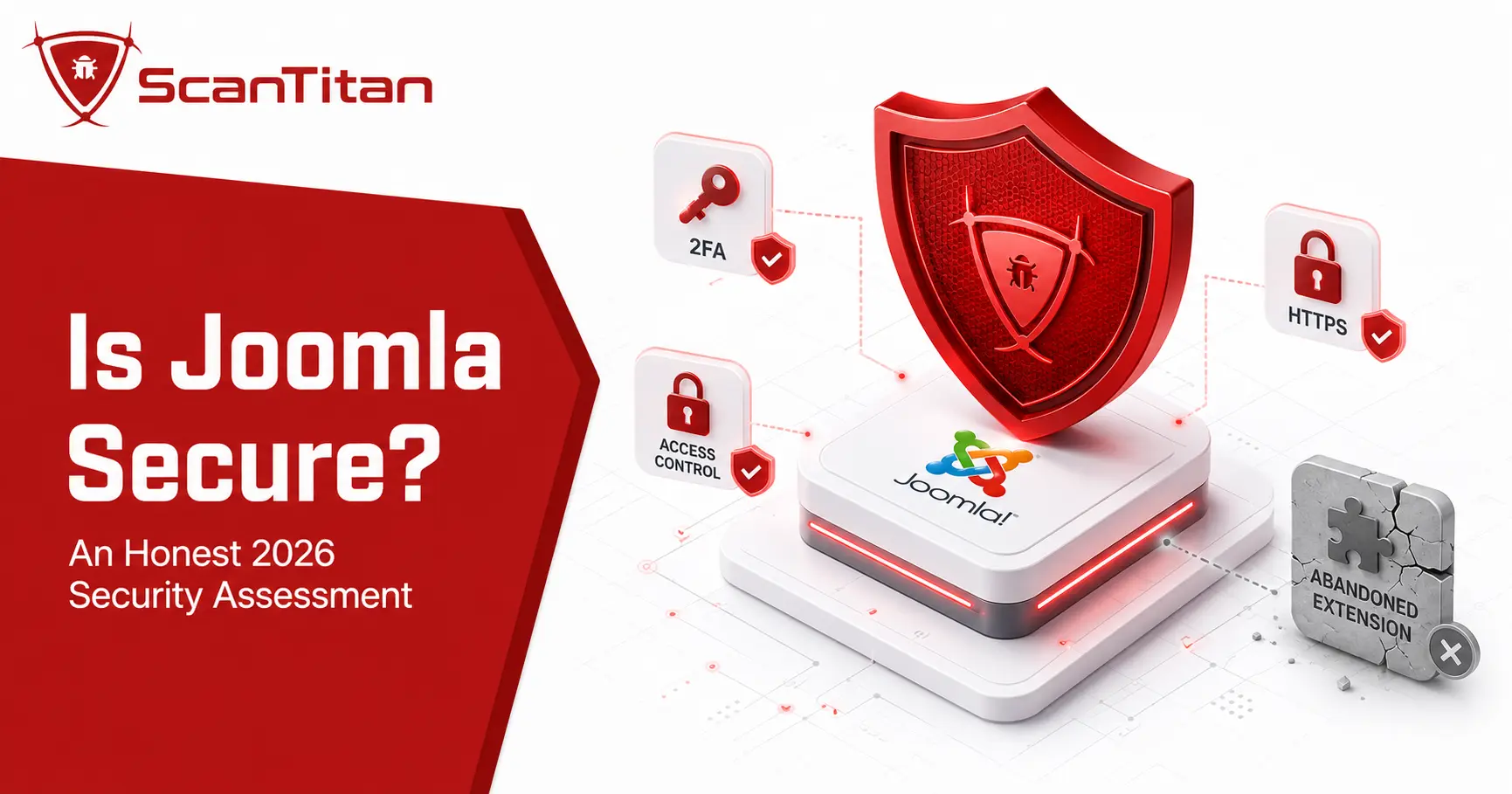
Is Joomla secure in 2026? Yes, when it runs on a supported release and is maintained properly. Joomla includes multi-factor authentication, granular access control, security-header tooling, and a dedicated security-response team, but those controls do not make an outdated site safe. The August 2026 release fixed an MFA bypass, access-control flaws, XSS, CORS validation issues, and a dangerous file-upload weakness. The practical verdict is simple: current Joomla is a defensible CMS choice; neglected Joomla is not.
Short answerYes. Joomla 6.1.3 and Joomla 5.4.8 can be securely operated in 2026. The important conditions are staying on a supported branch, applying security releases quickly, removing vulnerable or abandoned extensions, enforcing MFA for privileged users, and securing the hosting environment. Joomla is not immune to vulnerabilities, and no credible dataset proves it is universally safer than WordPress or Drupal.
Last reviewed September 8, 2026. Current-release and market-share figures are date-sensitive and should be checked again when this page is updated.
Is Joomla Secure in 2026?
Joomla is secure enough for business websites, publishing platforms, portals, and ecommerce projects when the site is kept current and configured carefully. As of September 2026, the latest supported releases are Joomla 6.1.3 and Joomla 5.4.8, both released on August 18, 2026 as security and bugfix updates. The official Joomla release announcement lists ten security fixes in that release.
That recent security release is important to the answer. Joomla has meaningful core vulnerabilities from time to time, just like other major CMS platforms. What matters is whether the project identifies and fixes them, whether your version still receives those fixes, and how quickly you apply them. W3Techs measured Joomla on 1.1% of all websites and at 1.7% of the known-CMS market on September 8, 2026, so it remains large enough to attract automated scanning and vulnerability research.
The version matters more than the Joomla name.A fully patched Joomla 6.1.3 site and an abandoned Joomla 3 or Joomla 4 site should not be described as having the same security posture. “Is Joomla secure?” only has a useful answer when version, extensions, accounts, and hosting are part of the question.
What Changed in Joomla Security in 2026?
The strongest freshness signal for this query is Joomla’s August 18 security release. Versions up to Joomla 5.4.7 and 6.1.2 were affected by a group of newly disclosed core issues, and the project fixed them in 5.4.8 and 6.1.3. The batch included an MFA authentication bypass, a dangerous SHTML upload issue that could lead to code execution on servers configured to execute SHTML, several access-control flaws, an XSS issue, improper CORS validation, and response-header injection. The Joomla Security Centre publishes the affected ranges and fixes.
| CVE | Issue | Affected current branches | Fixed in |
|---|---|---|---|
| CVE-2026-73373 | Unrestricted SHTML upload; code execution possible on servers that execute SHTML | Up to 5.4.7 and 6.1.2 | 5.4.8 / 6.1.3 |
| CVE-2026-73337 | MFA authentication bypass caused by insufficient state checks | Up to 5.4.7 and 6.1.2 | 5.4.8 / 6.1.3 |
| CVE-2026-73336 | XSS through schema.org output | Up to 5.4.7 and 6.1.2 | 5.4.8 / 6.1.3 |
| CVE-2026-71574 | Inconsistent ACL checks for mutating webservice endpoints | Up to 5.4.7 and 6.1.2 | 5.4.8 / 6.1.3 |
| CVE-2026-71573 | Improper CORS origin validation | Up to 5.4.7 and 6.1.2 | 5.4.8 / 6.1.3 |
| CVE-2026-72532 | Improper ACL checks for category webservice endpoints | Up to 5.4.7 and 6.1.2 | 5.4.8 / 6.1.3 |
The existence of these CVEs is not evidence that Joomla is uniquely insecure. It is evidence that “built-in security” still needs patching. Earlier 2026 releases also fixed authentication-bypass, SQL injection, XSS, and access-control issues. A safer way to judge a CMS is to look at supported versions, disclosure quality, patch availability, exploitation evidence, and how much third-party code your own site exposes.
What Security Does Joomla Include by Default?
Joomla provides a useful security baseline without requiring a separate extension for every control. Its core supports multi-factor authentication, including authenticator codes, YubiKey, WebAuthn-based methods, and other second-factor options. Administrators can enforce MFA by user group. Joomla also has granular access-control levels, which let site owners separate what different user groups may view or change instead of giving every privileged account the same reach.
Browser-facing hardening is also available in core tooling. Joomla’s System HTTP Headers plugin can configure controls such as HSTS and Content Security Policy, although CSP must be configured deliberately rather than treated as automatic protection. Joomla 5.4 also lists Automated Core Updates as a main feature on the official roadmap, so older comparisons saying Joomla lacks automatic core updates are no longer current. For a deeper feature-by-feature explanation, see ScanTitan’s Joomla security features guide.
| Control | What Joomla provides | What the site owner still has to do |
|---|---|---|
| Multi-factor authentication | Core MFA system with multiple methods | Enable or enforce it for privileged users |
| Access control | Granular groups, permissions, and access levels | Apply least privilege and review accounts |
| Security headers | HTTP Headers plugin with HSTS and CSP support | Configure and test the policy correctly |
| Force HTTPS | Joomla can force HTTPS for supported site areas through Global Configuration | Install and maintain a valid TLS certificate and configure the server correctly |
| Text Filters | Group-based filtering controls what HTML content users are allowed to submit | Keep untrusted user groups restricted and avoid unnecessary No Filtering permissions |
| Core updates | Supported release process; automated core updates in Joomla 5.4 | Do not remain on affected or end-of-life branches |
| Security response | Joomla Security Strike Team and public advisories | Monitor advisories and apply fixes |
How Does Joomla Handle Security Vulnerabilities?
The Joomla Security Strike Team, or JSST, manages security issues affecting the Joomla CMS and Framework. Researchers can report issues privately, the team validates them, coordinates fixes, and publishes security announcements once users can update. The official JSST process also makes an important boundary clear: the team directly handles Joomla core and Framework issues, while third-party extension vulnerabilities remain the responsibility of their vendors, even though Joomla can assign CVE IDs and maintains the Vulnerable Extensions List.
This distinction is useful when evaluating Joomla security. A current core may be patched promptly while a third-party component remains vulnerable because its maintainer is slower, inactive, or has abandoned the project. That is why a security assessment should inventory both Joomla itself and every installed component, module, plugin, and template rather than treating “Joomla version is current” as the end of the audit.
What Can Make a Joomla Website Insecure?
Joomla can become unsafe through several different paths, and not all of them are core vulnerabilities. The highest-value distinction is between the platform, the extension ecosystem, administrator identity, and the server that runs the site. A current Joomla release can still be compromised through vulnerable third-party code or stolen credentials, while an old Joomla branch can remain exposed even if its extensions are clean.
- Unsupported Joomla versions: Joomla 3 and Joomla 4 no longer receive normal project security fixes, so staying on them leaves new issues without a current branch patch path.
- Unpatched current versions: Joomla 5.4.7 and 6.1.2 were supported releases, but the August 2026 advisories still required an upgrade to 5.4.8 or 6.1.3.
- Vulnerable or abandoned extensions: components, modules, plugins, and templates add code outside the core security team’s direct maintenance scope.
- Weak administrator security: reused passwords, unenforced MFA, excessive Super User accounts, and stale accounts can bypass otherwise good platform controls.
- Unsafe server configuration: permissive file permissions, exposed backups, unsupported PHP, weak isolation, or insecure upload handling can turn an application issue into a wider compromise.
- Poor monitoring and recovery: a compromise can persist longer when there are no logs, integrity checks, tested backups, or incident-response procedures.
What attacks commonly target Joomla websites?

Joomla sites face the same major attack classes as other web applications, but the affected layer matters. An attack can target Joomla core, a third-party extension, an administrator account, an API endpoint, or the underlying server. Recent Joomla advisories show that these are not only historical categories: the project fixed SQL injection, XSS, access-control, authentication, and dangerous file-upload issues during 2026.
| Attack type | What it targets | Primary defense |
|---|---|---|
| SQL injection | Unsafe database queries in core or extensions | Patch affected software and remove vulnerable extensions |
| Cross-site scripting | Unsafe output or user-controlled content | Patch vulnerabilities, apply input/output controls, and use CSP where appropriate |
| File upload / code execution | Unsafe upload handling or exploitable server behavior | Patch quickly, restrict uploads, and harden server execution rules |
| Credential attacks | Administrator and privileged user accounts | MFA, unique passwords, rate limiting, and account monitoring |
| Authorization and API abuse | ACL and webservice endpoints | Current Joomla releases, least privilege, and API exposure review |
Which Joomla Versions Are Safe to Run in 2026?
For a production site, “safe” should mean a branch that still receives security fixes and is updated to the latest point release. Joomla’s current roadmap lists Joomla 6.1.3 and Joomla 5.4.8 as the current releases. Joomla 5 remains in regular bugfix support until October 13, 2026 and security-fix-only support until October 12, 2027. Joomla 6 has a longer runway, with regular bugfix support planned through October 17, 2028 and security-fix-only support through October 16, 2029.
| Branch | Current security position | Support status | Recommended action |
|---|---|---|---|
| Joomla 6.x | Current release: 6.1.3 | Supported; security fixes planned through Oct. 16, 2029 | Preferred current branch for new deployments |
| Joomla 5.x | Current release: 5.4.8 | Supported; security fixes planned through Oct. 12, 2027 | Safe when current; plan the Joomla 6 migration |
| Joomla 4.x | End of life | Ended Oct. 14, 2025 | Migrate to a supported branch |
| Joomla 3.x | End of life | Ended Aug. 17, 2023 | Migrate; do not treat it as a current secure platform |
Check the Joomla roadmap whenever you revisit this page because support dates and point releases can change. A security comparison that treats Joomla 3, Joomla 5.4.8, and Joomla 6.1.3 as equivalent is not useful.
Has Joomla Had Vulnerabilities Exploited in the Real World?
Yes. Joomla has had vulnerabilities with confirmed real-world exploitation, so the answer to “is Joomla secure?” should not pretend the platform has a spotless history. A clear example is CVE-2023-23752, an improper access-control flaw in Joomla 4.0.0 through 4.2.7 that exposed webservice endpoints. CISA added it to the Known Exploited Vulnerabilities catalog on January 8, 2024, which means there was evidence of exploitation in the wild.
Another important case is CVE-2024-21726. Joomla described it as inadequate content filtering that created XSS vectors, while Sonar’s research showed how the issue could be leveraged toward remote code execution by tricking an administrator into interacting with a malicious link. These examples do not prove current Joomla is unsafe. They show why supported versions, fast patching, CSP, least privilege, and administrator protection are practical requirements rather than optional hardening.
Security track record in one sentence
Joomla has had serious and exploited vulnerabilities, but the meaningful question for a site owner is whether the affected version has a fix and whether that fix has been applied.
Are Joomla Extensions a Security Risk?
Extensions are not automatically unsafe, but every additional component expands the code and maintenance surface of a Joomla site. The JSST directly handles core and Framework issues, while extension developers remain responsible for fixing their own products. Joomla’s Vulnerable Extensions List exists to surface known extension problems, including cases where maintainers are slow to respond or a package should be removed.
This is also why raw “Joomla vulnerability” totals can be misleading. Core CVEs, extension CVEs, selected vulnerability samples, and live exploitation data answer different questions. ScanTitan’s Joomla Vulnerability Statistics research separates those categories rather than presenting every extension issue as a Joomla core flaw. For a real site, the safe approach is to keep a minimal extension inventory, remove abandoned packages, verify vendor support, and update extensions alongside the core.
Is Joomla More Secure Than WordPress or Drupal?
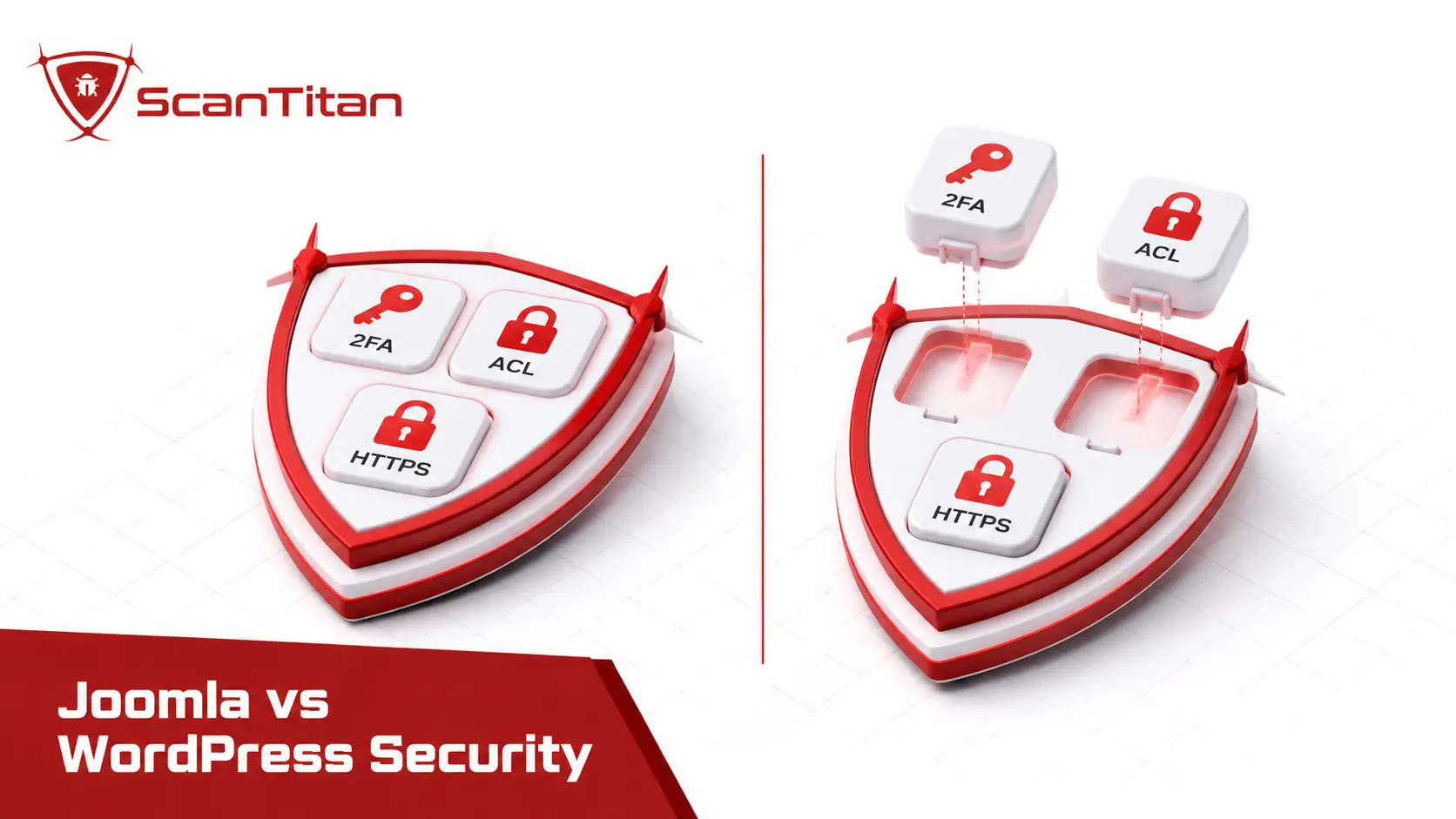
There is no defensible universal winner. Security depends on the version, extensions or modules, hosting, configuration, user privileges, and maintenance process of the individual site. Older competitor pages often rank Joomla, WordPress, and Drupal using historical CVE counts or old market-share ratios, but those comparisons age badly and can reward a platform simply for having a smaller ecosystem or a different disclosure process.
| CMS | Security strength | Common operational exposure |
|---|---|---|
| Joomla | Core MFA, granular ACL, security-header tooling, formal security advisories | Outdated branches and third-party extensions |
| WordPress | Mature core security process and very broad hosting/tooling support | Large plugin and theme ecosystem; site security varies heavily by stack |
| Drupal | Granular permissions and a mature security-advisory process | Modules, configuration complexity, and maintenance requirements |
If you are choosing specifically between Joomla and WordPress, use ScanTitan’s dedicated Joomla vs WordPress security comparison. For this page, the useful verdict is simpler: current Joomla is a reasonable security choice, but platform selection does not replace patching, account security, or server hardening.
Is Joomla Secure Enough for Business and Ecommerce?
Yes, Joomla can be used for business sites and ecommerce, but the required security standard depends on what the site does. A brochure site has a smaller impact surface than a store processing payments or a portal storing personal data. Ecommerce also adds payment gateways, shipping modules, checkout customizations, JavaScript, APIs, and third-party extensions, so the security responsibility expands beyond Joomla core.
CMS choice by itself does not make a site PCI DSS or GDPR compliant. Payment security, data minimization, access control, logging, backups, vendor management, patching, incident response, and hosting controls all matter. For a Joomla store, use a supported Joomla release, maintain every commerce extension, enforce MFA on privileged accounts, restrict administrator access, protect secrets, and test the public attack surface regularly. If an extension vendor stops maintaining a payment-related component, replace it rather than assuming the secure core compensates for abandoned code.
How Much Does Hosting Affect Joomla Security?
A secure CMS cannot compensate for an unsafe server. Joomla runs inside a larger stack that includes the web server, PHP, database, file system, TLS configuration, backups, DNS, and any control panel or neighboring sites on the same host. Poor isolation or permissive file permissions can increase the impact of an application vulnerability, while exposed backup archives can leak credentials without Joomla being exploited at all.
Use a maintained PHP version supported by your Joomla branch, isolate production sites where possible, restrict write permissions, keep backups outside the public web root, and protect administrator and hosting accounts with MFA. A web application firewall can reduce exposure to malicious requests and provide virtual-patching coverage for some known patterns, but it is not a substitute for upgrading vulnerable Joomla or extension code. Server security and CMS security should be reviewed together.
How Do You Keep a Joomla Website Secure?
The highest-value Joomla security work is repetitive rather than complicated. Keep the supported core current, reduce the number of extensions, protect privileged identities, and verify that the server is not undoing the protections available in the CMS. These steps cover the main risks without turning this verdict page into a second hardening guide.
Update Joomla promptly.
Run Joomla 6.1.3 or 5.4.8 as of this review and move off end-of-life branches. Security advisories can make yesterday’s current release today’s vulnerable release.
Audit every extension.
Remove unused or abandoned components, modules, plugins, and templates. Check vendor support and Joomla’s Vulnerable Extensions List when a package raises concern.
Enforce MFA and least privilege.
Require MFA for administrators and privileged users, minimize Super User accounts, remove stale identities, and use Joomla ACLs to limit what each role can change.
Harden the server and browser controls.
Use HTTPS, review security headers, restrict file permissions and uploads, keep PHP and the database maintained, and prevent backups or secrets from becoming publicly reachable.
Back up and monitor.
Keep tested off-site backups, retain useful logs, and watch for unexpected file changes, administrator activity, failed logins, or unusual traffic to sensitive endpoints.
Scan the public attack surface.
Use a Joomla vulnerability scanner to identify exposed issues in the running site, then validate and remediate findings instead of treating the scan itself as protection.
For the complete maintenance and hardening workflow, see how to secure a Joomla website. Keeping the detailed procedure on that page helps this article stay focused on the decision question: whether Joomla itself is a secure choice.
How Can You Check Whether Your Joomla Site Is Secure?
You do not need to rely on a platform-wide reputation to judge your own site. A short audit can turn “Joomla is generally secure” into evidence about your installation. Start with version support, then inspect the extensions and privileged accounts that make your site different from a clean Joomla install.
The honest answer is that you cannot know from the admin panel alone. scan your website from the outside and compare what is exposed against what you intended to expose.
- Confirm the exact Joomla version. Compare it with the current download and roadmap pages.
- Inventory every extension and template. Remove unused packages and check whether the vendor still publishes updates.
- Review privileged users. Remove stale accounts, require MFA, and confirm ACL assignments follow least privilege.
- Check server exposure. Review HTTPS, headers, file permissions, upload behavior, backups, PHP support, and public admin endpoints.
- Run a vulnerability scan. Map the live public surface to known issues and verify that findings actually affect your versions and configuration.
- Review logs and file integrity. Look for unexplained administrator activity, failed logins, changed files, new users, or requests to unusual API and administrator paths.
If those checks are clean and the site is on Joomla 6.1.3 or 5.4.8, the evidence is much stronger than simply assuming the CMS brand is safe.
Already seeing signs of compromise?If you find injected files, unauthorized Super Users, malicious redirects, SEO spam, or other signs of compromise, do not stop at installing the latest Joomla update. Identify the entry point, remove malicious code and persistence, rotate credentials and secrets, patch the affected software, restore from a known-clean backup when necessary, and scan again before returning the site to normal operation.
Frequently Asked Questions
Is Joomla secure?
Yes. Joomla can be securely operated when it is kept on a supported release, patched promptly, and paired with maintained extensions, strong administrator authentication, and a secure hosting environment. As of September 2026, Joomla 6.1.3 and Joomla 5.4.8 are the current supported releases.
Is Joomla 6 secure?
Joomla 6 is a supported security choice when updated to the current point release. As of September 2026, that means Joomla 6.1.3. Joomla 6.1.2 and earlier were affected by issues fixed on August 18, 2026, including an MFA bypass, access-control flaws, XSS, CORS validation problems, and a dangerous SHTML upload issue.
Is Joomla 5 still secure and supported?
Yes. Joomla 5.4.8 is supported in September 2026. Regular bugfix support for Joomla 5 is scheduled to end on October 13, 2026, followed by security-fix-only support through October 12, 2027. Sites can remain on Joomla 5 while supported, but should plan their Joomla 6 migration.
Is Joomla 4 still safe to use?
Joomla 4 reached end of life on October 14, 2025. It should not be treated as a current secure branch because it no longer receives the normal security fixes delivered to Joomla 5 and Joomla 6. A production Joomla 4 site should be migrated to a supported release.
Is Joomla 3 still safe to use in 2026?
No. Joomla 3 reached end of life on August 17, 2023 and no longer receives normal security fixes from the Joomla Project. A production Joomla 3 website should be migrated to a supported Joomla 5 or Joomla 6 release rather than treated as a current secure installation.
Is Joomla more secure than WordPress?
There is no universal winner. Joomla includes strong native MFA and granular ACL capabilities, while WordPress has a mature core security process and a much larger ecosystem. In practice, the security of either platform depends heavily on third-party code, hosting, configuration, account protection, and how quickly updates are applied.
Why do Joomla sites get hacked?
Common compromise paths include unsupported or unpatched Joomla versions, vulnerable third-party extensions, stolen or weak administrator credentials, excessive privileges, unsafe server configuration, and poor monitoring. A Joomla compromise does not automatically mean the current Joomla core was the entry point.
Does Joomla have built-in multi-factor authentication?
Yes. Joomla includes a multi-factor authentication system that can use authenticator codes, WebAuthn-based methods, YubiKey, email codes, and other supported factors. Administrators can also enforce MFA for selected user groups.
Does Joomla have a built-in firewall?
No. Joomla includes access control, input filtering, update tooling, MFA, and HTTP security-header controls, but it does not provide a full web application firewall in core. A WAF can be added at the host, CDN, cloud, or extension layer, but it should complement rather than replace patching.
Is Joomla safe for ecommerce websites?
Yes, but ecommerce security depends on the full stack. The Joomla core, commerce extension, payment integration, administrator accounts, hosting, APIs, scripts, and third-party services all matter. Using Joomla does not by itself make a store PCI DSS compliant or secure.
Can Joomla be 100% secure?
No CMS can be guaranteed 100% secure. The realistic goal is to reduce attack surface and exposure: use supported software, apply security updates quickly, minimize extensions, enforce strong authentication, harden the server, monitor activity, and maintain tested backups.
Is open-source Joomla a security risk?
No. Open source by itself does not make Joomla secure or insecure. Public source code allows researchers and maintainers to review the implementation, but the practical security outcome still depends on how quickly vulnerabilities are fixed, whether users apply those fixes, and whether third-party extensions and hosting are maintained.
How often should I check my Joomla site’s security?
There is no single interval that fits every site. Act on Joomla and extension security advisories promptly, scan after major changes, and use recurring monitoring for public production sites. Ecommerce, membership, and personal-data sites should use tighter monitoring than a low-risk brochure site because the impact of compromise is higher.
Sources and Review Method
This assessment prioritizes current Joomla first-party sources over old CMS comparison posts. Current releases and support dates come from the Joomla Project’s release announcements and roadmap; vulnerability details come from the Joomla Security Centre; MFA and HTTP-header behavior come from Joomla documentation; real-world exploitation context uses CISA KEV and security research where relevant; and market share is date-stamped from W3Techs. Older competitor claims were not reused when they conflicted with current Joomla behavior or current market data.
- Joomla 6.1.3 & 5.4.8 Security & Bugfix Release
- Joomla Security Centre
- Joomla Security Strike Team
- Joomla Project Roadmap
- Joomla Multi-factor Authentication documentation
- Joomla HTTP Header Management documentation
- CISA Known Exploited Vulnerabilities Catalog
- Sonar research on CVE-2024-21726
- W3Techs Joomla usage statistics
- Joomla end-of-life version forums