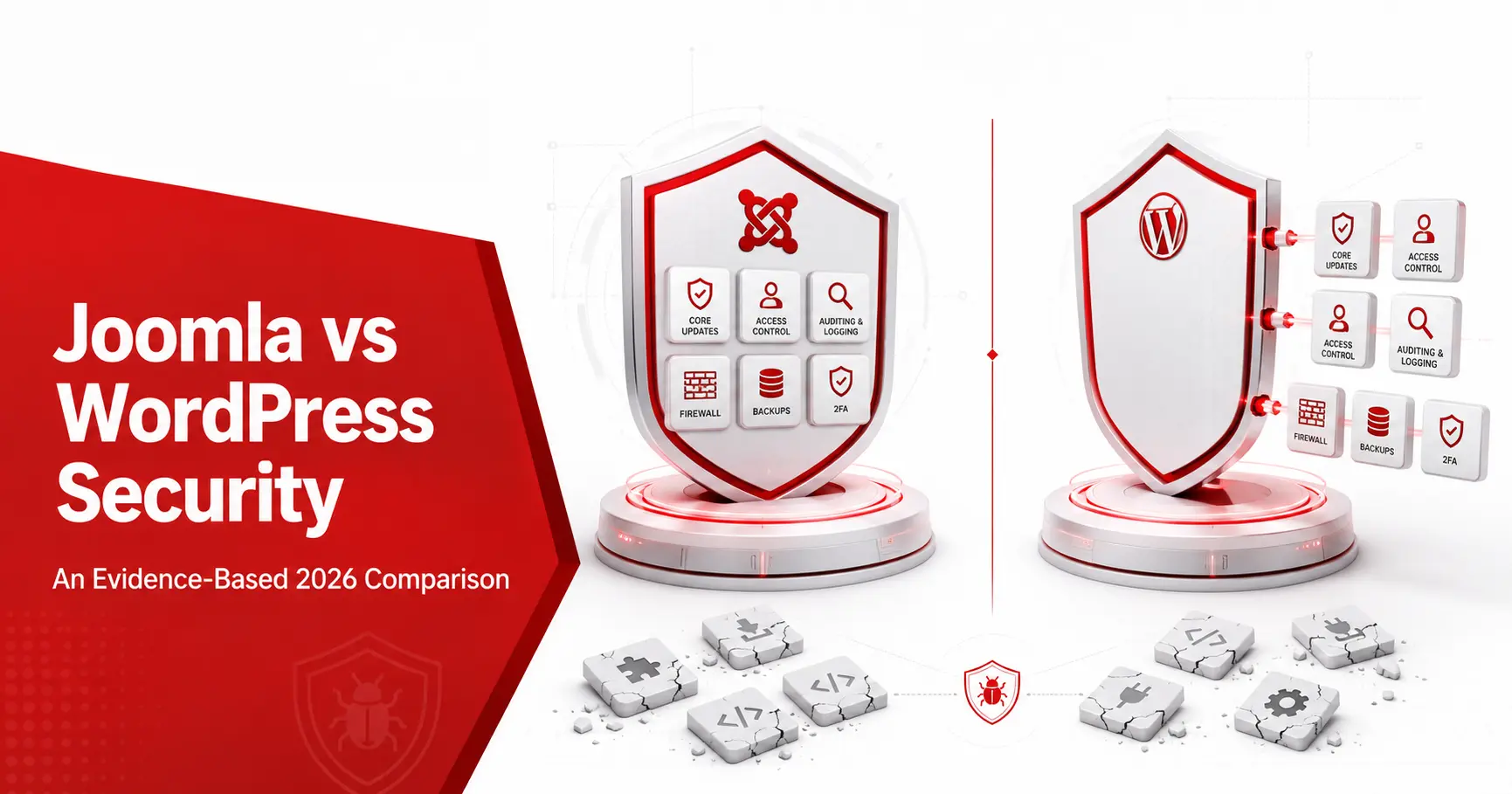
The Joomla vs WordPress security debate usually gets answered with loyalty, not evidence. The honest version is duller and more useful: both platforms ship a secure core, and both get breached through third-party code far more than through a core bug. Joomla bundles more security controls by default, while WordPress patches its core faster and has a larger research community. This comparison uses current vulnerability data to show where each is genuinely stronger, and which one fits your team.
Short answerIn the Joomla vs WordPress security question, neither platform wins by default. Both ship a secure, well-maintained core, and both are compromised through third-party extensions or plugins far more than through a core flaw. Joomla gives you more security controls out of the box; WordPress patches its core faster. Maintenance decides the outcome, not the logo.
Joomla vs WordPress security: the short answer
Strip away the loyalty and the two platforms look more alike than either camp admits. Both cores are actively maintained and rarely the point of failure. Patchstack logged only 7 vulnerabilities in the WordPress core across all of 2024, against thousands in plugins, and Joomla shows the same shape: the Joomla Security Strike Team keeps core flaws rare, while third-party extensions carry the real risk. So the deciding factor is almost never the platform. It is how current you keep the software, how carefully you choose add-ons, and whether you enforce basic controls like two-factor authentication (2FA). A neglected site is insecure on either CMS, and a maintained one is defensible on both.
Security features compared, side by side:
Out of the box, Joomla hands you more security controls, while WordPress expects you to add them. The table below sticks to what each platform ships in its core, not what a plugin can bolt on.
| Security control | Joomla | WordPress |
|---|---|---|
| Two-factor authentication | Built into core | Via plugin |
| Access control | Granular access control levels (ACL) in core | Roles and capabilities |
| Forced HTTPS / SSL | Core setting | Plugin or manual |
| Native malware scanning | No (needs an extension or scanner) | No (needs a plugin or scanner) |
| Core update model | One-click, with update notifications | Automatic background updates |
| Coordinated security team | Joomla Security Strike Team | Core security team plus a large vendor ecosystem |
One myth worth correcting: neither Joomla nor WordPress ships native malware detection in its core, whatever some comparisons claim. For the full list of what Joomla does include, see our rundown of Joomla security features.
Vulnerability data compared, side by side:
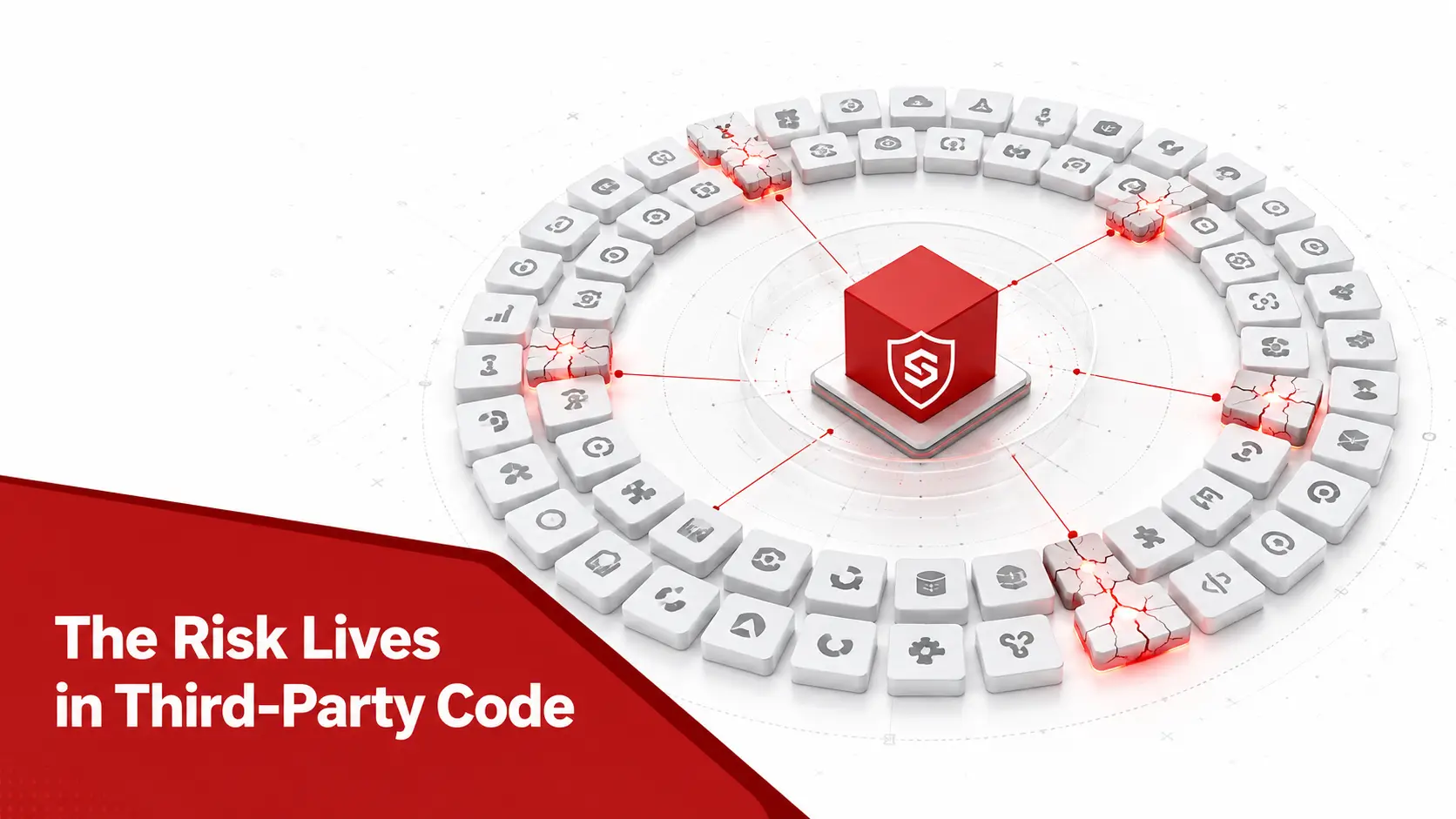
A fair comparison looks at where each platform’s vulnerabilities come from, not just how many reach the news. Both draw from the same OWASP Top 10 classes, and both concentrate their risk in add-ons rather than the core.
| Measure | Joomla | WordPress |
|---|---|---|
| Ecosystem size | Around 2% of the web | Around 43% of the web |
| Where flaws live | Third-party extensions | Third-party plugins and themes |
| Core flaws in a recent year | Rare, low single digits | 7 in all of 2024 |
| Most common flaw class | Cross-site scripting | Cross-site scripting (47.7% in 2024) |
| Coordinated disclosure | Joomla Security Strike Team | Core team plus vendors |
The WPScan database and Patchstack together track thousands of WordPress plugin flaws a year, while Joomla’s smaller ecosystem produces far fewer in absolute terms. The shape, though, is identical: a secure core and a long tail of third-party code. Raw counts favour Joomla only because it is smaller, not because its code is safer per line. What actually predicts danger is exploitation, so a single flaw in the CISA Known Exploited Vulnerabilities catalog outweighs ten theoretical ones on either platform.
What real breaches reveal about both platforms?
History tells the same story on both platforms, and it is not the one either fan base expects. On the WordPress side, the largest incidents are rarely core bugs; they are mass campaigns against a single popular plugin, where attackers scan for one vulnerable version across millions of sites and exploit it within hours of disclosure. On the Joomla side, the clearest recent case is CVE-2023-23752, an unauthenticated information-disclosure flaw that attackers mass-exploited and that reached the CISA Known Exploited Vulnerabilities catalog. The common thread is speed: once a flaw is public, automated tooling reaches unpatched sites on either CMS within a day. So patch latency, the gap between a fix shipping and you applying it, is the variable that decides who gets hit, whichever CMS you run.
Why WordPress gets hacked more, according to the data?
WordPress is compromised more often in absolute terms, and the reasons are scale and plugins rather than a weak core. It runs around 43% of all websites, by W3Techs count, so automated scanners target it first. The vulnerability data makes the pattern concrete: Patchstack’s State of WordPress Security report recorded 7,966 new WordPress vulnerabilities in 2024, a 34% jump on the prior year, with 96% in plugins, 4% in themes, and only 7 in the core itself. Almost half, 43%, could be exploited without authentication, and cross-site scripting alone made up 47.7% of the total, the same flaw class covered in our Joomla XSS vulnerability guide. The lesson is not that WordPress is unsafe; it is that a huge, uneven plugin ecosystem is a huge attack surface.
Extension and plugin security compared:
The real security contest is not core against core; it is how each platform manages third-party code, and here the two are more alike than different. WordPress vets plugins through a directory review and a large vendor market that patches quickly, yet abandoned plugins remain its biggest liability. Joomla names risky add-ons on the community Vulnerable Extensions List and curates the Joomla Extensions Directory, but it too carries the weight of extensions whose authors have moved on. On both platforms, the dangerous add-on is the one nobody maintains: installed years ago, never updated, still reachable from the web. The practical rule is identical whichever CMS you run: install as few third-party pieces as you can, choose ones with a recent release history, and remove anything you no longer use.
Where Joomla is genuinely stronger?
Joomla earns its security reputation on defaults and structure, not marketing.
- Ships more in the core. Two-factor authentication, granular access control levels, and forced SSL are all built in, so a fresh install starts with controls that WordPress reaches only through plugins.
- Enforces access with depth. Joomla’s ACL is more granular than WordPress roles, which limits what a single compromised account can reach.
- Runs a predictable architecture. Front-end and back-end requests route through a single entry point with predictable directories, unlike the mixed trust levels inside a WordPress content folder.
- Coordinates fixes centrally. The Joomla Security Strike Team reviews and patches core issues, and serious core flaws have been rare since 2015. Our assessment of whether Joomla is secure covers that record in full.
Where WordPress is genuinely stronger?
An honest comparison gives WordPress its due, because it leads on the things that decide real-world outcomes.
- Updates the core automatically. Background auto-updates keep most WordPress sites patched without any human action, which closes the window Joomla leaves open between release and a manual click.
- Draws a bigger research community. More eyes, more bug bounties, and vendors such as Patchstack, Wordfence, and WPScan mean flaws surface and get fixed quickly.
- Fixes core issues fast. Only 7 core vulnerabilities in 2024, most low severity, reflect a mature and heavily tested codebase.
- Offers deeper tooling. The sheer size of the ecosystem gives site owners more security plugins, managed hosts, and firewalls to choose from.
How to harden a WordPress site?
If your comparison ends with WordPress, the controls that matter are the mirror image of Joomla’s.
- Enable automatic updates. Let WordPress apply core and plugin updates automatically so most flaws close without manual work.
- Add two-factor authentication. Install a 2FA plugin and enforce it on every administrator account.
- Cut the plugin count. Remove unused or abandoned plugins, since they are the leading cause of WordPress compromises.
- Put a firewall in front. Use a web application firewall from a vendor such as Wordfence or a cloud provider to filter common attacks.
- Follow the official guidance. Apply the steps in the WordPress hardening guide and scan the site regularly.
So which is more secure? The honest verdict
The evidence does not crown a winner, and anyone who does is selling something. Both platforms ship a solid core; both are compromised through outdated third-party code and weak configuration; both are secure when maintained and dangerous when neglected. The real variables are update discipline, extension and plugin hygiene, strong authentication, and hosting. For a Joomla site, those recurring risks are the Joomla security issues that decide whether it holds. The practical rule is simple: pick the platform your team will actually keep patched, because a maintained WordPress site beats a neglected Joomla one every time, and the reverse is just as true.
Should you switch platforms for security?
A comparison like this often ends with a tempting question: would switching CMS make my site safer? For security alone, rarely. A migration from WordPress to Joomla or the reverse is a major project, and it does nothing if the new site is left unpatched with abandoned add-ons, which is how most sites are breached in the first place. Switching earns its cost when your current platform no longer fits, when you have outgrown its extensions, or when you are stranded on an end-of-life version you cannot maintain. It does not make sense as a reflex after a single hack, where the real fix is usually updates, extension hygiene, two-factor authentication, and a firewall. Choose the platform your team can genuinely keep current, then spend the migration budget on maintaining it.
Hosting’s role in CMS security:
One variable this debate usually ignores decides more than the CMS: where the site is hosted. A managed host that isolates accounts, applies server updates, runs a network firewall, and takes clean backups raises the floor for a Joomla or WordPress site equally, while a cheap shared plan with loose permissions lowers it for both. Server-level protections catch attacks the application never sees, and automatic off-site backups turn a successful breach from a disaster into an inconvenience. When you weigh Joomla against WordPress, weigh the hosting with it, because a well-hosted WordPress site is safer than a poorly hosted Joomla one, and the reverse holds just as firmly. The platform sets the defaults; the host sets the environment those defaults run in.
Does the CMS matter for PCI DSS or GDPR compliance?
If you take payments or hold personal data, the rules apply the same way to both platforms, because neither Joomla nor WordPress is compliant on its own. Any site processing cards answers to PCI DSS, which expects patched software, vulnerability scanning, and protected payment pages regardless of the CMS underneath. Any site holding personal data answers to Article 32 of the GDPR and its duty to apply appropriate technical measures. Both platforms can meet these standards, and both can fail them; the deciding factor is the same maintenance discipline that decides security generally. For a small business, that reframes the debate: the CMS you pick does not make you compliant, the way you run it does, so budget for updates and scanning rather than for a platform badge.
How to secure whichever you choose?
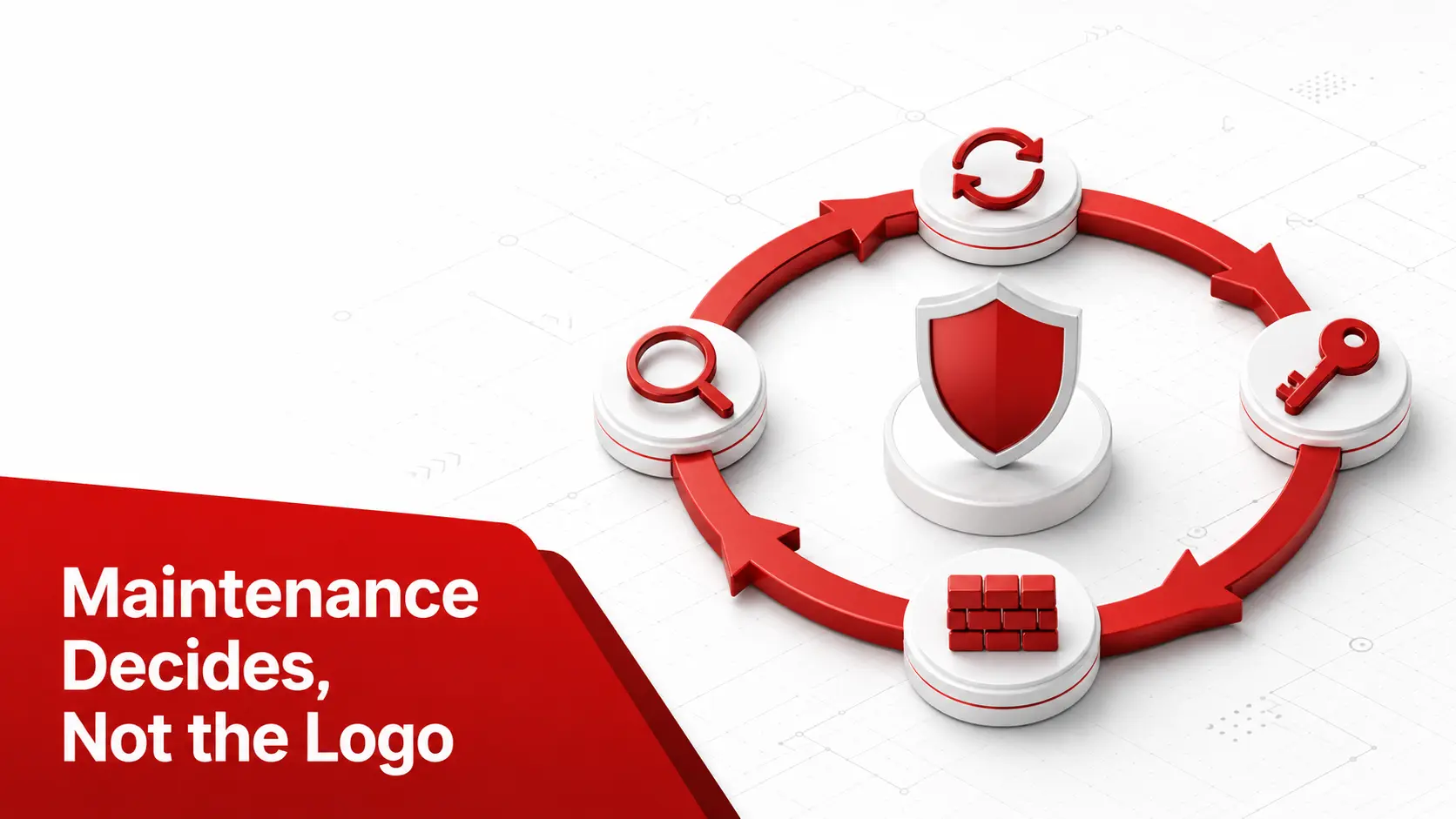
The controls that matter are the same on both platforms, and none of them require a large team.
The platform matters less than the maintenance. Whichever you run, a website security scanner on a fixed schedule closes the gap that both platforms share.
- Update the core and every add-on. Apply updates promptly and retire anything end of life, on Joomla or WordPress alike.
- Remove abandoned extensions and plugins. Uninstall unused or unmaintained code, since that is where most real vulnerabilities, including the Joomla SQL injection cases, tend to live.
- Enforce 2FA and a web application firewall (WAF). Require two-factor authentication on admin accounts and filter traffic through a WAF.
- Scan the site regularly. For Joomla, a Joomla vulnerability scanner maps your core and extensions to known CVEs with evidence and a fix for each; if a site is already compromised, start with malware removal. The full routine is in our guide on how to secure your Joomla website.
Common mistakes in the Joomla vs WordPress security debate:
Most of the heat in this debate comes from a few reasoning errors that push owners toward the wrong conclusion.
- Confusing popularity with weakness. WordPress is attacked more because it is everywhere, not because its code is worse, so normalise by market share before judging.
- Reading raw vulnerability counts as a verdict. A larger ecosystem produces more advisories by definition, so absolute numbers say more about size than safety.
- Treating the CMS choice as the security decision. Updates, extension hygiene, and authentication decide outcomes far more than the logo on the login page.
- Assuming open source means exposed. Public code invites the review that finds and fixes flaws faster than closed software hides them.
- Ignoring your own maintenance capacity. The safest platform is the one you will actually keep patched, which is a question about your team, not the software.
The same principle applies when comparing WordPress with Drupal. Our WordPress vs Drupal security analysis looks beyond raw vulnerability totals to compare core security, plugins and modules, permissions, update models, and governance.
Frequently asked questions:
Is Joomla more secure than WordPress?
Neither wins by default. Both ship a well-maintained core, and both are breached through third-party code far more than through a core flaw. Joomla bundles more security controls out of the box, including two-factor authentication, granular access control, and forced SSL. WordPress patches its core faster and has a larger research community. The more secure site is the one that is kept updated, whichever platform runs it.
Why does WordPress get hacked more than Joomla?
Mostly because of scale and plugins. WordPress runs a far larger share of the web, so automated attacks target it first, and its enormous plugin ecosystem is where almost all vulnerabilities live. Patchstack recorded 7,966 new WordPress vulnerabilities in 2024 with 96% in plugins and only 7 in core. The WordPress core itself is secure; the third-party code around it is the exposure, which is exactly the same pattern Joomla has with its extensions.
Is the WordPress core insecure?
No. The WordPress core is one of the most reviewed codebases on the web, and Patchstack found only 7 core vulnerabilities in the whole of 2024 against thousands in plugins and themes. Automatic background updates keep most installations current. The risk in a WordPress site is almost never the core; it is an outdated or abandoned plugin.
Does Joomla or WordPress have better built-in security?
Joomla ships more in core: two-factor authentication, granular access control levels, and forced SSL are all built in, where WordPress reaches the same features through plugins. Neither ships native malware scanning in its core, despite claims to the contrary. WordPress offsets its lighter defaults with automatic core updates and a bigger security tooling ecosystem.
Should I switch from WordPress to Joomla for security?
Rarely worth it for security alone. A migration is a large project, and it will not help if the new site is left unpatched with abandoned extensions. If your WordPress site keeps getting compromised, the fix is usually plugin hygiene, updates, two-factor authentication, and a web application firewall, not a new platform. Choose the CMS your team will actually keep maintained.
Which CMS is hacked more often, Joomla or WordPress?
WordPress, in absolute numbers, but mostly because it runs a far larger share of the web and is simply a bigger target. Adjusted for market share, both are compromised at broadly similar rates, and almost always through outdated third-party code rather than a core flaw. The headline counts reflect popularity more than they reflect per-site security.
Is WordPress less secure because it has more plugins?
A larger plugin ecosystem is a larger attack surface, so WordPress does see more plugin vulnerabilities in absolute terms. But the flaw sits in specific unmaintained plugins, not the model itself, and Joomla has the same dynamic with its extensions on a smaller scale. Fewer, well-maintained add-ons beat many neglected ones on either platform.
What is the most common vulnerability on both Joomla and WordPress?
Cross-site scripting. It topped the WordPress vulnerability data in 2024 at nearly half of all disclosures, and it is the most common flaw class in Joomla extensions too. Both stem from the same root, output that is not escaped, which is why escaping and a Content Security Policy help on either platform. Scanning catches the known cases before attackers reach them.
Can I run both Joomla and WordPress securely?
Yes. The controls that keep either safe are the same: prompt updates, few vetted extensions or plugins, two-factor authentication, a web application firewall, backups, and regular scanning. A team that applies that routine can run either platform securely; a team that skips it will struggle on both.
Is Joomla safer than WordPress for a small business?
For a small business, the safer platform is the one you can keep maintained with the time you have. Joomla starts with more security controls in core, which can mean less to configure, while WordPress has more managed hosts and tools that handle updates for you. Either is a sound choice; the risk is picking a platform and then not maintaining it.
How do I compare the security of specific Joomla and WordPress sites?
Do not compare the platforms; compare the two actual sites. Check each one’s core version, count and age its extensions or plugins, confirm two-factor authentication and a firewall, and scan both for known vulnerabilities. A concrete audit of the sites in front of you tells you far more than any general Joomla versus WordPress claim.
Running Joomla and want to know exactly where your site stands? Run a scan for an evidence-backed answer specific to your core and extensions.