
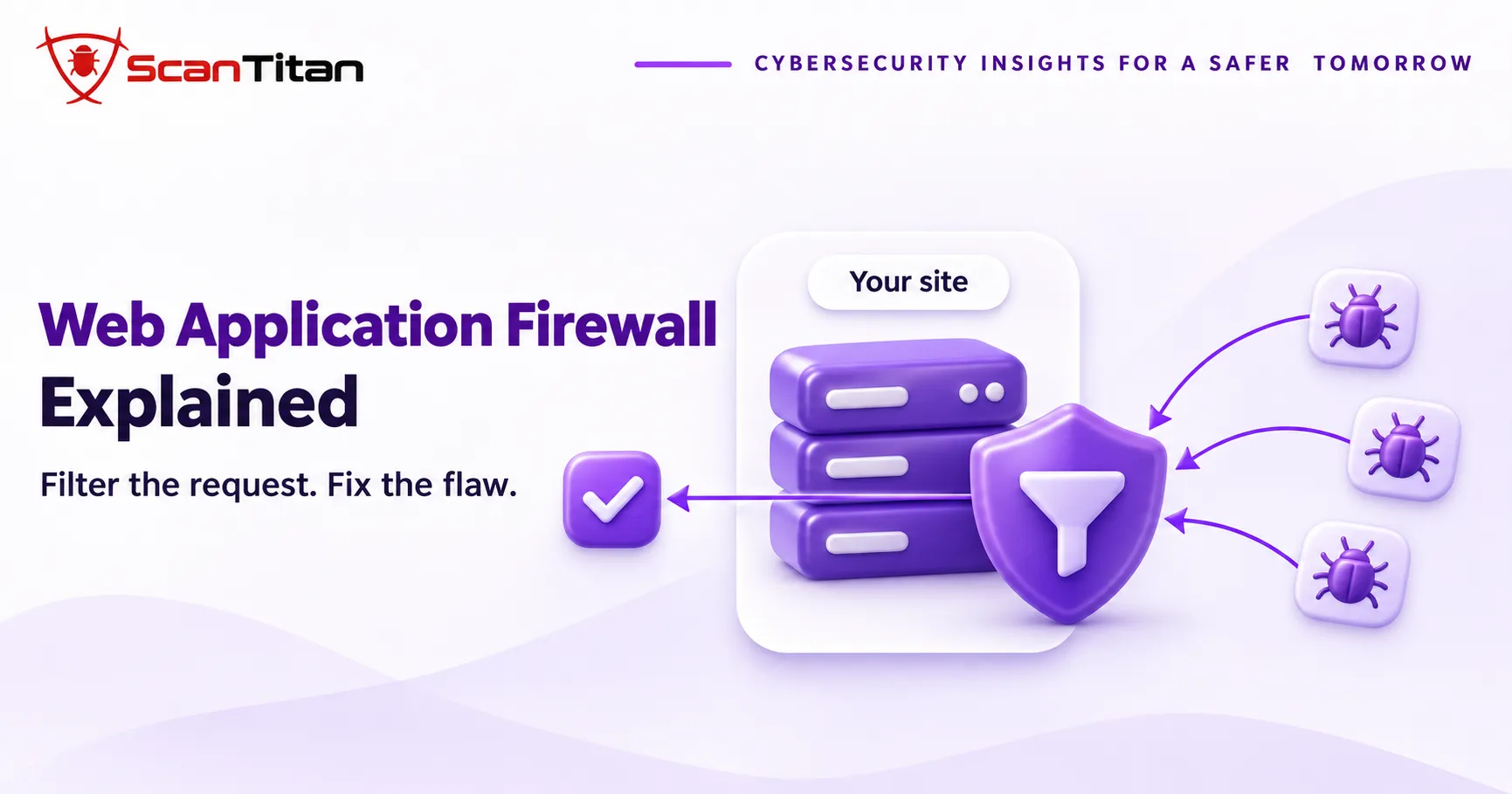
A web application firewall (WAF) is a filter that sits between visitors and a website or API, inspects each HTTP request, and blocks the ones that look like attacks, such as SQL injection or cross-site scripting. It works at the application layer, so it understands web traffic in a way a network firewall does not. A WAF reduces automated attacks and can buy time while you patch, but it does not fix the flaw behind an attack. This entry explains how a WAF works, its types, and its limits.
What Is a Web Application Firewall (WAF)?
A web application firewall (WAF) is a security tool that monitors and filters HTTP and HTTPS traffic to a web application or API and blocks requests that match known attack patterns. It applies rules to each request’s headers, parameters and body before the application sees them. Vendors sell WAFs as hardware, software and cloud services, and free options exist. The questions below cover the terms people confuse most.
What Does WAF Stand For?
WAF stands for web application firewall. The word application matters: a WAF protects the web application layer, which carries the HTTP requests that browsers and apps send, and not the wider network. The same letters have other meanings in everyday search, including slang, so a query for WAF alone returns mixed results, and adding the word security or firewall finds the right topic. In security writing the letters always mean this filter, and they appear in standards. PCI DSS 4.0 requirement 6.4.2 calls for an automated technical solution in front of public-facing web applications that detects and prevents web-based attacks, and a WAF is the usual way to meet it.
Is a WAF the Same as a Firewall?
No. A network firewall decides which connections may reach a server, using addresses and ports, and it cannot read the content of a web request. A WAF reads that content. A request to port 443 passes a network firewall because HTTPS is allowed, yet it can still carry a SQL injection payload that only a WAF would catch. Most sites need both. A next-generation firewall (NGFW) adds some application awareness without replacing a WAF built for web applications, and an intrusion prevention system (IPS) watches network traffic for known exploit signatures. The table compares the four.
| Tool | Works at | What it inspects | Typical job |
|---|---|---|---|
| Network firewall | Layers 3 and 4 | IP addresses, ports and protocols | Allows or blocks connections by address and port |
| WAF | Layer 7 | HTTP requests, headers, parameters and bodies | Blocks web attacks such as SQL injection and XSS |
| Next-generation firewall (NGFW) | Layers 3 to 7 | Applications, users and traffic content across the network | Broad network security with application awareness |
| Intrusion prevention system (IPS) | Network traffic | Packets that match attack signatures | Detects and blocks known exploits in network traffic |
Is a WAF a Reverse Proxy?
Usually, yes. Many WAFs run as a reverse proxy: visitors connect to the WAF, which inspects each request and forwards the clean ones to your server, so the server’s real address stays hidden. Others run as a module on the web server itself, or inspect a copy of the traffic in monitoring mode without sitting in the path. The deployment choice matters for security. If attackers learn your origin server’s address, they can send requests straight to it and bypass a cloud WAF, so configure the server to accept traffic only from the WAF.
What Is the Difference Between a WAF and WAAP?
WAAP, short for web application and API protection, is the name vendors give to a WAF extended with API security, bot management and DDoS protection. A WAF is the core rule-based filter, and a WAAP bundles more controls around it. If you run APIs or face heavy bot traffic, check whether a basic WAF inspects API traffic as well as page requests. For a small site with a login and a few forms, a WAF with bot rules is usually enough, and our guide to how to protect a website from hackers covers where a firewall fits among the other steps.
How Does a WAF Work?
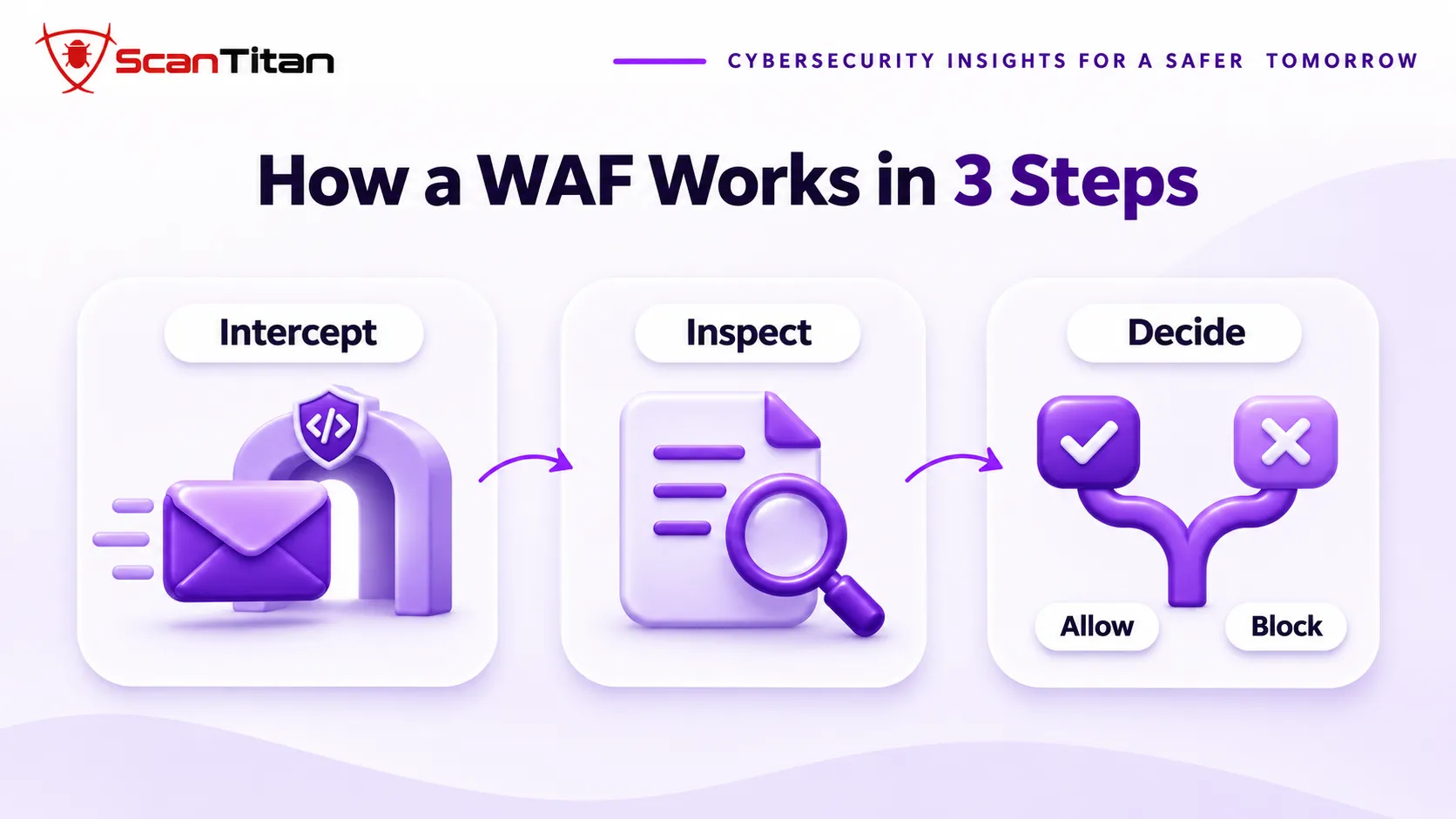
A WAF works in three steps: intercept, inspect and decide. It intercepts each request before the application receives it, inspects the headers, parameters and body against a rule set, and decides to allow, block or challenge the request, for example with a CAPTCHA. Rules follow one of two models. A blocklist model blocks requests that match known attack signatures, which is easy to start with and can be bypassed by a new payload. An allowlist model only permits requests that match what the application expects, which blocks more and takes more tuning. The OWASP Core Rule Set is a widely used free rule set for ModSecurity and compatible WAFs, built to cover the OWASP Top 10 with few false alerts.
What Are the Types of WAF?
WAFs differ mainly by where they run, and the right type depends on who manages your server.
- Network-based WAF: A network-based WAF is a hardware appliance installed near the application, which gives low latency and costs the most to buy and maintain.
- Host-based WAF: A host-based WAF is software that runs on the web server or inside the application, such as ModSecurity, which gives deep control and uses the server’s own resources.
- Cloud-based WAF: A cloud-based WAF is a service that sits in front of the site as a reverse proxy, which makes it the quickest to turn on and common for small sites.
- Plugin-based WAF: A plugin-based WAF is a security plugin that filters requests inside a content management system such as WordPress. It is easy to install, but many run inside PHP, so they see a request only after the server has started PHP.
What Does a WAF Protect Against?
A WAF targets attacks that arrive as web requests, and these are the main ones it blocks.
- SQL injection: SQL injection is input crafted to change a database query, and a WAF blocks the common payloads. See our guide to SQL injection in WordPress.
- Cross-site scripting: Cross-site scripting is a script injected into a page that runs in a visitor’s browser, and a WAF blocks requests that carry it. See our guide to cross-site scripting.
- Command injection and RCE: Command injection is input that makes a server run a command, and remote code execution covers the wider class of attacks that run attacker code.
- Malicious bots: A malicious bot is automated traffic that guesses passwords, scrapes content or probes for flaws, and WAF bot rules slow it down.
- Known exploits: Virtual patching is a WAF rule that blocks the exploit for a published flaw before you can update the software.
The OWASP Top 10:2025 lists Injection as A05, and that is where a WAF helps most. It does little for A01 Broken Access Control or A06 Insecure Design, because those are flaws in your own logic and not patterns in a request.
What Can a WAF Not Do?
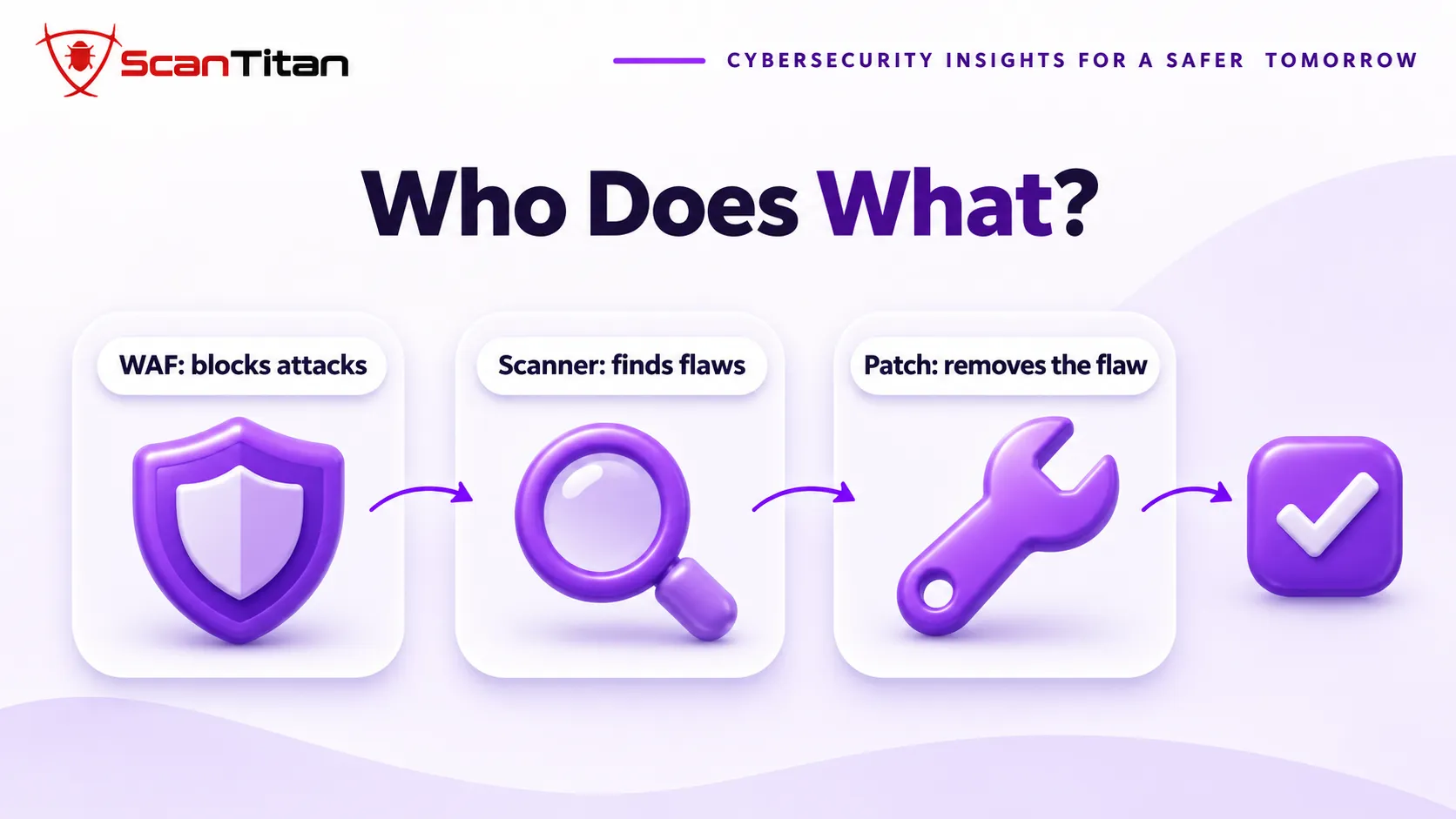
A WAF blocks requests, and it does not repair the flaw behind them. It cannot see a login that uses a stolen password, it cannot remove malware that is already on the server, and it misses attacks that look like normal traffic. Rules also get bypassed: the OWASP Core Rule Set 4.25.2 long-term support release fixes security bypasses, including a command injection bypass. CISA’s guidance for the PHP2Shell flaws says a WAF may provide some protection until systems are patched, which is the honest description of its role: a stopgap, not the fix. The table shows how a WAF, a vulnerability scanner and a patch divide the work.
| Control | What it does | When it acts | Fixes the flaw? |
|---|---|---|---|
| WAF | Blocks known attack requests | While the site is running | No, it hides the flaw from known attacks |
| Vulnerability scanner | Finds flaws and misconfigurations | Before an attacker does | No, it tells you what to fix |
| Patch | Removes the vulnerable code | Once applied | Yes |
How to Choose and Deploy a WAF
Deploy a WAF in an order that avoids blocking real visitors, because an untuned WAF can break forms and checkouts.
- Decide where it runs, in the cloud, on the host or as a plugin, based on who manages your server.
- Start in detect or log-only mode and read what the WAF would have blocked.
- Tune the rules to cut each false positive, such as a legitimate form that triggers a rule.
- Switch high-confidence rules to blocking mode first.
- Restrict the origin server so it accepts traffic only from the WAF.
- Review the logs every week and keep the rules updated.
Related Terms
These entries explain the labels that appear next to the flaws a WAF is meant to block.
- RCE: Remote code execution is a flaw that lets an attacker run code on a server from afar.
- False positive: A false positive is a legitimate request that a rule blocks by mistake.
- CVE: A CVE is the public identifier for one specific vulnerability.
- CVSS: A CVSS score is the 0 to 10 rating of how severe a flaw is.
- CISA KEV: The CISA KEV catalog lists flaws with confirmed exploitation in the wild.
Frequently Asked Questions
What is a WAF in simple terms?
A WAF is a filter in front of a website that checks each web request and blocks the ones that look like attacks. It works at the application layer, so it can spot a SQL injection payload that a regular network firewall would let through.
Do I need a WAF if I patch regularly?
Patching comes first, and a WAF adds a second layer. It can block automated attacks and buy time between a flaw being published and your update. It cannot replace patching, because it does not remove the vulnerable code.
Can a WAF stop zero-day attacks?
Sometimes. Rules for attack patterns, such as injection, can block a new exploit that uses a known technique, and vendors can add virtual patching rules quickly. It is not a guarantee, so keep patching and scanning. CISA says a WAF may give only some protection against PHP2Shell until you update.
Is a WAF required for PCI DSS?
PCI DSS 4.0 requirement 6.4.2 requires an automated technical solution in front of public-facing web applications that detects and prevents web-based attacks. A WAF is the usual way to meet it, so confirm the wording with your assessor.
Is a free WAF good enough?
It can be, with effort. ModSecurity with the OWASP Core Rule Set is free and widely used, but you must install, tune and update it yourself. Small sites often choose a cloud or plugin WAF for the lower effort.
Sources: the OWASP Top 10:2025, the OWASP Core Rule Set project, the CISA alert on PHP2Shell, and the PCI Security Standards Council document library.
A website vulnerability scanner finds the flaws a WAF only hides. Run a free website malware scan and fix what it finds before an attacker tests it.